


As part of Mewgenics’ intense gameplay, you will sometimes run into a combat encounter where victory feels out of reach. In such moments, you may want to save scum by closing the game and starting fresh. However, things do not work so simply in Edmund McMillen and Tyler Glaiel’s latest action-adventure title.
In this detailed article, we will explain how save scumming works in the Mewgenics, what happens when you do it, and the consequences tied to it.
Read more: Mewgenics furniture guide: How to place properly
How save scum works in Mewgenics: Detailed guide

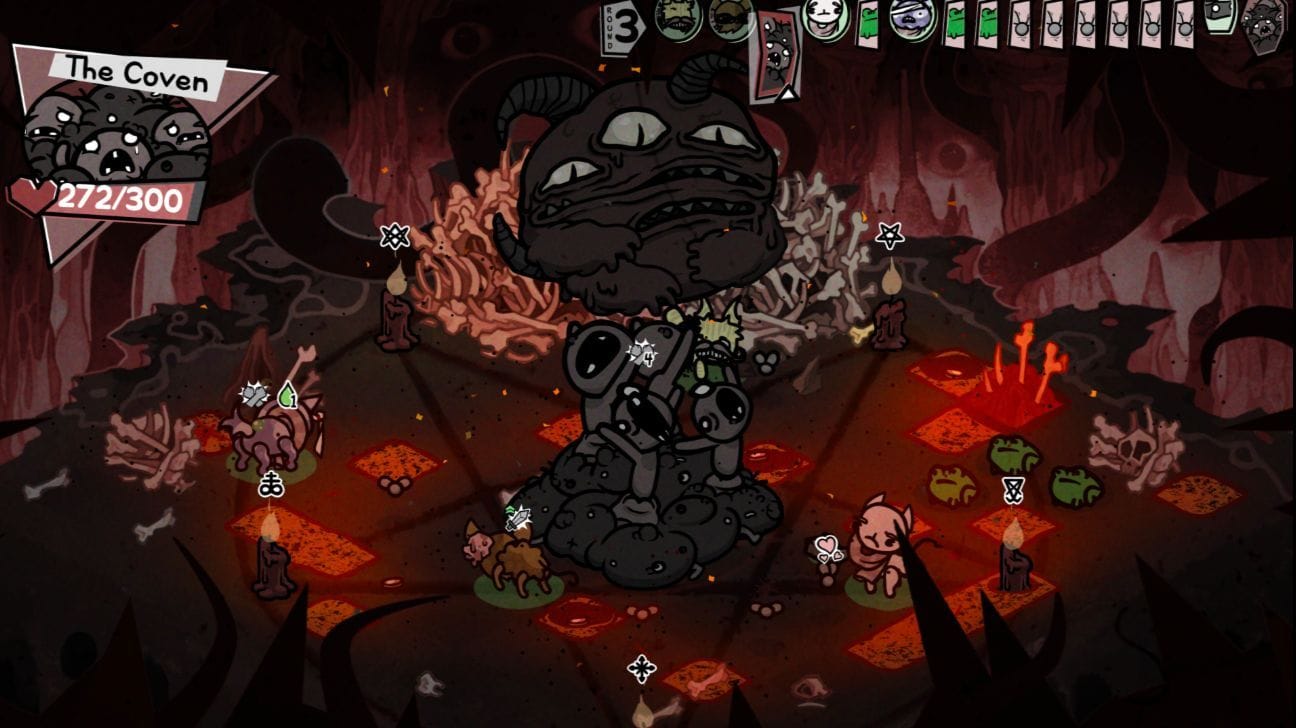

As mentioned earlier, save scumming is the process of avoiding the consequences of an unfavorable situation by force-closing the game and reloading an earlier state. Although the method is not new, there is a twist here.
To save scum, you need to close the game and then relaunch it. You can press Alt + F4 or use the Task Manager to end the process. When you reload, you will resume from an earlier point rather than the moment where you lost. However, the game keeps track of this behavior.
Mewgenics’ save scum Easter Egg

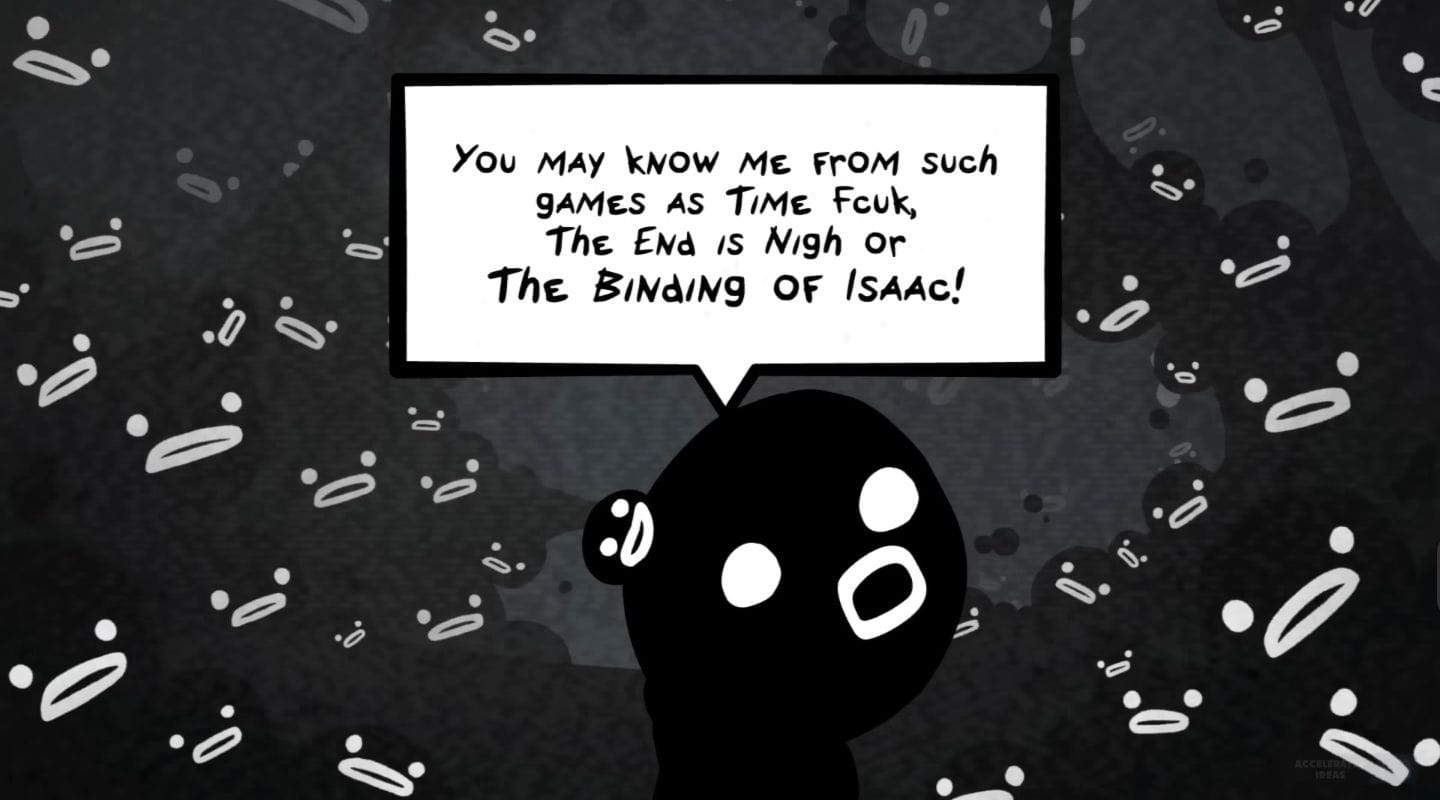

Interestingly, the mechanic also features an Easter egg. The first time you save scum, you will encounter Steven, a character associated with other titles by the developers, such as The Binding of Isaac, The End Is Nigh, and Time F**k.
However, he simply issues a warning during the first encounter. In the second instance, one of your cats suffers a reduction in IQ. The third time around, all cats receive a 10% debuff to their actions. When you do this for the fourth time, you lose direct control of your cats in combat, with fights becoming fully AI-controlled.
How to avoid save-scum penalty in Mewgenics
To avoid the penalty for force-quitting, there are two commonly used methods. The first one relies on timing. If you force-close using the Task Manager at the right moment, which is after losing a battle but before returning home, you’ll be in the clear.
The other way requires you to first navigate to your saved file (C/users/YOUR NAME/app data/roaming/Glaiel Games folder) and search for scum. Now, two results will pop up, with one for save scumming detection and another that tracks the number of times you have used this exploit. Now, you need to edit the number in the second file to 0. Once that’s done, you won’t face a penalty this time around.
Check out more game-related content below:
Are you stuck on today’s Wordle? Our Wordle Solver will help you find the answer.
Edited by Abu Amjad Khan
You must be logged in to post a comment Login