
The GL.iNet Beryl 7 is a travel router that is designed for those on the go who still need control over their networking.
Especially today, it feels like people are more aware of their networking than ever. There’s fear over what people are able to see. There’s fear of what other people can see of your own data, and there are people trying to take control of their own connections. That’s one very real use case for the Beryl 7.
Alternatively, another use case that is possibly more common, or at least more widespread, would be that a lot of people travel with an abundance of gadgets these days. It used to be that people would have their phones, and that would be about the only thing they would connect to Wi-Fi, then maybe a laptop, then maybe an iPad.
Now the average family, to my understanding, travels with several tablets, laptops, phones, and oodles of other internet-connected devices, or perhaps that’s just my family when we travel.
Regardless of which camp you’re in, having a parallel router can actually prove to be incredibly helpful. Personally, I have seen some people use it as a way to connect to a VPN easily and with whatever device they have with them. I’ve seen some people use it as a way to be able to only have to connect to a guest Wi-Fi once and then extend that network to all of their devices.
I personally have used it in the sense of, when traveling, not having to disconnect and reconnect our devices at every stop that we make. Instead, I can connect just once and then keep all the kids’ iPads and devices, as well as my own, on a known and already saved network, just simply for ease of setup.
I’ve also seen people use it as a way to turn Wi-Fi networks into a wired network and vice versa. All around, a little device like the Beryl 7 turns into a Swiss Army knife of networking capabilities.
GL.iNet Beryl 7: Price and availability

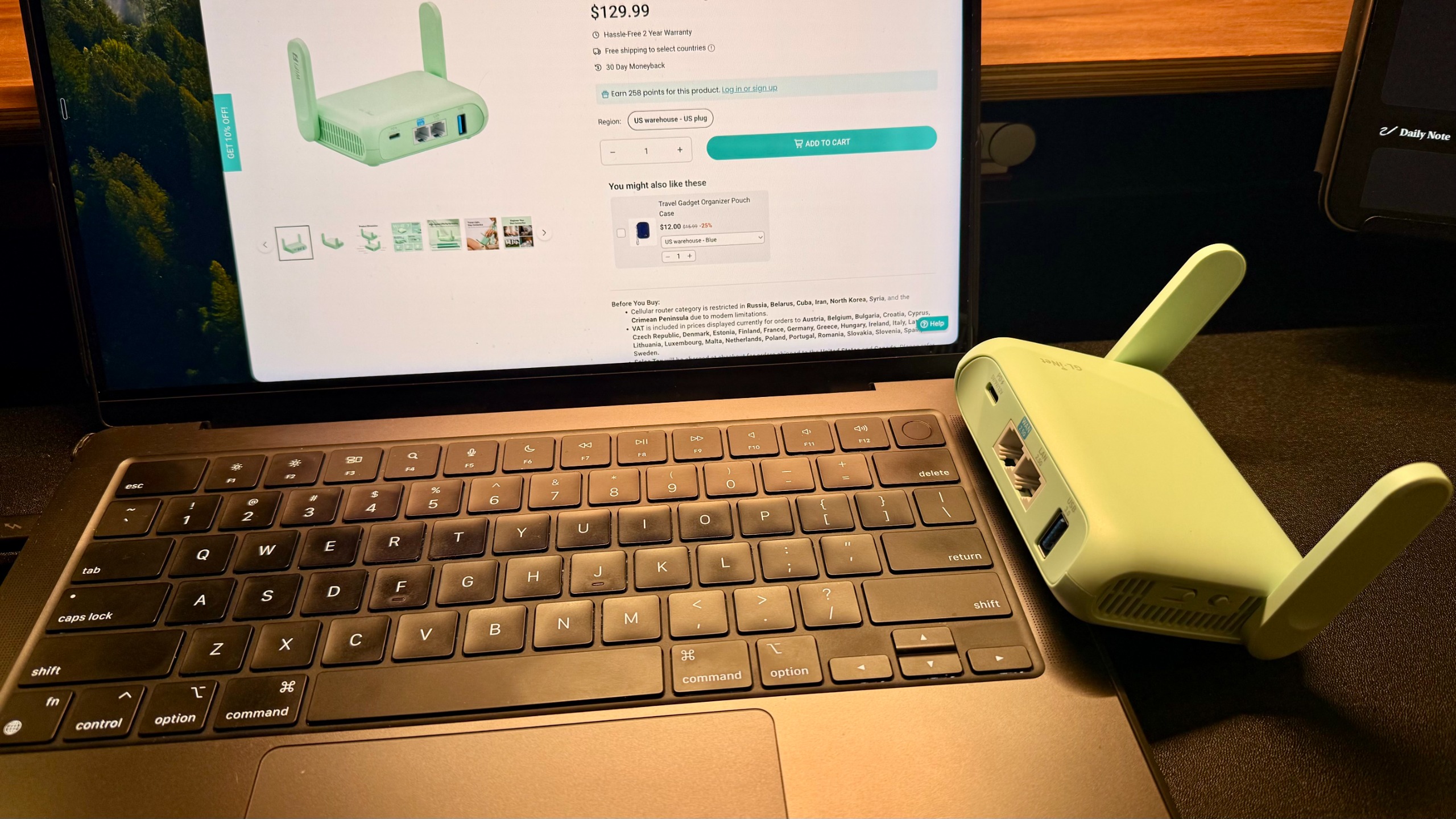
The Beryl 7 is available direct from GL.iNet store in the US here and in the UK here. The travel router is priced at $130 / £117.
It’s also widely available from online retailers, including Amazon, where I’ve seen it down as low as almost $100.
The Beryl 7 specifically is not as nice as some of its bigger brothers, but for the price, if you’re not changing a ton of settings but more setting and forgetting, this one might just be the perfect little addition to your tech bag.
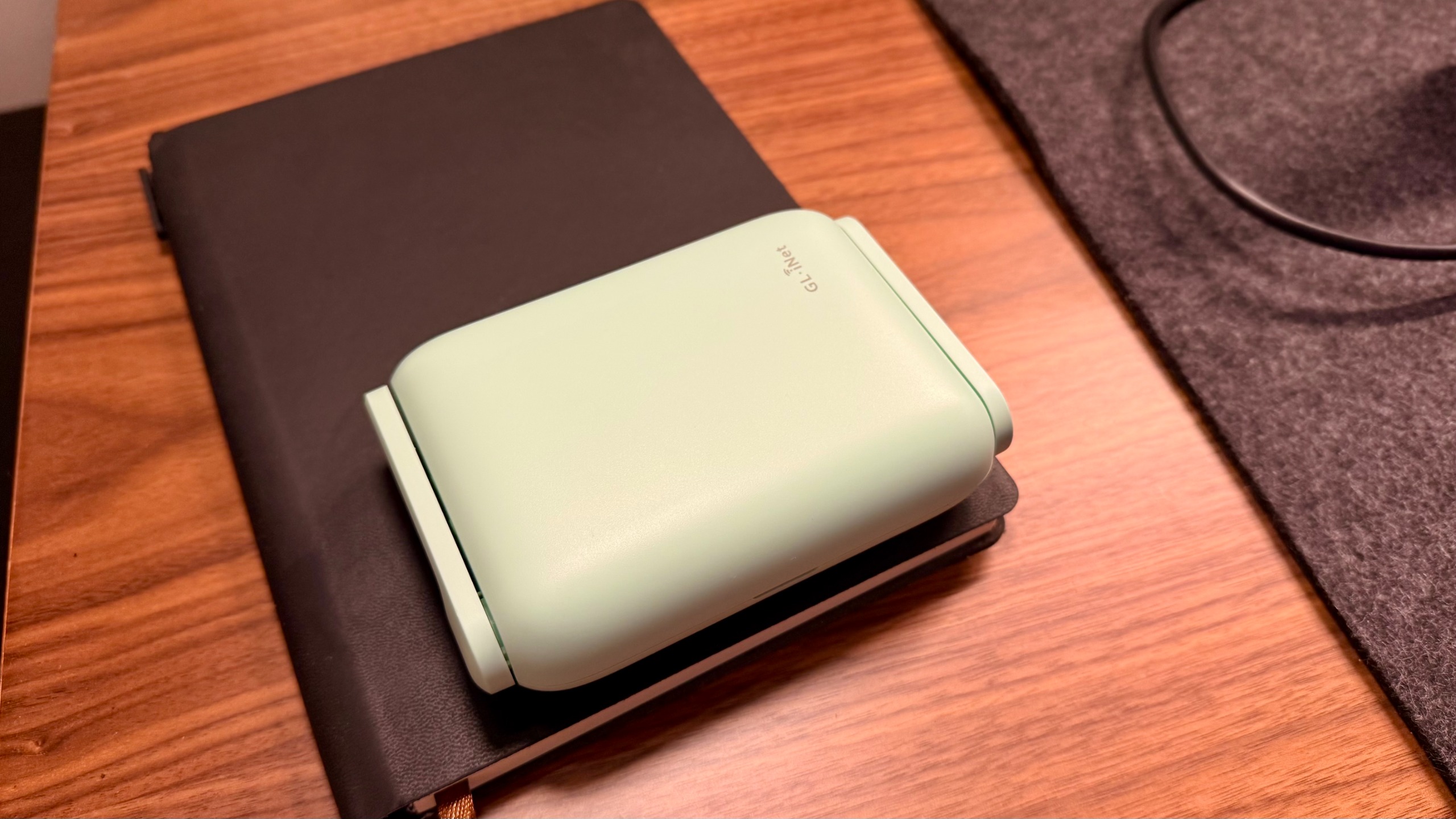
It’s lightweight, doesn’t take a ton of space, and setup and go is super easy, especially with the ability to run this off of just a single low-powered USB-C.
GL.iNet Beryl 7: Unboxing and First Impressions
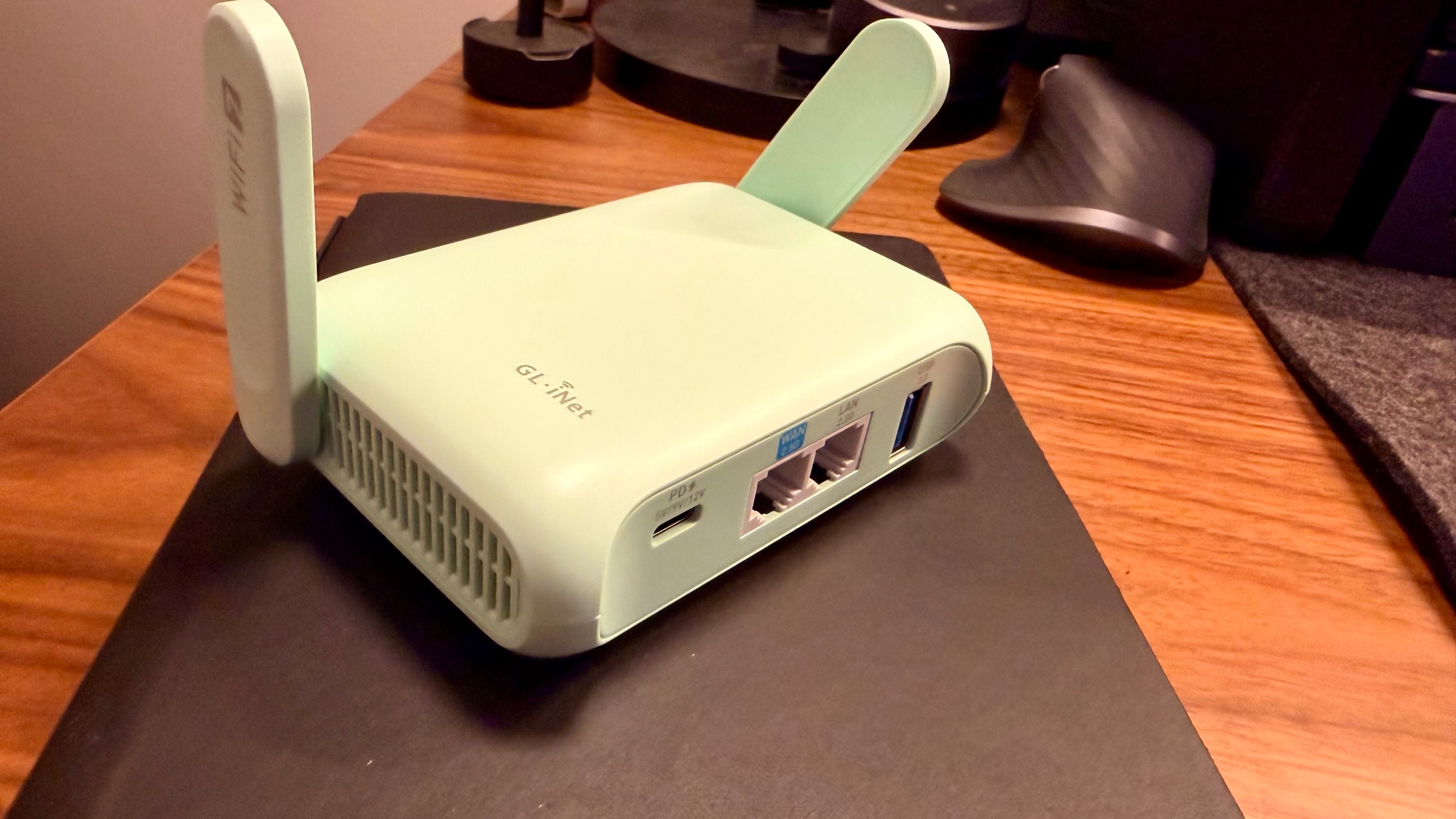
As a tech lover, I was excited to get my hands on this one. It seems like it’s a solid update and even an upgrade from past models, and I wanted to see just how lightweight it really was. I got the mint green colorway, which is pretty striking, and for something like this, it is a little bit more fun than just a black model.
Normally, I’m an all-black or, these days, maybe even some silver technology kind of person, but I didn’t mind the flash of color for something like a little networking device.
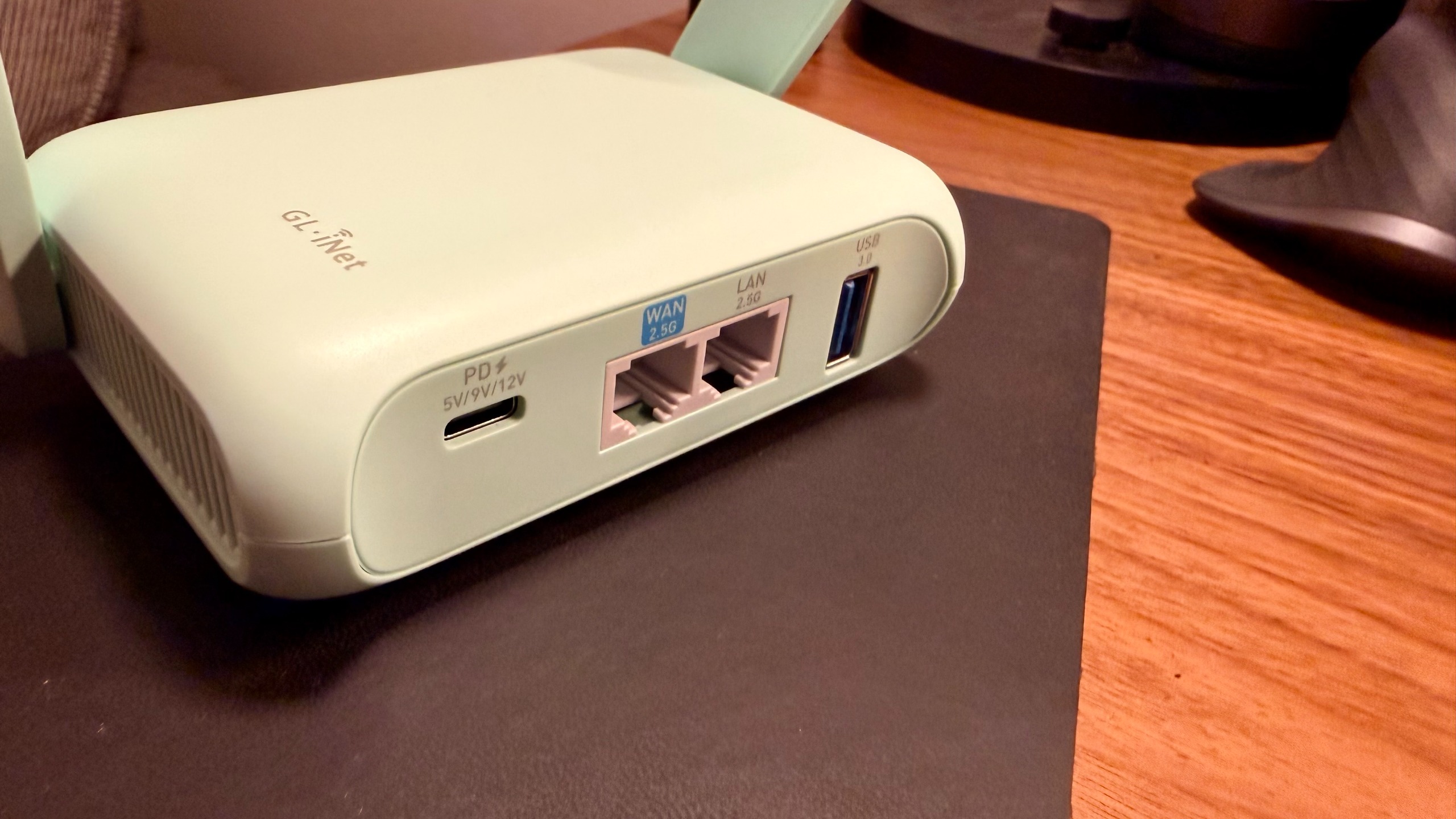
The weight is just as light as I expect it to be, or should I even say how much I hoped it would be. The ports are simple, the mode switch is sleek, and the ability to use USB-C really is just that convenient.
Even as a heavy tech reviewer, I’ve almost made it to where every single thing I carry is USB-C, which has become incredibly helpful for when traveling, working remotely, or at different offices and just going about my day-to-day. Needing to carry multiple cables and multiple different types of cables is a thing of the past… almost.
Having USB-C on even my travel router that I’m testing is super convenient. Further, it’s nice to see two 2.5 GHz network ports, a USB 3.0 port (even though it is capped at a pretty slow speed), and two folding antennas that are satisfying enough to be near fidget-toy status.
GL.iNet Beryl 7: Design & Build Quality
Talking specifically about the build quality. While this is plasticky and the folding arms are fun to play with, it does feel like over a couple years, or even just some hard daily use, the arms could get pretty loose and won’t snap open quite as nicely.
I’m also wary of dropping this because it feels like a single drop could crack the entire shell. Cases are available for the device, and if you’re using it for business travel, I recommend picking one up.
With that being said, though, it is really nice to see little rubber feet on the bottom of the portable router, making it so that it’s not just the sound or experience of plastic sliding along whatever I decide to put this down on.
Moving to the ports, they feel pretty well built. Cables snap in pretty easily and feel like they’re a tight connection, and I appreciate the layout and spacing between all the ports.
It makes more sense to spread out even just these four ports than it does to have them all crammed together for a look of minimalism. Having them spread out a little bit on the back side of this unit makes more sense from just a usability standpoint.
GL.iNet Beryl 7: In use
I brought this with me on a few different planned trips, and then it’s come in handy at other times as well.
The first trip I brought it on was a quick little family trip. Knowing that we were going to stop at a hotel on the drive and how insane it was to get everything set up for just a few hours in a hotel and then continue driving the next day, zero part of me wanted to spend time connecting my devices to the hotel Wi-Fi. I also needed to spend time setting up pack-and-plays and getting everything squared away.
I made sure to bring this travel router to try out what this would look like in real time. I already had all the devices programmed and ready to go ahead of time to the network I had set on the Beryl 7.
When we got to the hotel, I had to connect one single device to the hotel Wi-Fi, and then I was able to broadcast that signal to all of the devices. It was stable enough for 5 iPads, a laptop, and a couple of phones, and therefore earned its place in my bag for the next trip I went on.
The next trip I went on was a quick work trip where we stayed at an Airbnb. I knew I’d be working pretty heavily, and I did not want to have to deal with potentially sketchy Wi-Fi, connecting to an unknown source, and then again having to connect all the devices I travel with.
On this trip specifically, I had two laptops, two iPads, and my phone, just for my own devices, let alone my team that I helped support technology-wise. I brought the Barrel 7 so that I could connect one device and then broadcast my own network, or at least that was the plan. What I ended up actually doing was connecting directly to an Ethernet port and not even having to connect and then broadcast via Wi-Fi.
One thing that I wish I would have done on that trip is I wish I would have set up the VPN earlier on my Beryl 7. I was able to do it during the trip, realizing how handy it would have been to do ahead of time, but I ended up needing to remote into my network rack back at the office.
While I can do that through VPN connections on my laptop, having one on this portable router, for some reason, just feels so much easier because then I can connect quickly on my iPad as well without having to toggle through things. I can just know that anytime I connect to this router, or if anybody else needs to connect to it, they can all be on the same VPN.
Personally, for me, it was just to change some settings and prep some things for the upcoming week. But, I could see this being super helpful for those who have Home Lab servers that need troubleshooting or other things like that. Further, if you have a work VPN that you need to be connected to, check with your employer.
Potentially, this could be a great option for you to not have to connect several devices, but you can connect one. For some work, that may be a great option. But, one thing to keep in mind is the speed limitations if you are choosing to use VPN. Moving things around on the network that you’re connected to should be fine, but pulling files through the VPN to your device or vice versa will feel very slow.
GL.iNet Beryl 7: Final verdict
Whether you’re working out of a coffee shop and don’t want to connect multiple devices, or you have a secure VPN you need quick access to on any device you’re bringing. If you simply want to be able to connect to a Wi-Fi network and turn it into a wired network, or take a wired network and turn it into a wireless signal, a little travel router like this can make things a lot easier.
Or perhaps you’re like me, and you’re starting to learn more and more about how scary network traffic can be, and you want to make sure that you’re never connecting directly to a sketchy Wi-Fi. That’s a great first step, and utilizing something like this and a VPN to help scatter your traffic may be a spectacular solution for you.
If you’re looking for more networking capabilities, more features, and more power, make sure to check out GL.iNet for some of their other spectacular options, or keep an eye out for more reviews coming.
You must be logged in to post a comment Login