

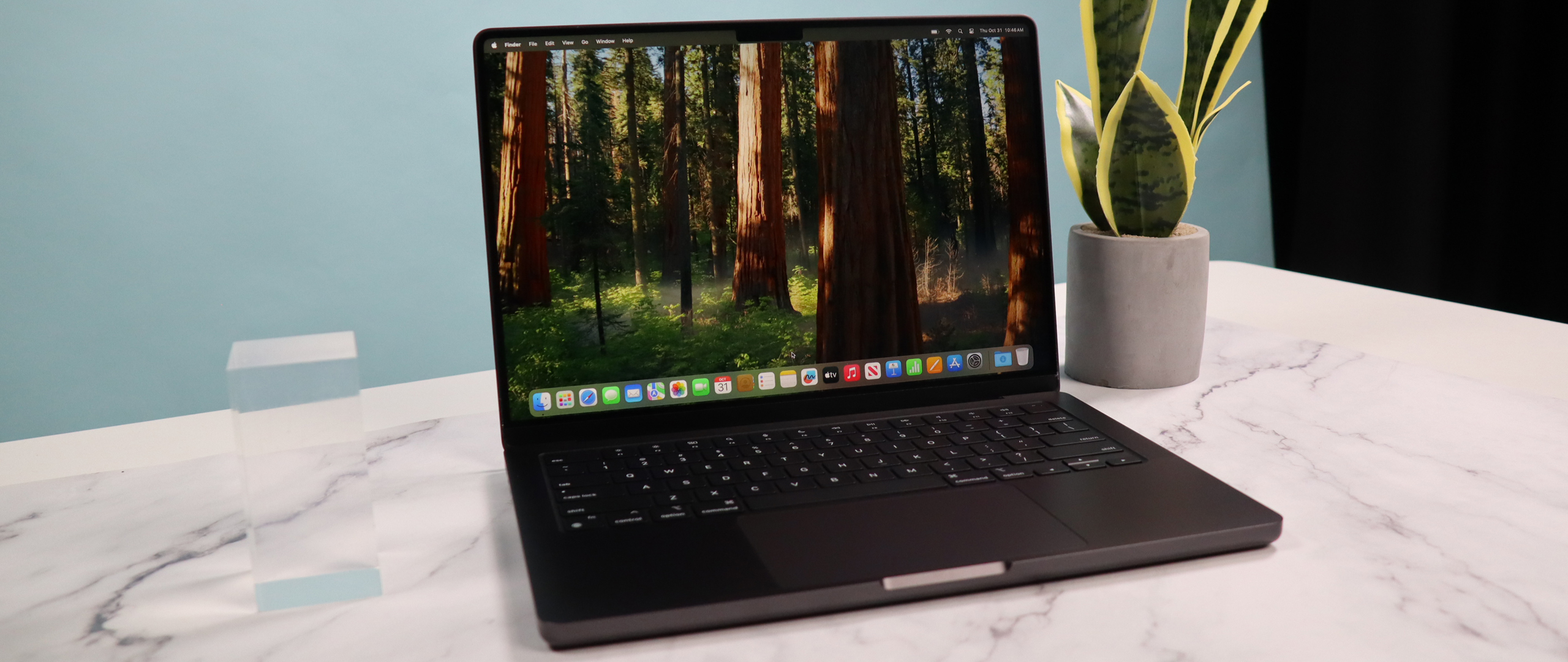
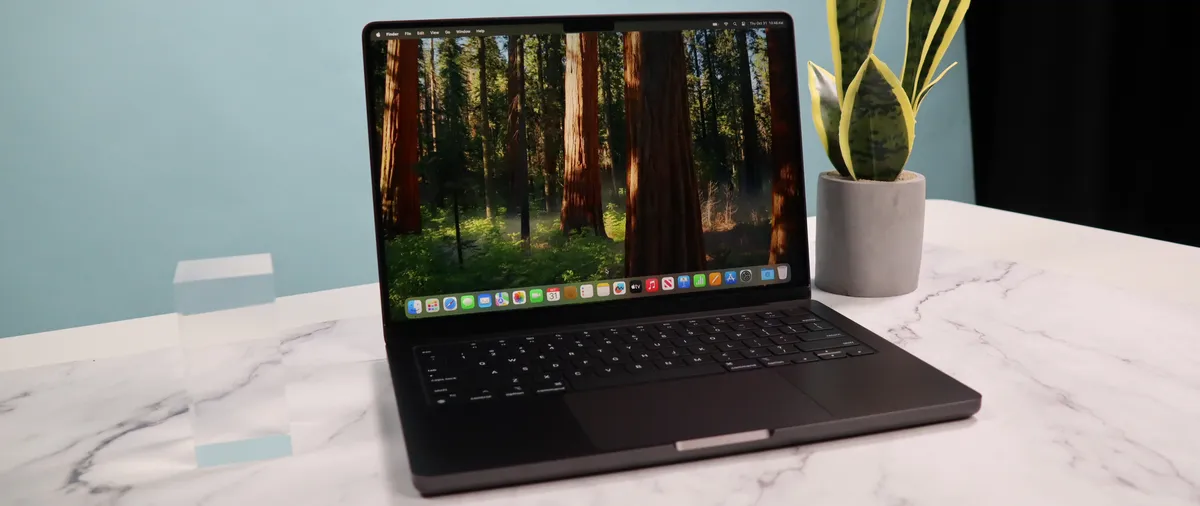
Apple MacBook Pro (14 inch, M4) review
The 14-inch MacBook Pro with the M4 chip is a powerful laptop designed for professionals. It features the M4 chip for exceptional performance in tasks like video editing and graphic design. The device boasts a 14.2-inch Liquid Retina XDR display with ProMotion technology for vibrant visuals and smooth scrolling.
Pros
- M4
- Nano-texture screen
- Centerstage camera
- Excellent design
Cons
- No design updates
- No Wi-Fi 7

Apple Mac Studio (M2 Ultra) review: Pro Performance in a compact package
The Mac Studio M2 can be fitted with the same processor as a Mac Pro for a fraction of the price.
Pros
- Compact sleek package
- Solid workstation performance
- Reasonably priced
Cons
- Can get PCs with more powerful GPUs
For the latest models, see our MacBook Pro 14-inch (M5) review and Mac Studio (M3 Ultra) review.
Article continues below
MacBook Pro M4 vs Mac Studio M2: Specs
| Row 0 – Cell 0 |
MacBook Pro M4 |
Mac Studio M2 |
|
Display |
14.2 inches or 16.2-inches |
None |
|
Type |
Liquid Retina XDR display |
N/A |
|
Refresh rate |
Up to 120Hz adaptive refresh rate (ProMotion technology) |
N/A |
|
Processor / Graphics |
M4 (base model), M4 Pro, or M4 Max |
M2 Pro or M2 Ultra |
|
Memory |
8GB, 16GB, or 24GB |
Up to 192GB |
|
Storage |
512GB, 1TB or 2TB |
Up to 8TB |
|
Ports |
Three Thunderbolt 4 (USB-C) ports, HDMI port, SDXC card slot, MagSafe 3 port, and 3.5 mm headphone jack |
Front: 2x USB-C ports or 2x Thunderbolt 4 ports, Rear: SDXC card slot, 4x Thunderbolt 4 ports, 2x USB-A ports, 1x HDMI port, 10Gb Ethernet port, 3.5mm headphone jack |
MacBook Pro M4 vs Mac Studio M2: Prices & availability

The MacBook Pro (2024) was released late in 2024 and is available in two display sizes: 14 inches and 16 inches. The 14-inch model offers an entry-level M4 chip or a mid-range M4 Pro chip. The 16-inch model has either the M4 Pro or the M4 Max chip. Additionally, all models allow you to customize RAM and storage options.
Prices for the older M4 laptops are around $2000 / £2000 depending on configuration. To compare that, the new M5 models start from $1699 at Apple for the 14-inch laptop and $2699 for the 16-inch. In the UK, it’s the same story, starting from £1699 and £2699 depending on the size.
The Mac Studio with an M2 Max or M2 Ultra chipset will typically cost around $2000 / £2000.
However, the new models, which have the M3 Ultra and M4 Max chips cost from $1999 and from $3999 from Apple depending on the chipset and configuration. In the UK, prices start from £1999 for the M4 Max and £4199 for the M3 Ultra direct from Apple.
MacBook Pro M4 vs Mac Studio M2: Portability

Regarding portability, the MacBook Pro M4 stands out as the winner. Designed with mobility in mind, this laptop is easy to take to work, school, or any other location. In contrast, the Mac Studio M2 is designed as an all-in-one desktop computer. While its slim, aesthetically pleasing design is appealing, it is intended to stay in one place. You cannot easily pack it in a backpack or take it on a plane.
If portability is a priority, the MacBook Pro is the best choice. However, if you need a stationary machine with a larger screen and are willing to sacrifice portability, the Mac Studio M2 is an excellent option.
Winner: Not surprisingly, the MacBook Pro
MacBook Pro M4 vs Mac Studio M2: Performance

While both the MacBook Pro M4 and the Mac Studio M2 are powerful machines, the Mac Studio generally provides superior performance, especially for demanding tasks. This advantage comes from key differences between the two devices.
Firstly, the Mac Studio can be equipped with the M2 Max or the even more powerful M2 Ultra chip, which features significantly more CPU and GPU cores than the M4 Pro or M4 Max found in the MacBook Pros. This results in a considerable edge in demanding activities such as video editing, 3D rendering, and executing complex simulations.
Secondly, the larger chassis of the Mac Studio allows for a more efficient thermal design, enabling it to maintain peak performance for longer periods without overheating or throttling.
However, both machines are high-speed and responsive for everyday tasks like web browsing or document creation. Ultimately, the best choice will depend on your specific needs and the workload you expect to handle.
Winner: Mac Studio
MacBook Pro M4 vs Mac Studio M2: Display

By design, the Mac Studio doesn’t come with a display. The Mac Studio, with its powerful M2 Max or Ultra chips, can drive some awe-inspiring displays. For the best experience, consider high-resolution options like 4K or even 5K and 6K monitors. These will provide crisp visuals, ample screen real estate for multitasking, and accurate color reproduction, which is especially crucial if you’re doing creative work. If you’re a video editor or 3D artist, consider an 8K display for the ultimate detail.
Beyond resolution, look for displays with wide color gamuts (like P3 or Adobe RGB) for vibrant and accurate colors. Features like HDR support can enhance your viewing experience with greater dynamic range and contrast. Don’t forget about connectivity! The Mac Studio offers Thunderbolt 4 and HDMI, so prioritize displays with these inputs for optimal performance and compatibility.
Ultimately, the best display for your Mac Studio depends on your specific needs and budget. However, aiming for high resolution, accurate colors, and modern connectivity will ensure a fantastic visual experience.
Winner: the MacBook Pro, of course, if you want a built-in display
MacBook Pro M4 vs Mac Studio M2: Upgradeability

When it comes to upgradeability, the Mac Studio M2 has a clear advantage over the MacBook Pro M4. The Mac Studio allows you to choose your preferred configuration of RAM and storage at the time of purchase. However, the RAM is soldered onto the motherboard, which means it cannot be upgraded later. On the other hand, you can easily expand storage by using the multiple Thunderbolt 4 ports on the Mac Studio to connect external SSDs, providing flexibility for future needs.
In contrast, both the RAM and storage in the MacBook Pro M4 are soldered onto the motherboard, making them non-user-upgradable. This means you’ll need to determine your ideal configuration from the beginning, as you won’t be able to change it later. Therefore, if you anticipate needing more storage or potentially wanting to increase RAM in the future, the Mac Studio offers a more flexible upgrade approach.
Winner: Mac Studio
MacBook Pro M4 vs Mac Studio M2: Connectivity

In terms of connectivity, the Mac Studio M2 offers a more extensive range of ports compared to the MacBook Pro M4. Both devices feature Thunderbolt 4 ports (with the M2 Ultra Mac Studio having two on the front), but the Mac Studio goes further by including a 10Gb Ethernet port, an HDMI port, and two USB-A ports.
This wider selection of ports accommodates various peripherals and workflows, particularly for users who need faster networking speeds or support for older devices. In contrast, the MacBook Pro M4 primarily relies on Thunderbolt 4 and includes only a headphone jack, making it more streamlined but potentially requiring dongles or docks for connecting certain devices.
Overall, the Mac Studio M2 provides greater connectivity flexibility right out of the box, while the MacBook Pro M4 emphasizes portability and a minimalist design.
Winner: Mac Studio
MacBook Pro M4 vs Mac Studio M2: Verdict

The “better” choice between a MacBook Pro M4 and a Mac Studio M2 truly depends on your needs and priorities. If portability is key for you, then the MacBook Pro M4 is the better option, as it’s a powerful machine you can take anywhere. Additionally, if battery life matters and you require a laptop that can last for hours unplugged, the MacBook Pro will meet those needs perfectly. It’s also suitable if your workflow is moderately demanding, handling tasks like photo editing, web development, and light video editing. Finally, if budget is a concern, you’ll find that the MacBook Pro M4 generally starts at a lower price point.
On the other hand, if raw power is paramount for your tasks, you should consider the Mac Studio M2. This machine excels in demanding activities such as professional video editing, 3D rendering, and game development. Connectivity is also crucial, as the Mac Studio offers avariousports for peripherals and displays. If upgradability matters to you, the Mac Studio allows for future storage expansions, making it a more flexible option. Finally, if you primarily work at a desk and don’t need a portable machine, the Mac Studio M2 is the ideal choice.
Ultimately, the best choice depends on your specific workflow, budget, and how you plan to use the machine. The MacBook Pro M4 is a fantastic choice if you prioritize portability and battery life. However, the Mac Studio M2 is the way to go if you need maximum performance and connectivity.
Winner: Mac Studio


























































You must be logged in to post a comment Login