Tech
Open-Source Deskbuddy Brings a Tiny, Hackable Companion to Your Workspace
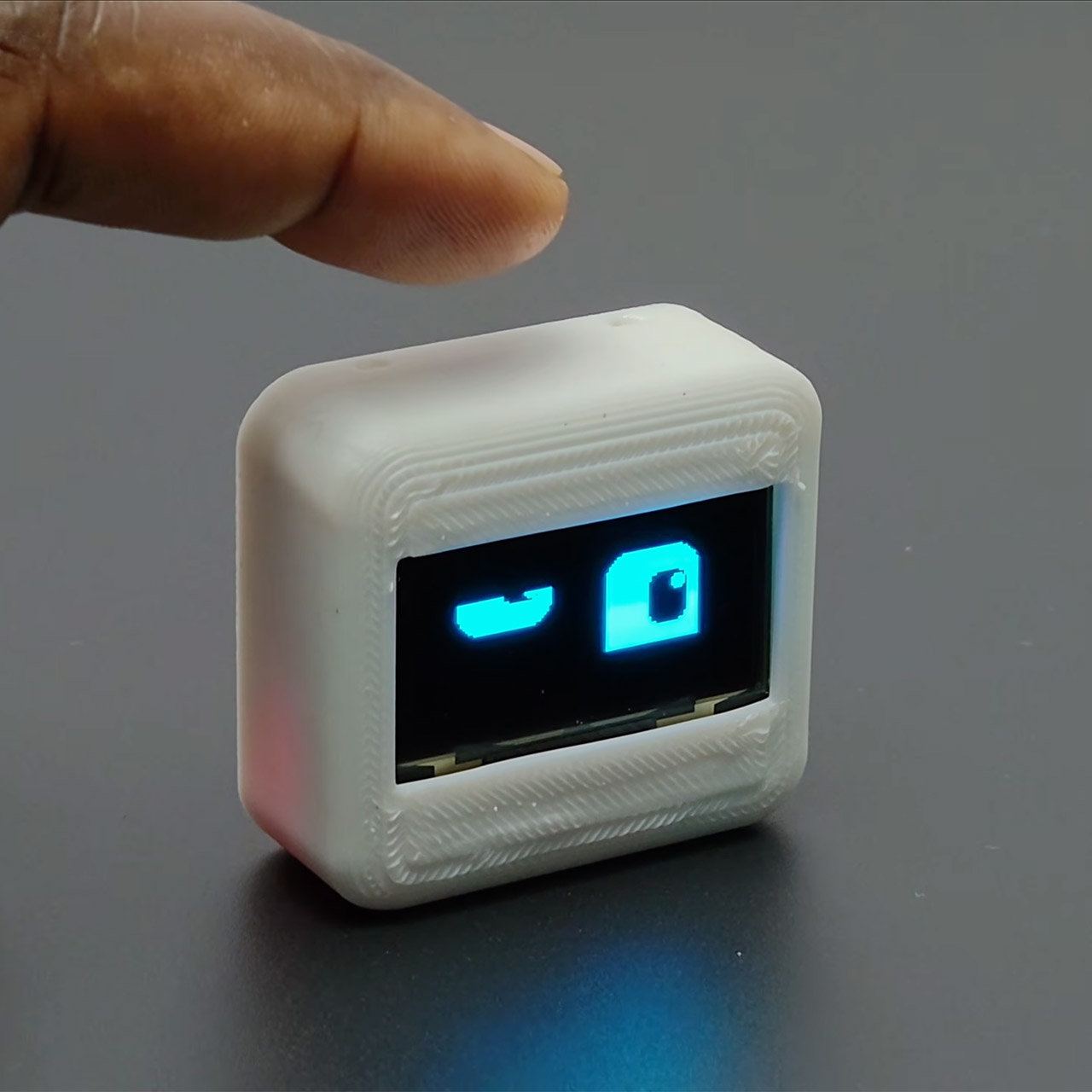
A small robot sits on your desk, its screen flickering with a cheery expression as it silently pulls in the most recent weather data. Deskbuddy does not go out of its way to get your attention with loud obnoxious noises or overly elaborate motions; instead, it just hangs out and keeps you company by doing simple animations and keeping you updated on time and weather, all wrapped up in a project that is ridiculously simple to build, even if you’re new to the hobby.


Rajesh from the Edison Science Corner YouTube channel came up with the idea for this robot, which uses everyday parts to keep prices down and choices open. At the center of it all is an ESP32-C3 Super Mini board, which Rajesh chose since it’s small and inexpensive, but you can use other ESP32 types if you wish. A 1.3-inch OLED display performs an excellent job of displaying expressive animations while also offering useful information such as the current time and local weather, which it obtains from OpenWeatherMap via WiFi.
Sale

Sillbird 12-in-1 Solar Robot Building Kit STEM Gift for Boys Aged 8-13, DIY Science Educational Robotic…
- 🎁 Ideal Gift for Kids & Teens: This STEM solar robot kit celebrates child’s growing skills and important milestones. Whether for birthdays…
- 📚 STEM Educational Toy: This solar educational toy brings science to life! The fun DIY building experience sparks children’s curiosity in…
- ☀️ Powered by the Sun: Enjoy outdoor play with solar power or switch to a strong artificial light source indoors, such as a flashlight, ensuring…
Deskbuddy is controlled by tapping a sensor on its body, which results in a reaction on the screen. The enclosure is a two-piece design that can be printed using any standard 3D printer in white PLA. It is shaped like a little case that fits perfectly next to your monitor or keyboard. Inside, the entire thing is powered by a rechargeable battery that connects via a charging module and a simple on/off button.
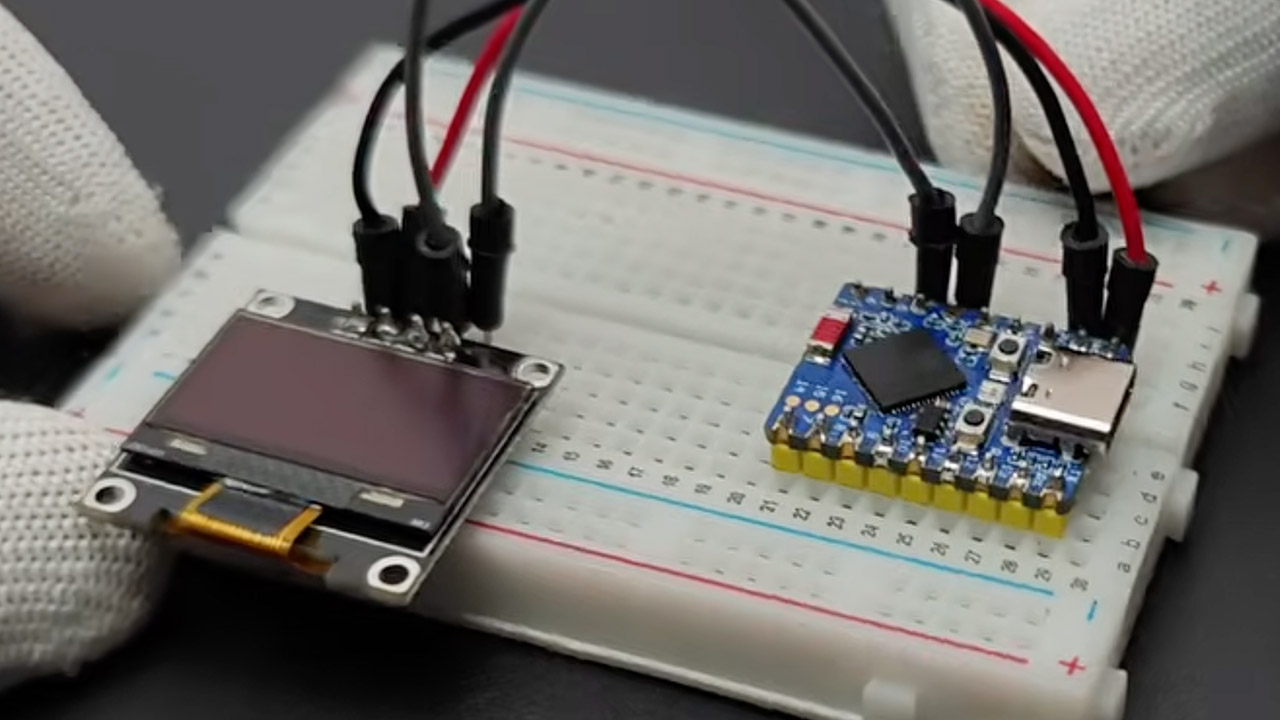
First, gather all of the necessary components: the microcontroller, the OLED screen, the touch sensor, the battery configuration, and a few wires. Once you have those, simply wire them together using a circuit diagram and upload your firmware via the Arduino IDE. After that, all you have to do is connect to your WiFi network and enter an API key to get the weather data to operate properly, and your robot will be fully operational. The animations are all handled by libraries such as Adafruit GFX, and the hardware is still quite adaptable, allowing you to swap and replace pieces to meet your needs.

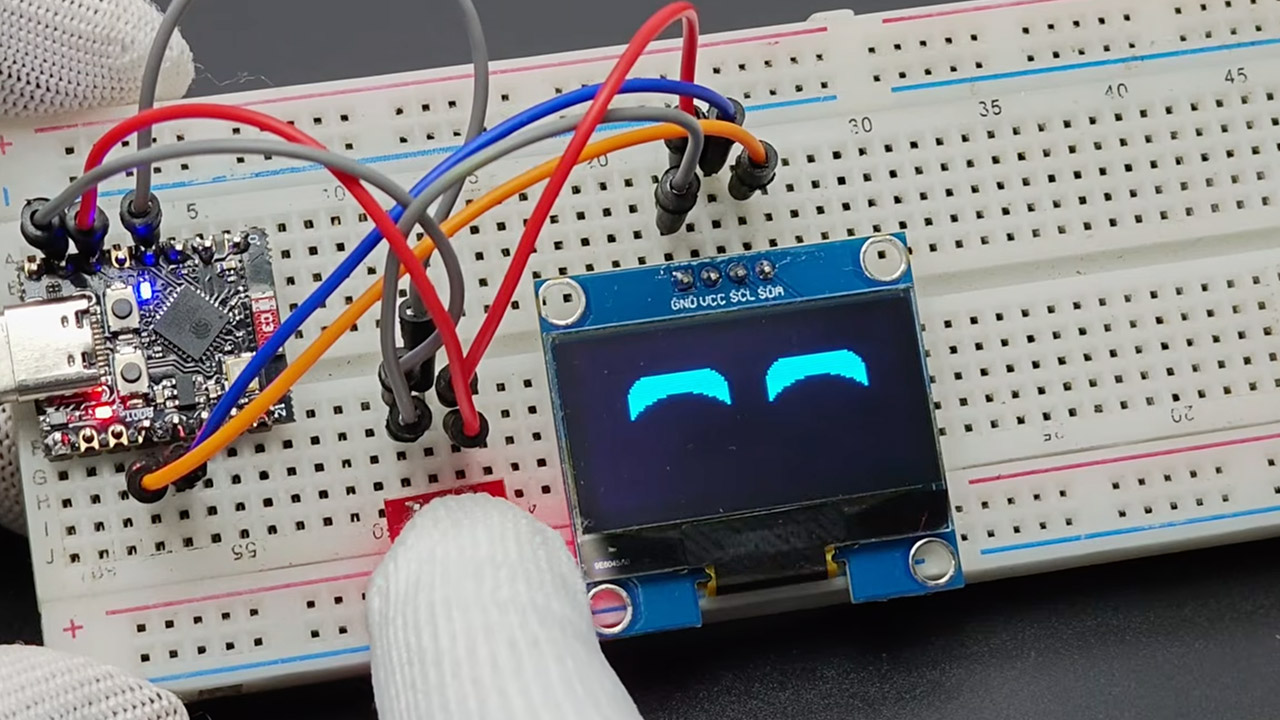
All of the files for this project are fully open-source. You can download the Arduino sketches, wiring arrangement, and 3D enclosure models and play around with them as much as you want, adding additional expressions, changing data sources, and redesigning the shell from scratch.Community involvement will be an important element of future upgrades, with ideas already circulating for things like adding motion sensors so the robot wakes up as you approach, a speaker so it can make some noise, and possibly even a color screen to give it some genuine visual pizzazz. Of course, we may obtain a dedicated circuit board to make assembly easier, as well as improved power management to extend the battery’s life.
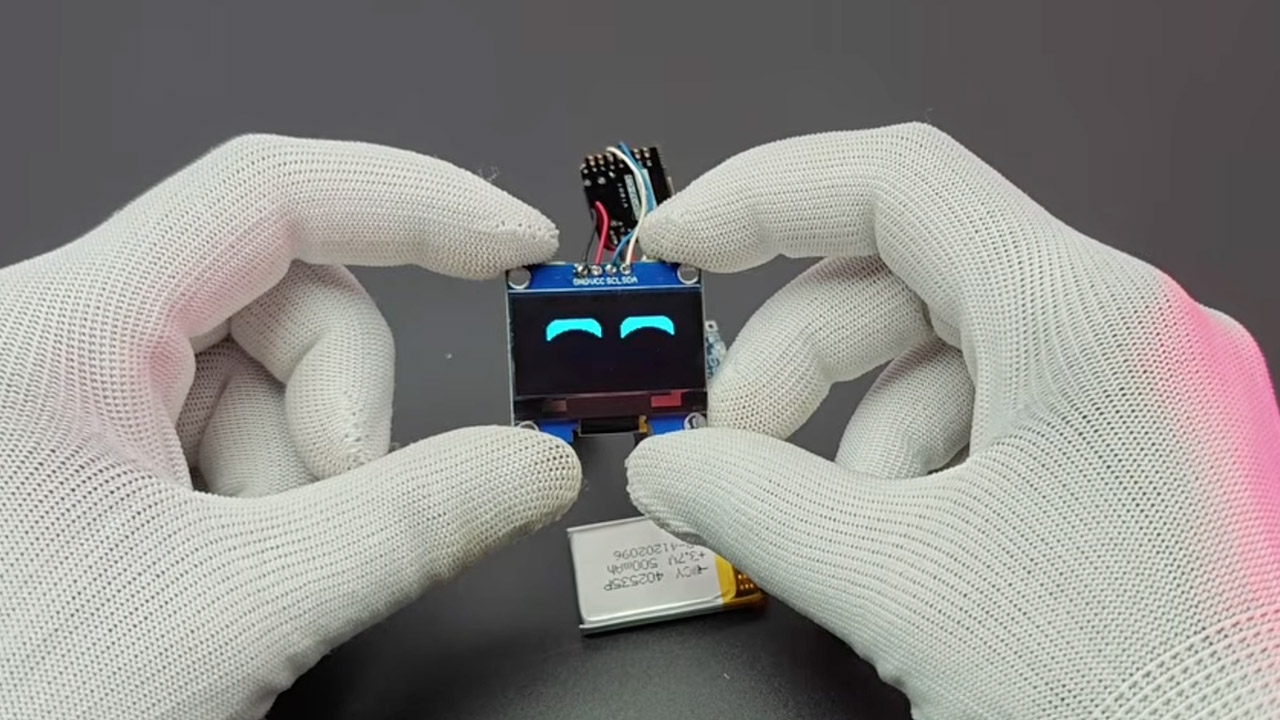
Deskbuddy is available in two versions: fully assembled for roughly $22 or as a kit with all of the pieces for about $14, which is fantastic for this project. From what I’ve seen, it just sits there silently on your desk, updating the weather, flashing a joyful expression when you tap it, and overall reminding you that a desk can have personality while also being functional without taking up too much room.
[Source]