Tech
What You MUST Do Now to Stay Safe
So, that’s it. The final bell has rung for Windows 10. On October 14, 2025, Microsoft just switched it off, stopping all the free updates for this system that has worked hard for ten years. Now, millions of people are stuck at a very big decision point. No more security fixes. No new things. Just your computer is slowly becoming old and useless.
For all those millions of computers still on Windows 10, this “end-of-life” is a very serious wake-up call. But this isn’t just about saying goodbye to something old; it’s about grabbing your chance to move to Windows 11 and its very clever AI helper, Copilot. From big security dangers to the problem of all the old computers being thrown away, here is your essential guide to what is happening and how you can stay ahead.
Why Did Microsoft End Support For Windows 10?
So why did they do it? Because Microsoft is only looking forward now, and they want to focus on Windows 11, or should I say, aggressively promote Windows 11. I am one of the people who really enjoyed Windows 10. It was on students’ laptops, in big office servers—everywhere! People loved its familiar look and how reliable it was.
But ten years is a long, long time in technology. Now, Microsoft’s whole mind is on Windows 11—a system built for this new world of AI and modern hardware.
So, what does this October 14 deadline really mean for you?:
- No More Free Security Updates: Microsoft will not give you any free fixes for viruses or security holes. Big companies can pay a lot of money for extra protection, but for you at home? That door is closed.
- Frozen Features: No more development. Windows 10 will stay exactly as it is now, forever.
- You Are a Target: The hackers are watching. A computer without updates is like a ripe mango waiting to be picked.
This isn’t just about selling a new system. It’s a big move to push everyone into a more secure, AI-powered world. But for you, it can feel like you are being forced.
The Danger: Should You Continue Using Windows 10
Staying on Windows 10 now is a gamble. A very dangerous one. Here is why:

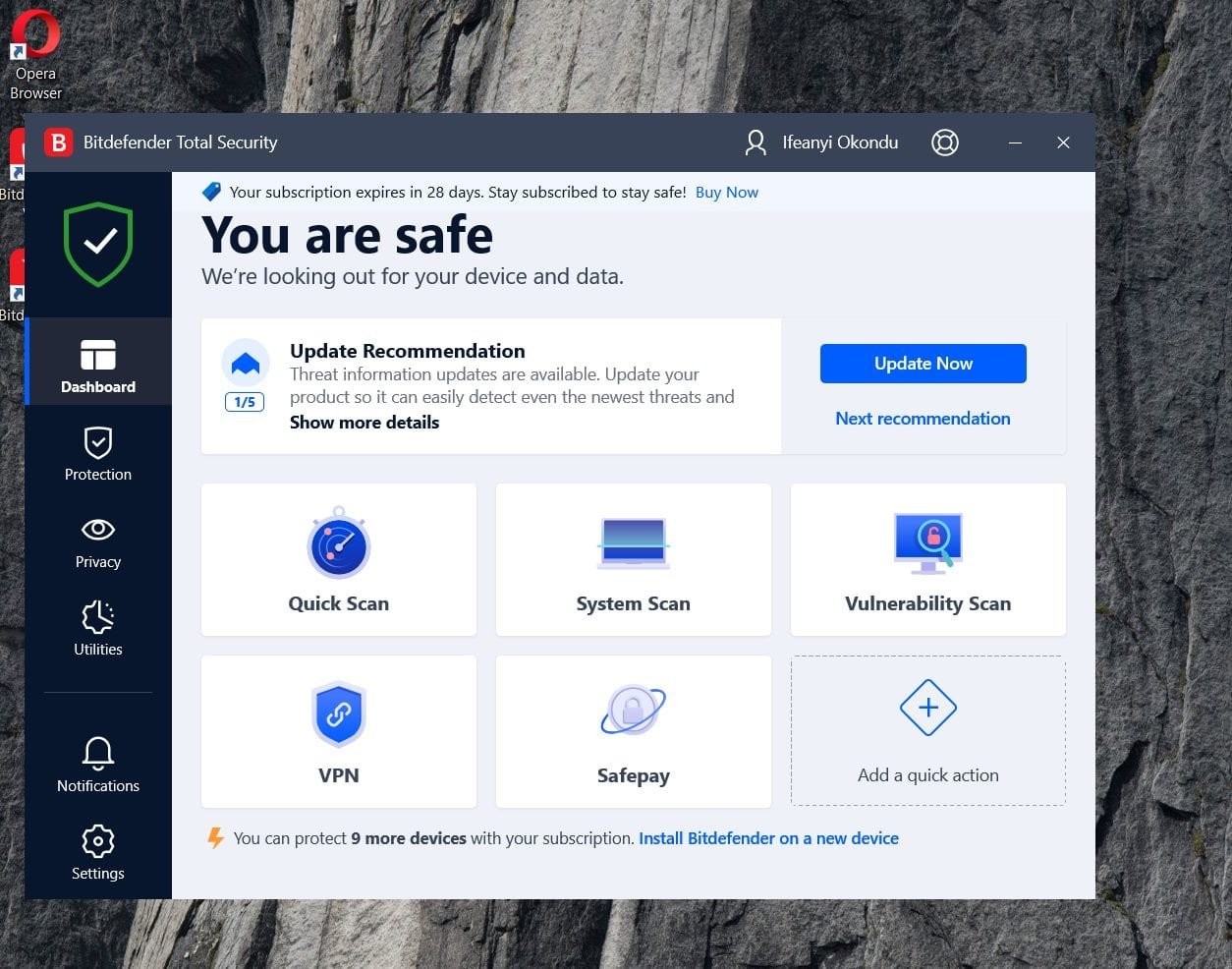
- You Are an Easy Target: Without those security patches, your PC has no defence, unless you invest in Antivirus software. Those online thieves are looking for someone just like you.
- Some Apps May Stop Working: New apps, especially the smart AI ones, are being made for Windows 11. Soon, even your old programs will not work with Windows 10. You will be stuck.
- It Will Feel Terribly Slow: One problem with all these upgrades is that the previous version seems to start slowing down even on higher-end PCs. New processors are designed for Windows 11. Your old computer will struggle to keep up and will feel sluggish.
Microsoft is trying to tempt you with Windows 11’s Copilot+ AI, a helper that can search your computer with your voice or even create pictures from text. But for many, the pain of buying a new computer is too much.
Windows 11: What’s New and Should You Move?
This is not just a new coat of paint. Windows 11 is a proper leap into the future. Here’s what you get:


- Copilot+ AI is Very Clever: It’s like a smart friend inside your PC. You can tell it, “find my budget from last month,” and it will. You can even ask it to create images in Paint just by typing.
- Security Like a Fort: It has security built right into the machine itself, stopping most attacks before they can even start.
- It’s Properly Fast: It starts up much quicker and can make your games run much smoother with better graphics.
- A Sleek Look & Better for Work: The design is clean and modern. It has great features for organising your work if you do many things at once.
- Great for Gaming: With things like Xbox Game Pass built-in, it’s a dream for people who love to play.
| Windows 10 vs. Windows 11: The Main Differences | Windows 10 (Final Version) | Windows 11 (Latest Version) |
| Security Updates | Finished | Continuing until 2031 |
| AI Helper | The old Cortana | Smart Copilot+ |
| Runs on Old PCs | Yes | No, needs new hardware |
| Gaming | Standard | Better graphics and speed |
| Battery Life | Normal | Can be much better |
Upgrading To Windows 11: What to Do Next


Don’t just sit there. You have to make a move.
- Check If Your PC Can Handle It. Now: Download the “PC Health Check” app from Microsoft. It will tell you if your computer has the right parts. If it’s too old, you need to start thinking about a new one.
- Upgrade to Windows 11. It’s Free: If your PC is good to go, just go to your Settings and update. But ah! First, make sure you back up all your important files!
- Look at Your Other Choices: Think outside the box. Linux (like Ubuntu) is free, very secure, and is perfect for an old laptop. ChromeOS Flex can also bring an old machine back to life for web work. Or, if you’re buying new, an Apple MacBook is a powerful, though more expensive, alternative.
- Don’t Just Throw Your Old PC Away: Please. Take it to an e-waste collection point or see if a shop will take it as a trade-in.
- Protect Your Information: If you must stay on Windows 10 for a little while, turn on BitLocker and move your sensitive files to a cloud service like OneDrive.
The End Of The Line: Don’t Be Left Behind
This is it. The end of Windows 10 is a big push into the future. The tech world is running towards AI, and if you stay behind with an old, unpatched system, you will be left in the dust.
So, make your decision. Check if you can upgrade. If you can, try Windows 11 and see its clever AI for yourself. If you can’t, plan for a new machine or try a free system like Linux.
But most importantly, don’t ignore this. An unsecured computer is a risk you cannot afford. Upgrade wisely, stay safe, and keep moving forward.
The Bigger Picture: AI, Sustainability, and You
Microsoft’s EOL move is part of a broader tech shift. With AI dominating—think Nvidia’s $1.2T chip investments or Anthropic’s Claude Haiku 4.5 launch—the industry demands modern, secure platforms. Windows 11’s Copilot+ is Microsoft’s bet on keeping you competitive, whether you’re a creator using AI to edit videos or a business securing hybrid workforces. But the e-waste fallout and upgrade costs spark debate: Is Microsoft pushing progress or profiteering?
Globally, the U.S. leads in AI adoption, but trade tensions (like Trump’s 100% China tariffs) could spike PC prices, making upgrades pricier. Meanwhile, states like Ohio and Georgia are rolling out AI policies to ensure ethical use, signalling a future where OS security is non-negotiable.
Your Next Steps: Don’t Get Left Behind


The Windows 10 EOL is a nudge to evolve. Here’s how to stay proactive:
- Test Windows 11: If eligible, try the free upgrade and explore Copilot+ for a week. Love the AI tools? Keep it. Miss the old vibe? Roll back within 10 days.
- Budget for Hardware: Black Friday 2025 is weeks away—watch for deals on Windows 11 PCs from HP, Dell, or Microsoft Surface.
- Spread Awareness: Share this post on X with #Windows10EOL to warn friends about security risks.
- Join the Conversation: Comment below—will you upgrade, switch to Linux, or stick it out? Let’s debate!
Microsoft’s betting on a smarter, safer digital world, but the transition is on you. Don’t let an unsupported or unpatched PC compromise your data. Upgrade smart, stay secure, and keep your tech game strong.
You must be logged in to post a comment Login