





World Cup 2026 has kicked off — and if you’re looking to keep up with the latest matches wherever you are, or just keep your connection secure, it’s a good idea to use one of the best VPNs while streaming.
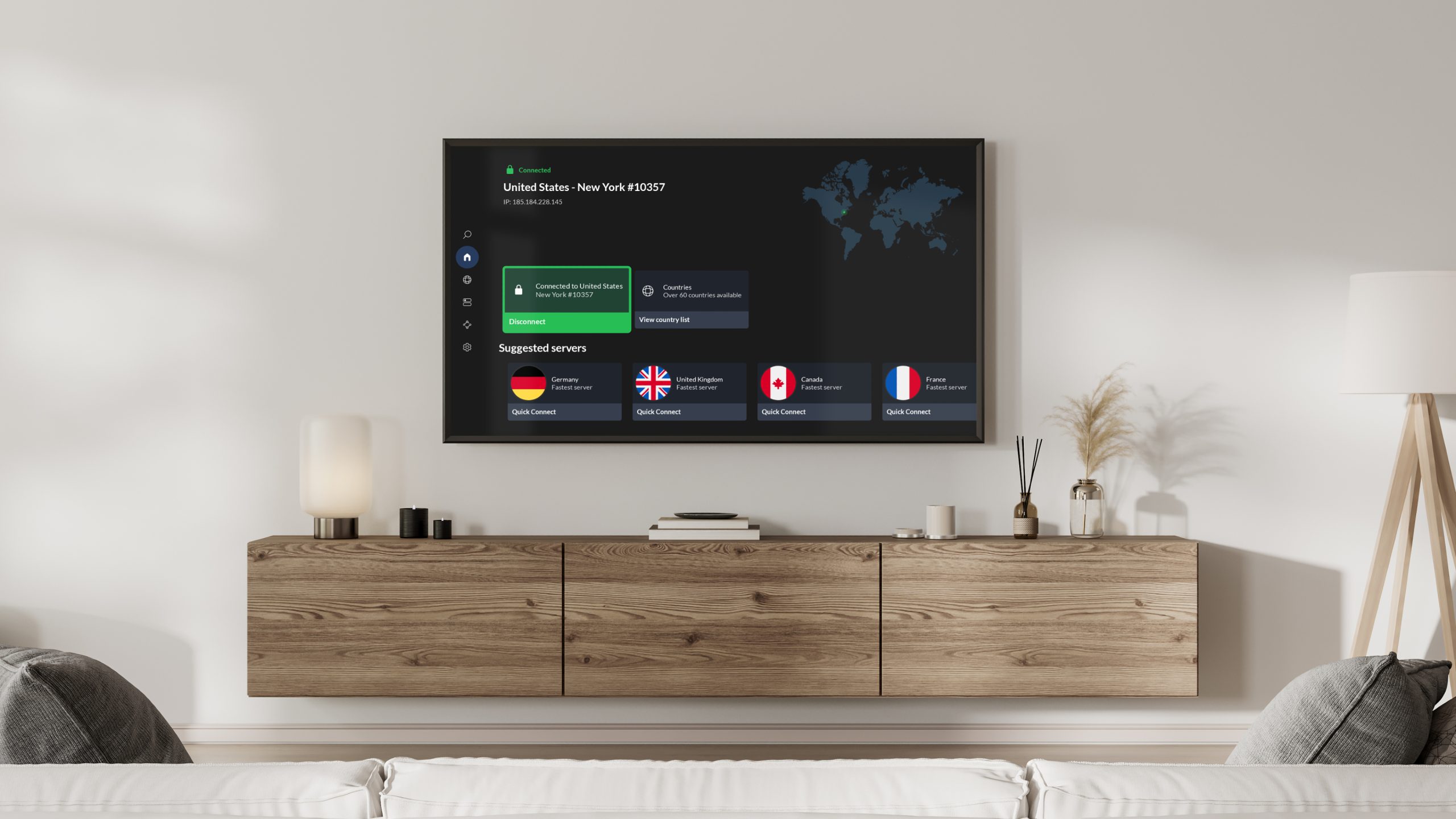
It’s well known that most major VPN providers offer apps for desktop, mobile, and tablets, but some go a step further with apps that you can install straight onto your TV.
Having a VPN app on your TV means skipping the hassle of connecting via a phone or laptop and allows you to keep your streaming activity and personal data private.
However, not all TV operating systems are alike when it comes to VPN availability — while Android TV, Google TV, Amazon Fire OS TVs and Apple TVs support native VPN apps, Samsung’s Tizen OS and LG’s webOS don’t. But don’t worry, we’ll cover a workaround below.
Which VPNs work on TVs?

Which VPN will work on your TV depends on which platforms your VPN service is available on and whether your TV allows VPNs to run on its operating system.
Some VPNs are widely available across platforms. Norton VPN has a native app on Apple TV and Amazon Fire TV, and Android or Google TVs can run the Google Play version of the app natively.
The same is true for NordVPN and ExpressVPN, which both support all four platforms. However, it’s worth checking your VPN service’s specific device support information. Amazon’s latest Vega OS Fire Sticks, for example, is not compatible with ExpressVPN or Norton VPN.
For more details on the operating systems supported by different VPNs, it’s worth checking out our roundup of best smart TV VPNs.
As for Samsung TVs running Tizen OS and LG TVs running WebOS, VPN apps are not natively supported — but this doesn’t mean you’re out of luck if you’re looking to watch the World Cup securely.
How to use a VPN with a Samsung or LG TV

To access VPN-like functionality on a Samsung or LG TV, you’ll need to use Smart DNS. This effectively reroutes your Domain Name System (DNS) queries, so you can access your favorite shows from home. However, it won’t mask your IP address or encrypt your traffic like a VPN does.
It’s not a given that a VPN service will offer a SmartDNS feature. Of the best VPNs, ExpressVPN comes with its MediaStreamer SmartDNS tool, while NordVPN also has a SmartDNS capability. CyberGhost, which features in our best smart TV VPN list, also offers this functionality.
Using this method isn’t always that easy and success isn’t guaranteed. The simpler solution s to run a VPN on a laptop or mobile device, stream the World Cup (or whatever you’d like to watch) on that device, and then connect to your TV with a HDMI cable.
Can I cast a VPN stream to my TV with AirPlay or Chromecast?

Unfortunately, casting from a phone running a VPN to a TV not running a VPN usually doesn’t work, because the two devices aren’t part of the same network environment.
Casting relies on communication between devices on the same network, so using a VPN on only one device can interrupt the connection between them.
If you link both your TV and phone to the same network — either behind the VPN or with SmartDNS — you’ll have a better chance of casting, but it’s still not as reliable as using a native VPN on your TV, or even using SmartDNS.
So the tip worth remembering: if you’re TVs operating system allows it, download a VPN direct to your device. If it doesn’t, you can always use your laptop and connect to your TV using a standard HDMI cable.











































You must be logged in to post a comment Login