
Connect with us

Tech

General Motors to open downtown Seattle office to bring together remote technical talent

Published

on

The West8 office building in Seattle’s Denny Triangle neighborhood. (Image via West8Seattle.com)

General Motors is expanding its presence in the Seattle region with a new downtown office slated to open in early 2027.

The automotive giant signed a lease for a 43,000-square-foot space at West8 in the Denny Triangle neighborhood, with plans to bring together employees across digital products, autonomous vehicles, IT, HR, and marketing, the company announced Wednesday.

GM currently employs about 200 remote workers in the region. A spokesperson said the new office will bring those existing team members together while providing room to recruit additional talent. The layout will feature a mix of traditional workstations, flexible lounge seating, and collaborative huddle spaces.

When the office opens, it will follow GM’s hybrid work policy, requiring employees living within a 50-mile radius to work on-site three days a week.

Advertisement

@media (max-width: 600px) {
aside.callout { float:none !important; max-width:100% !important; margin-left:0 !important; margin-right:0 !important; }
}

GM said tapping into Seattle’s deep technology talent pool will help grow its concentration of technical staff and attract engineers specializing in artificial intelligence and machine learning. The company credits its Seattle-area software teams with building the technical foundation behind its on- and off-vehicle platforms.

Located at 2001 8th Ave., the West8 building sits two blocks from Amazon’s headquarters campus and the Spheres. Amenities available to GM staff will include a fitness center, bike storage with showers, an onsite café, outdoor spaces, and covered parking equipped with EV charging stations.

The Seattle footprint adds to GM’s network of major tech hubs outside Michigan, including locations in Austin and the Bay Area.

Advertisement

Source link

Continue Reading
Click to comment

You must be logged in to post a comment Login

Leave a Reply

Tech

Tesla says it will finally unveil the second generation Roadster on October 1

Published

on

The long-awaited second generation of the Tesla Roadster might finally be ready for the public.

In a post on X on Saturday, the electric vehicle company simply wrote, “Go for launch,” with a graphic showing a “10.01” date — so expect the new Roadster to be unveiled on October 1. The graphic also seems to hint at the promised cold gas thrusters, developed by Tesla CEO Elon Musk’s other big company, SpaceX; those optional thrusters are supposed to allow the Roadster to fly in some way.

Tesla’s second generation sports car was first announced in November 2017 and has been pushed back multiple times. It was even the subject of a social media spat between Musk and OpenAI CEO Sam Altman last year, when Altman said that “7.5 years has felt like a long time to wait” after paying a $50,000 reservation fee, while Musk insisted that Altman had gotten a refund.

The Information recently reported that the 2017 version of the car had been completely abandoned for a new, yet-to-be-revealed design that would be revealed imminently.

Advertisement

Musk has previously acknowledged that even after the big reveal, the Roadster won’t actually go into production for another 12 or 18 months.

Source link

Continue Reading

Tech

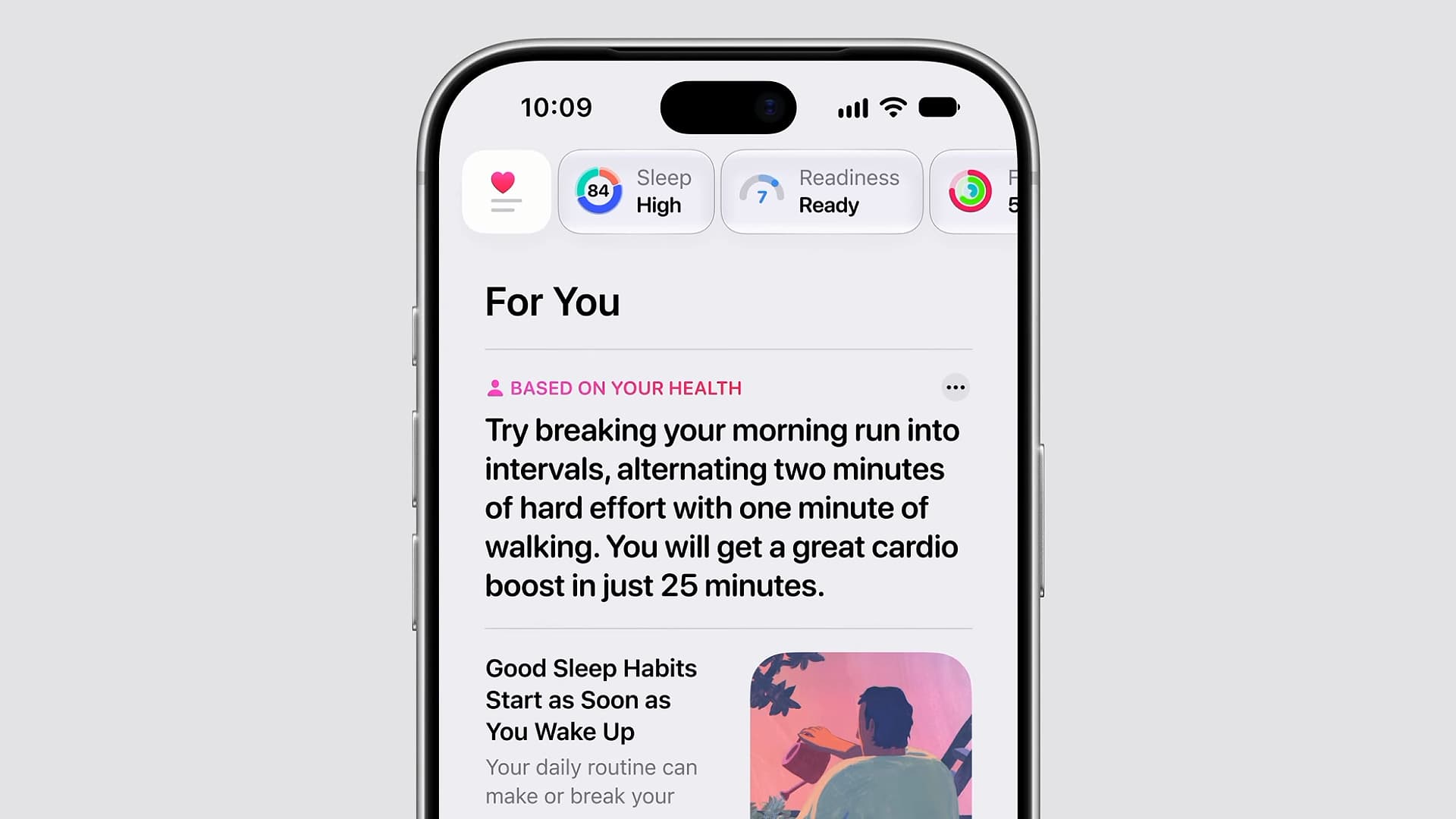
Google Health’s mistakes are a grave warning for Apple’s new AI-powered Health app

Published

on

Any users of the best Fitbit devices that were watching Apple’s iPhone Duo event yesterday might have felt a chill of all-too-familiar dread during the company’s glitzy keynote presentation.

That’s not because Apple announced some sort of killer smartwatch feature that will bury the Fitbit range alive. No, it’s because viewers got to see Apple’s new plans for its Health app, which now comes with an AI-powered makeover that will likely stir up some painful emotions for many Fitbit fans.

Source link

Advertisement
Continue Reading

Tech

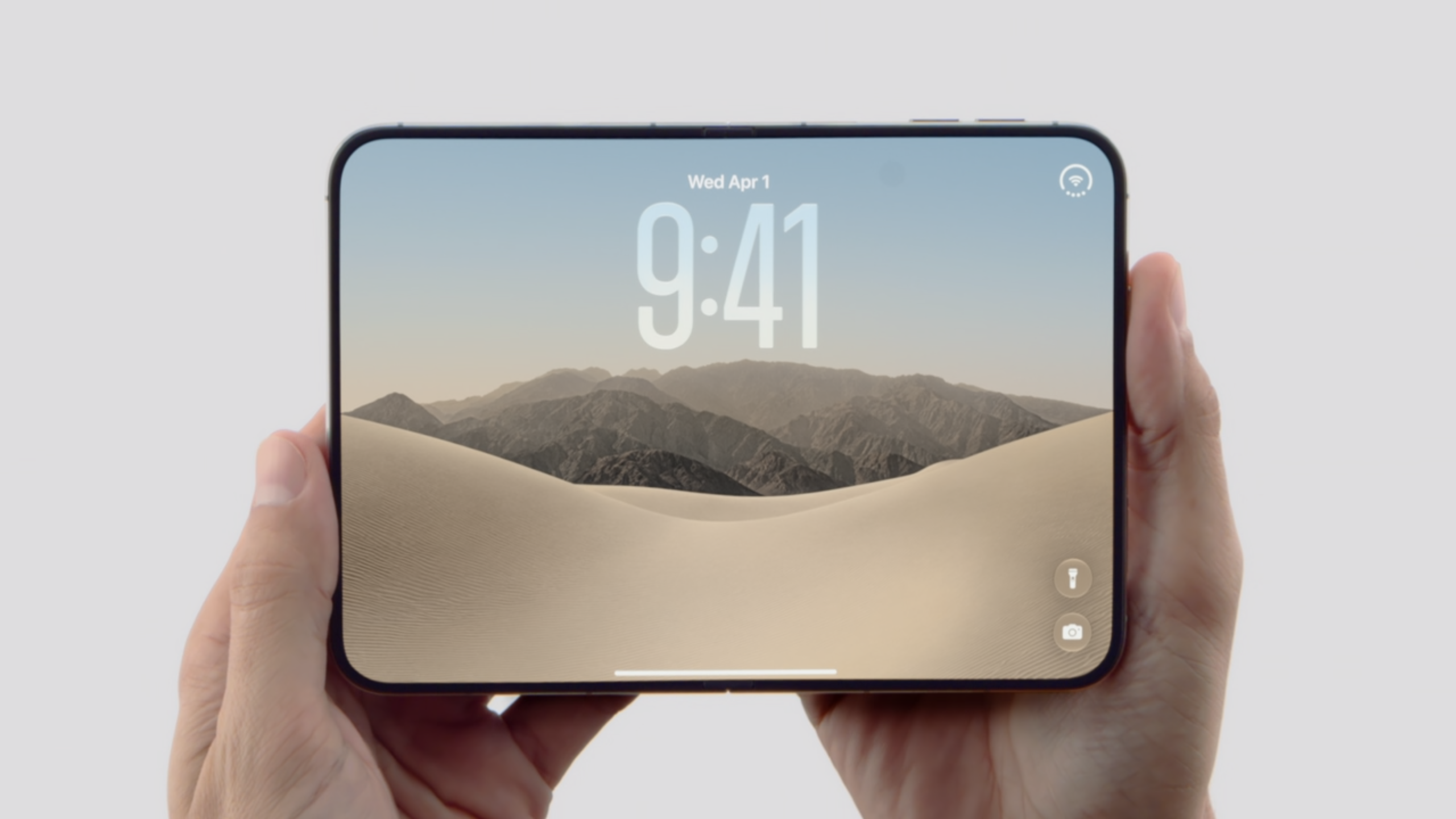
Three reasons I’m still hesitant to order the iPhone Duo

Published

on

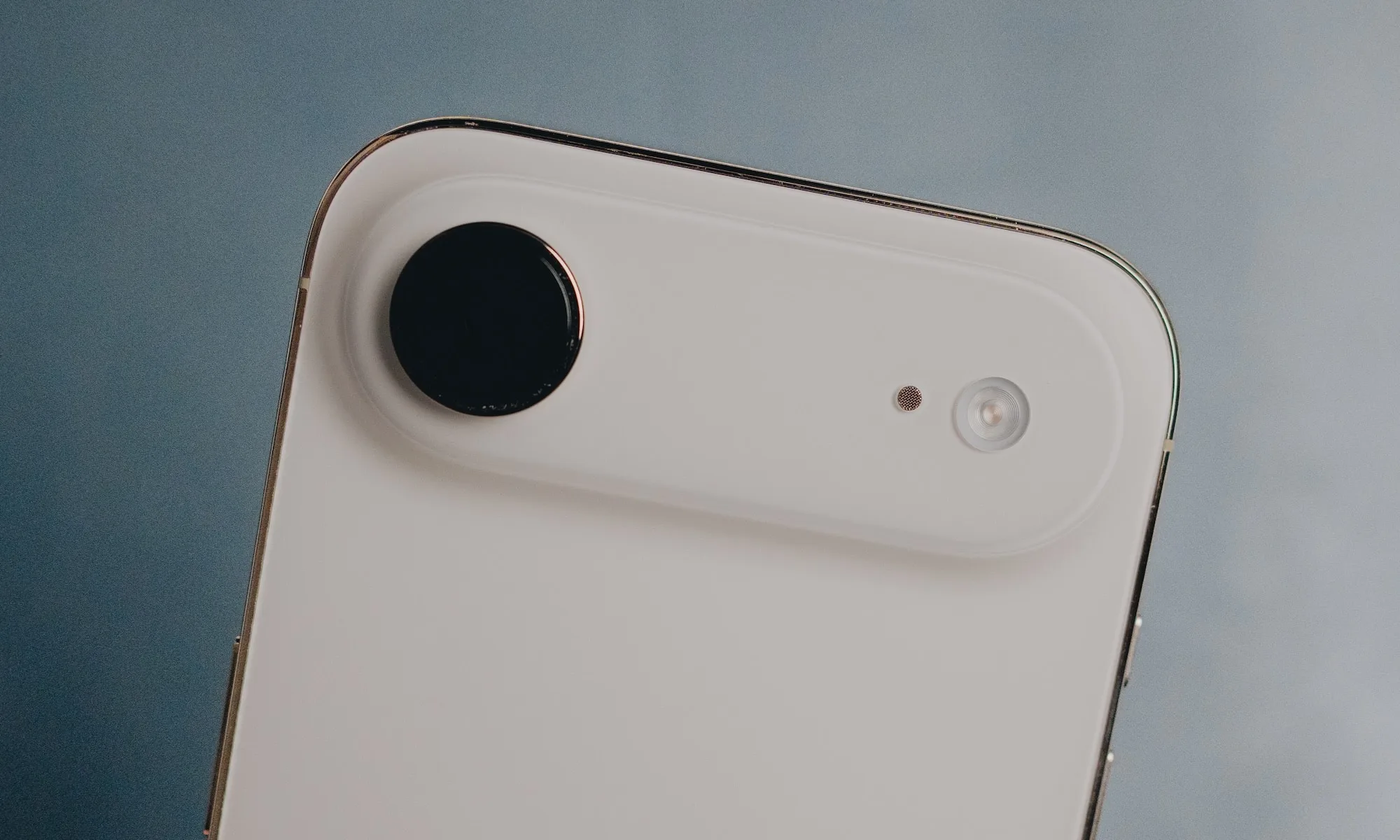
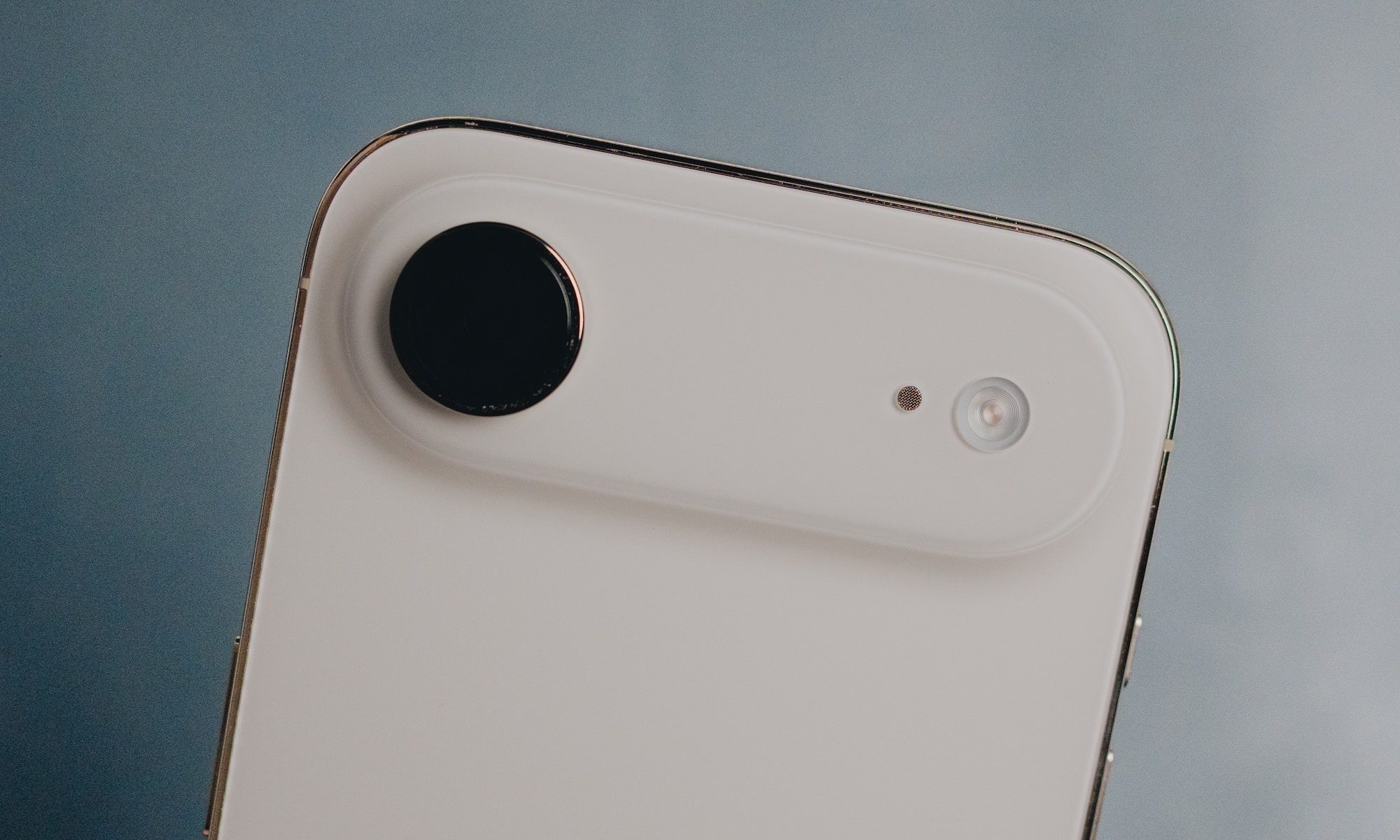
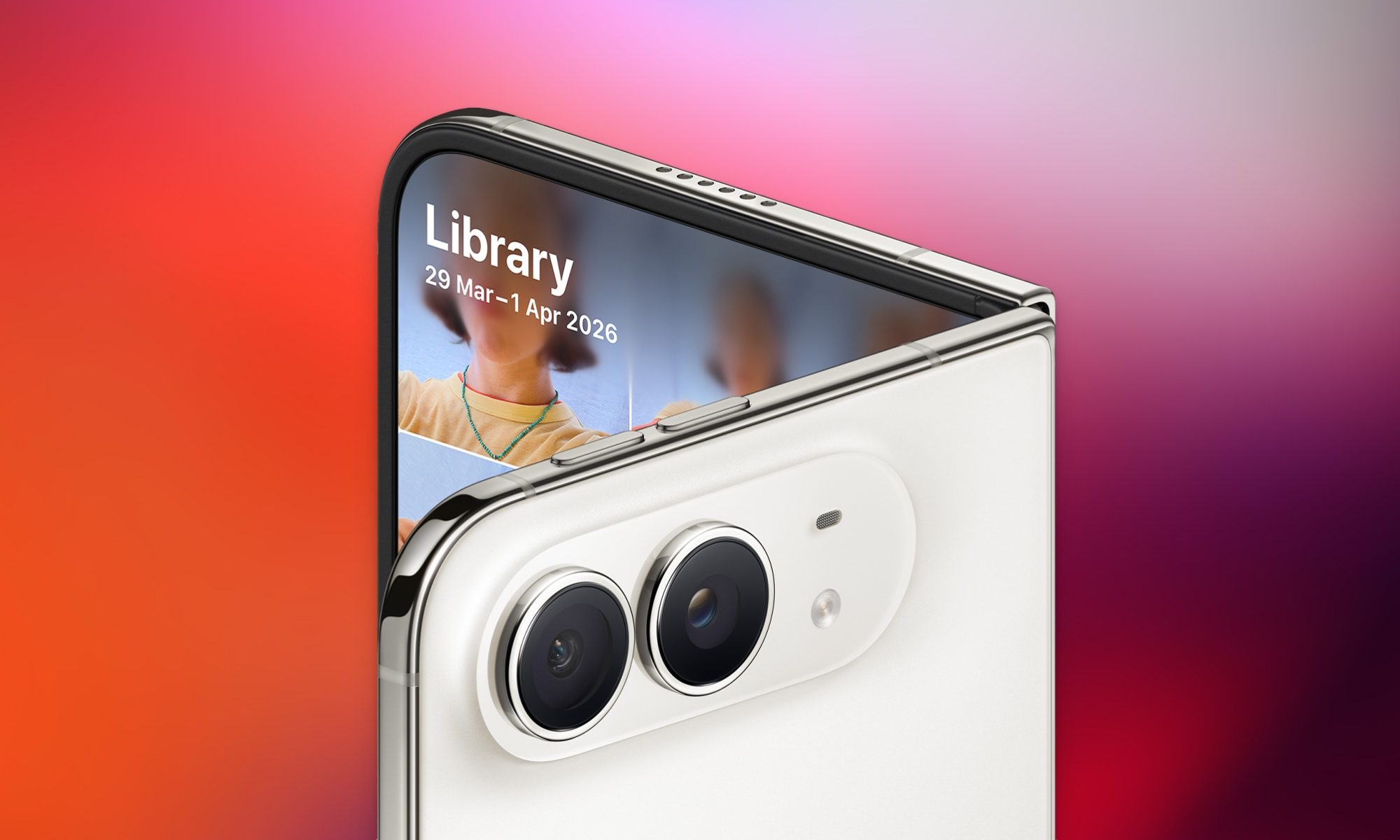
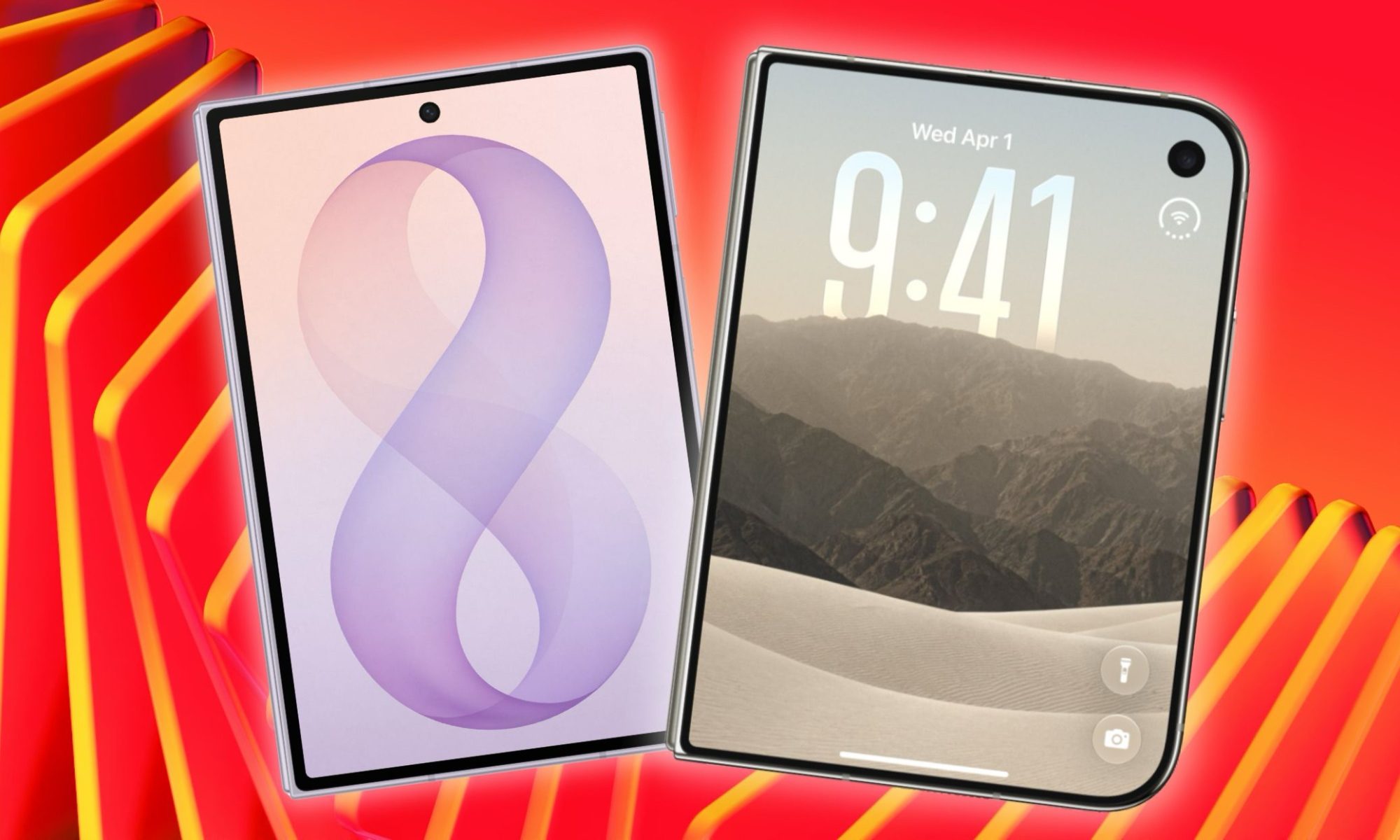
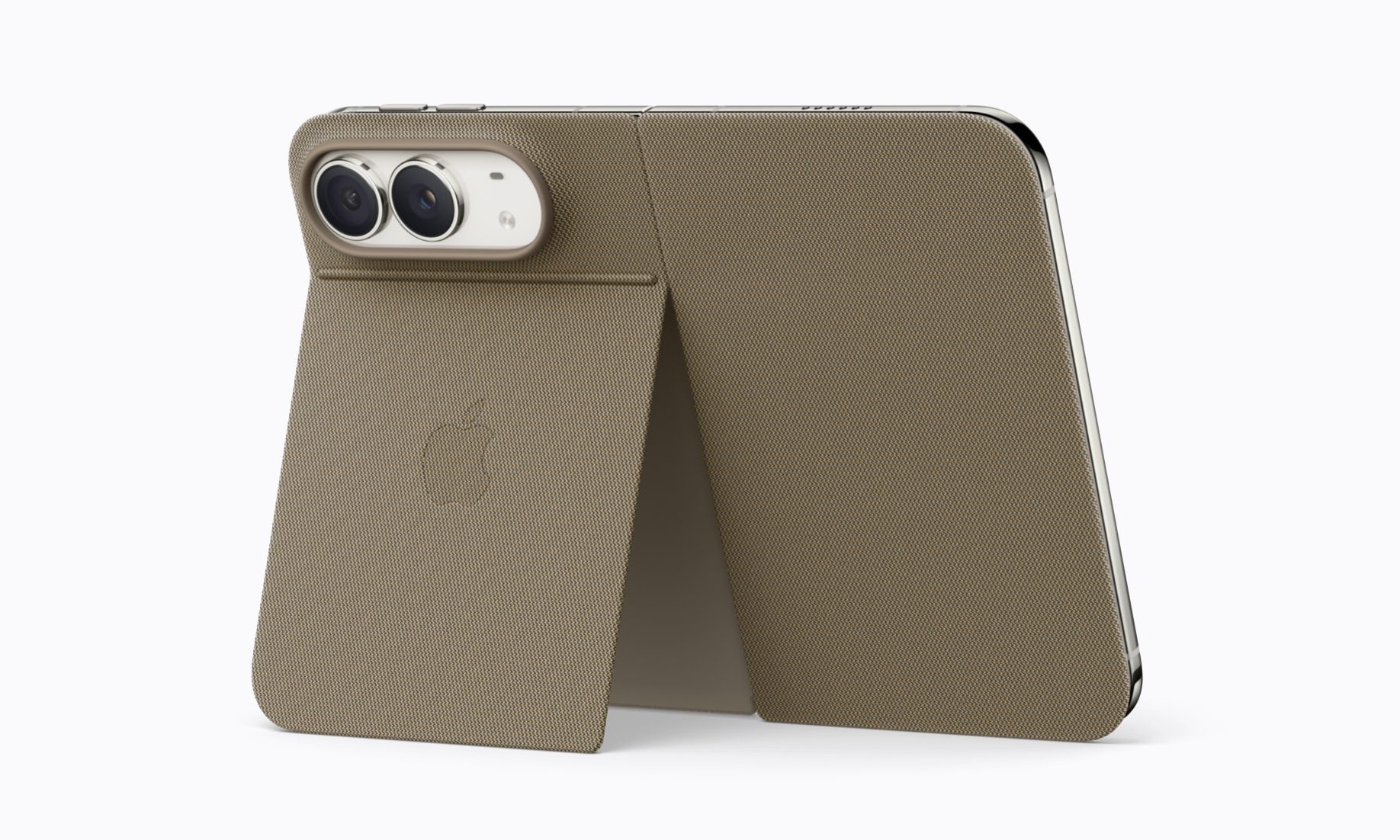
Apple unveiled the iPhone Duo at its “Surprise and Shine” event, and my jaw dropped. To be fair, I had a pretty good idea about the phone’s hardware, but the software polish and little nice touches Apple added everywhere made me instantly pull out my credit card. 

From the opening animation to the almost creaseless nano-texture display to the under-display camera to the IP68 water and dust resistance, Apple has certainly delivered with its first try at a foldable phone. 

But since seeing the iPhone Duo for the first time, I have had a few days to think about the phone, and I have some qualms. While the iPhone Duo is still enticing, there are a few reasons that make me hesitant to drop the dough when the pre-order window opens. So, let’s talk about them. 

The camera setup still feels like a compromise

I currently daily drive an iPhone Air, a phone I adore. But spending a year with it opened my eyes to some of its compromises, with the biggest being the lack of a telephoto lens. I didn’t know how much I used that lens until I started driving the iPhone Air daily. 

Advertisement

The telephoto lens gives you the freedom to capture the same subject with different framing without moving. It also performs really well for portrait shots, and of course, for capturing far-away subjects. 

While the iPhone Duo packs a second lens, it’s an ultra-wide lens and not a telephoto, and that’s a loss in my eyes. I rarely use the ultra-wide lens and would rather have the versatile telephoto lens instead. 

In a world where the iPhone 18 Pro exists with its pro camera setup that not only sports a telephoto lens but also a primary shooter with variable aperture, it’s hard to justify buying an iPhone Duo if you capture a ton of photos. 

254 grams is a lot to carry around

My iPhone Air weighs 165 grams and feels fairly light in the hands and in my pocket. While I expected the iPhone Duo to be hefty, it’s almost 100 grams heavier than the iPhone Air, weighing 254 grams (8.96 ounces). That’s a lot of weight to carry around in your pocket. 

If you think that comparison is not fair, let’s compare it with its direct rival, the Galaxy Z Fold 8, which weighs only 201 grams (7.09 ounces). That means the iPhone Duo weighs roughly a quarter more than the Z Fold, making it noticeably heavier despite both phones being a similar size.

Add on a protective case, because you will need one to protect your $2,000 investment, and you are looking at a beefy boy in your pockets. I don’t think I would mind this weight when using it in tablet mode, but one-handed use will be painful. 

MacBook Pro Ultra is on the horizon

My final point has nothing to do with the iPhone Duo itself, but its price and release timeline. Let’s be clear, $2,000 is not cheap for a phone, and it’s a hard pill to swallow even in a vacuum. 

But the iPhone Duo is not launching in a vacuum, as every rumor points to the redesigned MacBook Ultra with an OLED display, possibly with a touch-screen, thinner chassis, and a latest-generation M-series process, launching in October. 

Advertisement

As much as I love my iPhone, if I can keep only one Apple product, it would be the MacBook, and my M1 MacBook Pro has become too long in the tooth and is ripe for an upgrade. On the other hand, the iPhone Air is just a year old and can easily last me a few more years. 

If the new MacBook were six months out, maybe I could have justified upgrading to the iPhone Duo, because despite my reservations, I would have loved to experience Apple’s take on foldable phones. 

Final thoughts

Look, iPhone Duo is not a bad phone. Far from it, it might be the best first-generation foldable we have seen yet. But being the best doesn’t automatically mean it’s the right phone for me right now. 

Between the missing telephoto lens, the extra heft in my pocket, and a redesigned MacBook waiting just around the corner, I would rather sit this one out and see how the second-generation iPhone Duo shapes up. Sometimes the smartest upgrade is the one you don’t make.

Advertisement

Source link

Continue Reading

Tech

Anthropic CEO outlines plan to slow AI development

Published

on

We’ve been seeing increasingly dire warnings from AI researchers about the dangers of artificial intelligence, and even comments from OpenAI CEO Sam Altman that it may be time to “pace” AI development. But what would that actually look like?

In a new blog post, Anthropic CEO Dario Amodei not only echoed the call to “pace the frontier,” but also outlined three broad strategies for doing so. And he said Anthropic is “unilaterally committing” to one of them, with Altman chiming in to say OpenAI will follow suit.

The debate over AI safety and alignment intensified this week after researcher Jacob Coxon wrote that he’s resigning from Anthropic over concerns that the leading AI companies are “gambling with our lives” while the people building the technology “earnestly believe it could kill us all by the end of the decade,” a claim repeated by others at Anthropic.

Amodei’s post doesn’t didn’t explicitly mention Coxon’s resignation or his concerns, but the CEO wrote that two things convinced him it’s time to take a more cautious approach to AI development: the OpenAI-HuggingFace hack, and the fact that “AI has been advancing drastically faster” in recent months, particularly with its “growing ability to build the next generation of AI.”

Advertisement

“We must slow the pace at which we improve the capabilities of AI models,” Amodei wrote. “Progress will still seem fast, and we must make wise use of the time we gain.”

Other AI executives seem to have reacted positively to Amodei’s post, with Altman writing, “I agree with Dario that we need to pace the frontier. This has been a primary topic of discussions we’ve had at OpenAI in recent weeks.” And SpaceX CEO Elon Musk posted, “Dario is right.”

Amodei’s proposed first step would involve “embedded evaluators” from third-party organizations like METR — evaluators who can verify that AI companies are actually following their pacing and safety commitments and can also ensure that safety incidents get reported. (OpenAI was recently criticized for not reporting an incident where its AI agents took over a German wiki forum.) 

Amodei compared these evaluators to regulators who have been embedded with bank employees, and he said that inviting them in is “something Anthropic is unilaterally committing to (and calls on governments to require other frontier companies to match).” That means giving evaluators company badges, desks, and laptops, and providing access “mostly comparable to what internal risk assessment teams have,” with exceptions when required by law or contracts.

Advertisement

Altman also said this was a “good idea” and said OpenAI would do the same: “We’ll have more to share soon.”

Next, Amodei called for the leading AI companies “within democratic countries” to coordinate “common safety standards as well as limits on the rate of unchecked AI progress.” 

Such coordination might seem unlikely, because these companies are reportedly worried that a coordinated pause could lead to antitrust scrutiny. Amodei alluded to that concern in his post, writing that “for antitrust reasons, it’s helpful for the US government to mediate or at least enable these discussions — they don’t need to participate, but do need to issue a narrow waiver for certain kinds of safety conversations.”

Amodei also acknowledged the specter of Chinese AI dominance that’s often raised an argument against slowing development. But he said that if the US government and tech companies take steps like refusing to sell powerful chips or semiconductor manufacturing equipment to Chinese companies, as well as cracking down on model distillation, they could “slow China’s progress enough to widen America’s lead significantly over the next 3–5 years.”

Advertisement

Lastly, Amodei called for “global coordination,” where the United States and its allies “attempt to coordinate with authoritarian governments, to the extent this is possible.” Amodei said this would mean “cooperation with China,” and he admitted that there are “stark limits on what can be achieved,” but he still suggested there might be opportunities for agreement, even if it’s just “prohibiting certain narrow and obviously dangerous uses of AI, such as using AI for the production of biological weapons or allowing users to do so.”

With Amodei’s past willingness to acknowledge AI’s potential dangers, and with the company’s relative openness to certain forms of regulation, some AI boosters have already criticized him as a doomer whose comments have fed the current AI backlash. In response, Amodei said he’s tried to offer a “balanced” perspective” and argued that the backlash is “fundamentally a crisis of trust,” as people have become skeptical of tech companies, the tech industry, and the government.

Industry critics have also been skeptical about these apocalyptic AI warnings, suggesting that they’re a distraction from the harm that the technology is already causing.

Journalist Brian Merchant, for example, wrote that he has yet to see “a credible, step-by-step documentation of how exactly AI might move from self-recursively improving AI to killing every single human on the planet”; he also suggested that proposals similar to Amodei’s “would likely only wind up serving Anthropic and OpenAI; it’s what regulatory capture looks like in action.”

Advertisement

In his new post, Amodei wrote that he continues “to believe that AI can enormously improve the quality of human life.”

“My desire to achieve these benefits is undimmed,” he said. “But the benefits will only be achieved if we build the technology in the right way, and — so long as we use the time we gain well — it is worth taking unusually deliberate care to get it right.”

This post has been updated with comments from Sam Altman and Elon Musk.

When you purchase through links in our articles, we may earn a small commission. This doesn’t affect our editorial independence.

Advertisement

Source link

Continue Reading

Tech

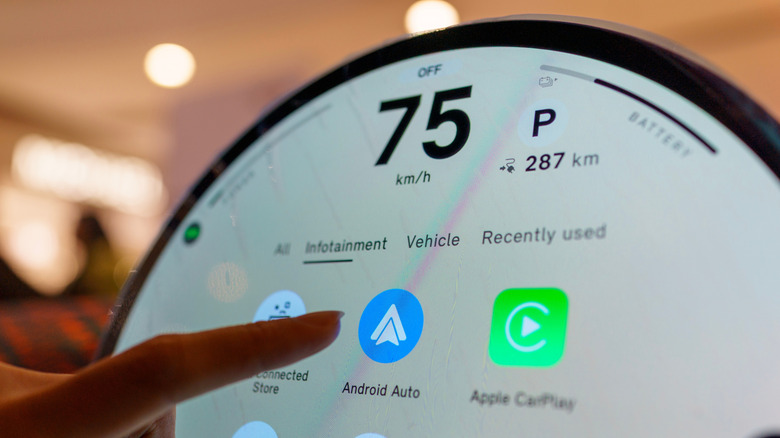
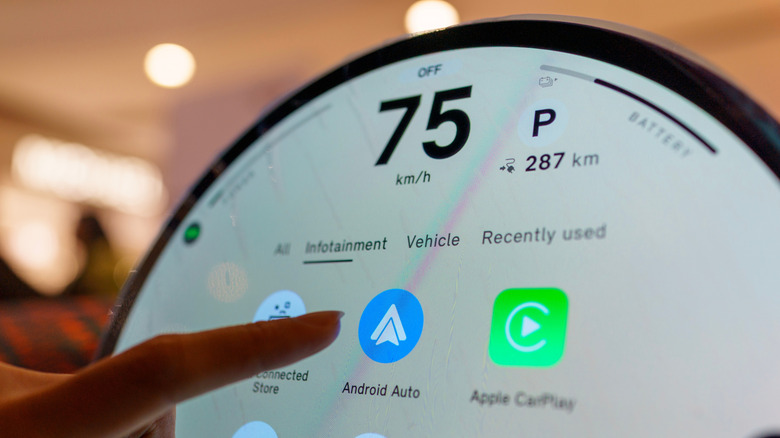
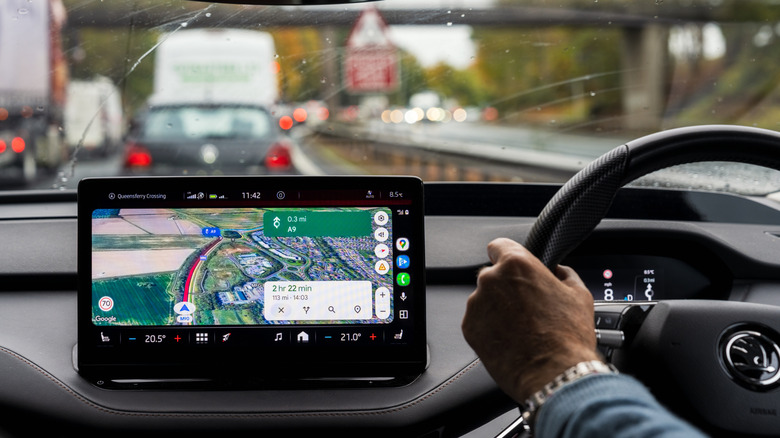
One Problem With Android Auto Can Be Fixed With A Simple Update

Published

on

Your phone isn’t the only device that may need an update when Android Auto starts acting up.

There are many reasons why Android Auto may stop connecting, and the initial fixes typically focus on the phone and connection. You inspect the cable, restart the device, forget the car, reconnect it and make sure Android Auto is up to date. If all that fails, however, the software that requires attention might be in the dashboard.

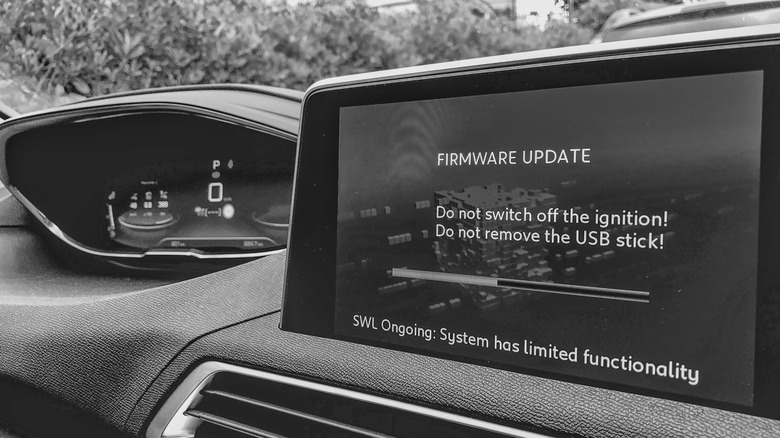
Your car’s infotainment system also has software, and if it’s out of date, it can cause Android Auto connection problems. Google advises users to restart the infotainment system and, if the receiver is an aftermarket Pioneer or Kenwood unit, to visit the manufacturer’s website and check for a firmware update. 

Android Auto relies on the phone and car working correctly, and if you just focus on the phone, you may be missing half the equation. If none of the above has worked, including changing cables, reconnecting the phone or restarting the phone, then the car’s software is another area to consider.

Advertisement

Your car might need an update as well

Automakers have been sending out infotainment updates that can improve Android Auto, and Hyundai’s February 2026 infotainment update for ccNC-equipped cars in Europe included improved wireless Android Auto and Apple CarPlay connectivity, quicker reconnection if the phone goes unresponsive and automatic restoration after a restart. Chevrolet makes the point more directly: on applicable vehicles, it lists updating both the phone and vehicle software as the first troubleshooting step when Android Auto won’t connect.

How you install an update depends on the car. Some systems can download software via Wi-Fi, while others use a USB drive or SD card, and some manufacturers also offer dealer assistance. For example, Uconnect allows supported systems to be connected to Wi-Fi via the vehicle’s settings menu.

Therefore, there is no universal button for updating infotainment firmware. Start at your car manufacturer’s website and follow the directions for that infotainment system. If the site asks for your VIN or model details, provide them. If the process is not clear (or the manufacturer states that it must be installed by a dealer), a dealer is the safer route than getting an update file from elsewhere. 

Advertisement

A firmware update won’t fix every Android Auto problem

If Android Auto stopped working right after a phone or Android Auto update, check Google’s Android Auto Known Issues page before changing the car’s software. Google recently addressed connection problems affecting Pixel 10 and Samsung S26 phones and was still investigating an S25 connection issue. That timing can help you decide which side of the connection deserves attention first.

If Android Auto has stopped working right after a phone or Android Auto update, begin there before making any changes in the car. Google advises users to verify that the car is compatible, check that Android Auto is turned on in the infotainment system and test the USB connection. For wired Android Auto, its current guidance is to use a quality cable that is under 3 feet long.

Updating the car is a troubleshooting measure and not a magic bullet. If Android Auto was working before, the standard phone-side troubleshooting has failed and newer infotainment software is available, an update is one more thing to check off before scheduling a service appointment.

Advertisement

Firmware is not without its restrictions. It’s not always able to add Android Auto to hardware that didn’t support it to begin with. Uconnect says its systems can’t simply be upgraded to add Android Auto or CarPlay, while Uconnect 5 and select Uconnect 4 and 4C systems include both.

Source link

Advertisement
Continue Reading

Tech

Apple is staying quiet on the iPhone Duo’s under-screen camera

Published

on

Apple has revealed plenty about the iPhone Duo’s cameras, but there’s one detail it’s keeping to itself: the resolution of the under-display FaceTime camera.

The camera sits beneath the foldable iPhone’s 7.6-inch inner display, making this the first time Apple has used an under-screen camera on an iPhone. While Apple has detailed the 12-megapixel camera on the outer display and the two 48-megapixel rear cameras, it hasn’t said how many megapixels the hidden camera has.

Apple does confirm that the under-display camera has an f/1.8 aperture and can record 1080p video at up to 60fps. It also gets Center Stage for video calls, tap-to-zoom and rotate, ultra-stabilised video, Animoji and Memoji support, lens correction, Auto image stabilisation, QuickTake, Spatial Audio, stereo recording, wind noise reduction and Audio Mix.

The 1080p limit offers a clue about what’s underneath the screen. A camera needs at least around 2 megapixels to capture 1080p footage, while the lack of 4K recording could suggest the sensor is below 8 megapixels – although that remains speculation until the company provides more information.

Advertisement

The f/1.8 aperture is actually wider than the f/2.2 aperture on the outer front camera. That could help compensate for some of the light lost as it passes through the display, although the impact on image quality isn’t yet clear.

Advertisement

There’s another compromise that may be easier to spot. The area of the display covering the camera appears to lack the anti-reflective nano-texture coating used elsewhere, leaving a glossy circular patch that can become more noticeable depending on the lighting and viewing angle. Apple even appears to acknowledge the effect in its marketing imagery.

Samsung faced a similar problem with its own under-display cameras before returning to a conventional punch-hole design on the Galaxy Z Fold 7. Apple is making its first attempt here, so how well it works in everyday use will be clearer once the iPhone Duo is in people’s hands.

Advertisement

Preorders open on October 16, with the iPhone Duo arriving on October 23.

Source link

Advertisement
Continue Reading

Tech

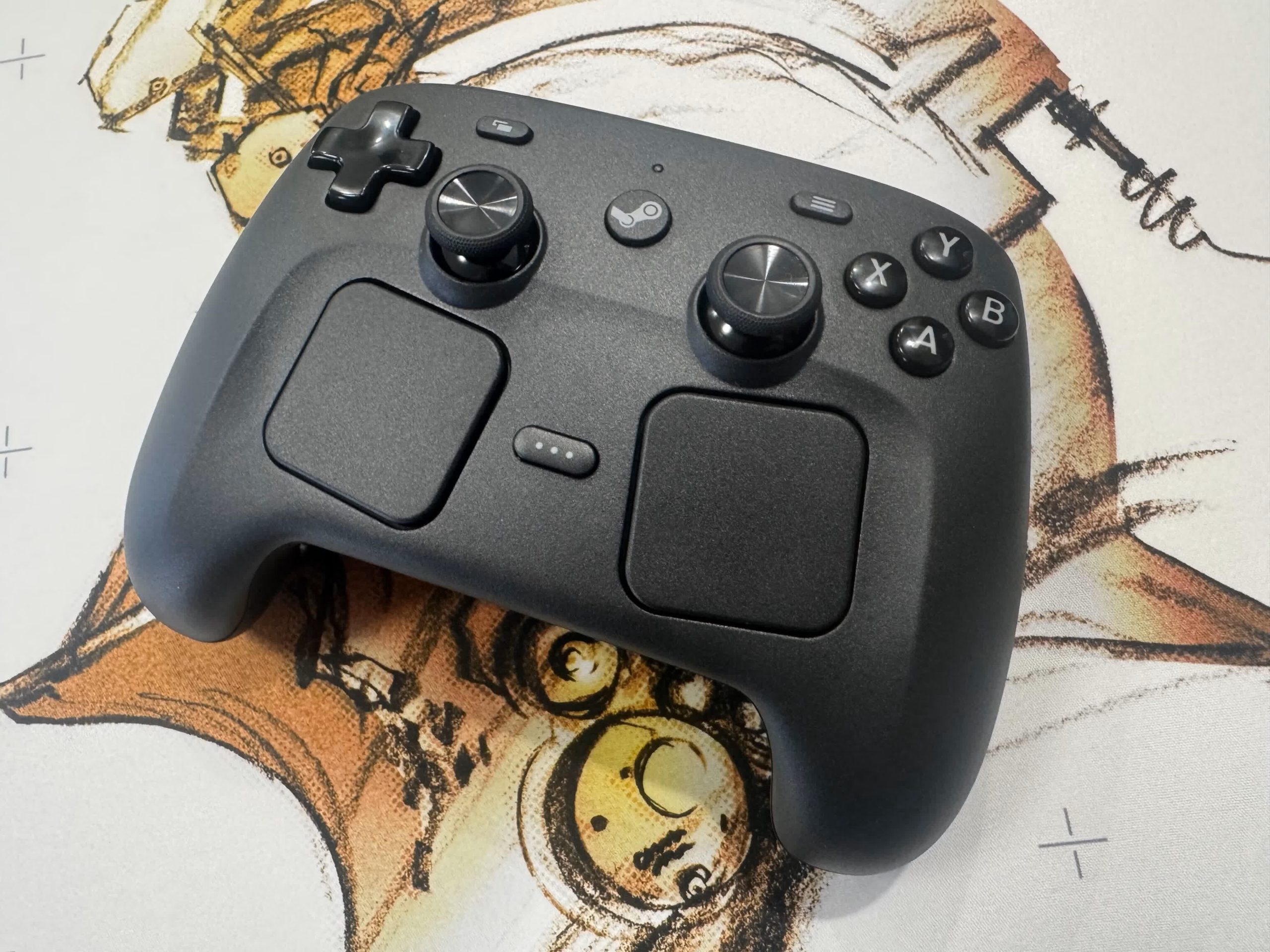
Steam Controller mod converts PC audio to haptics so deaf users can feel sound

Published

on

The big picture: Accessibility options for disabled gamers and PC users have advanced significantly in recent years, largely thanks to official support from hardware manufacturers and game developers. However, versatile devices such as Valve’s new Steam Controller have also allowed modders to develop unique solutions.

Modder FamBoy32-dev recently unveiled LiveHaptics, which transfers a PC’s audio to the Steam Controller’s rumble function, allowing hearing-impaired users to feel movies, music and games through vibrations. The app currently supports Windows and Linux.

LiveHaptics runs system audio through a per-channel DSP chain and then through a haptic PCM stream to the controller’s actuators. It supports Bluetooth and wired USB connections, as well as the Steam Controller’s proprietary wireless receiver.

I made the Steam Controller (2026) play live system audio through its haptics
by u/GooseVast6551 in SteamController

The Windows version is a fully static binary that requires no installation, while the Linux port supports every distro, including Valve’s SteamOS. An early demonstration on Reddit shows the app running sound from a YouTube video and a game through the controller’s vibration. The mod could help the Steam Controller complement other accessibility features for hearing-impaired gamers, such as subtitles, which have begun offering many customization options in recent titles.

Advertisement

To begin using LiveHaptics on Windows, close Steam, unzip the archive from the app’s GitHub page, and double-click the executable. Then, connect the Steam Controller and choose an audio output under “Capture device” if it is not already set as the default. The GitHub repository contains more detailed Linux installation directions.

Although the Steam Controller’s $99 MSRP makes it a luxury compared with most standard gamepads, Valve’s appreciation for modding has brought fun and useful applications to the device since its April launch. Earlier this year, someone devised a method for moving the controller across surfaces using vibration. Eventually, another modder combined the trick with a vision tracker to make the Steam Controller automatically find and navigate to its charging puck.

Much like LiveHaptics, SteamHapticsPlayer can stream audio files to the Steam Controller on Windows and Linux. The mod’s developer also created an app for precisely monitoring the controller’s battery.

Advertisement

While using Valve’s controller officially requires running Steam in the background, modders have also developed microcontroller firmware to add support for non-Steam games and consoles. With a Pro Micro nRF52840 or a similar board, the Steam Controller can work with the Nintendo Switch, Xbox, PlayStation 5, PlayStation 4 and even PlayStation 3.

Although the Steam Controller supports PC gaming, Valve primarily pushed it as the main input device for its PC-console hybrid, the Steam Machine. The company’s latest VR headset, the Steam Frame, is expected to launch any day now.

Source link

Advertisement
Continue Reading

Tech

OpenAI’s Sam Altman says it would be ‘ill-advised’ to go public in 2026

Published

on

While OpenAI has filed confidentially for an IPO, the company will not be going public this year, according to CEO Sam Altman.

Altman was interviewed recently by Fortune editor in chief Alyson Shontell; amidst the fallout from the OpenAI-HuggingFace hack, as well as broader discussions about AI safety, Shontell asked whether OpenAI still feels pressure to “move really fast” due to its IPO plans.

“We’re not rushing into an IPO,” Altman said. “I actually think that given everything happening with safety, right now would be an ill-advised moment to go public.”

Instead, he insisted that OpenAI will go public “when we’re ready, which is when the business is ready, when we feel ready from what the moment is like in society with this technology.” When pressed on whether that means the IPO isn’t happening in 2026, Altman replied, “I would say not 2026, yeah. We’ve got a lot of stuff to do.”

Advertisement

The New York Times reported in June that although OpenAI had hired bankers and lawyers with the goal of going public in the third or fourth quarter of 2026, the company was leaning toward 2027 due to the volatility of tech stocks and its own financial challenges.

Source link

Advertisement
Continue Reading

Tech

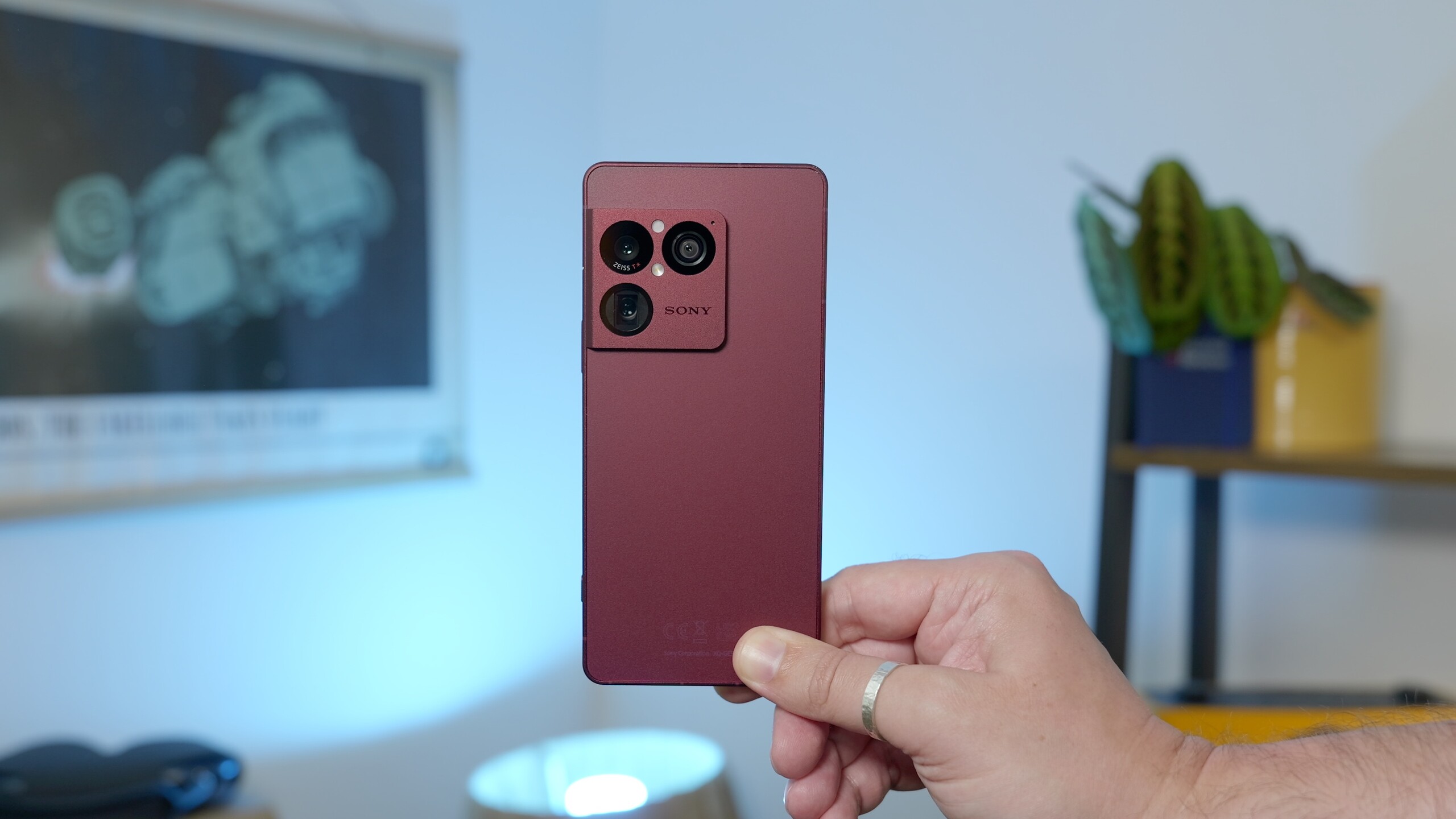
Only five phones are getting Sony’s Android 17 update

Published

on

Sony has started rolling out Android 17 to its Xperia phones, but the update is currently limited to just five models.

Sony’s website confirms that Android 17 brings Desktop mode to supported Xperia models when connected to an external display. The update also adds more customisation for the Quick Settings panel, Lock screen and Home screen, while making screen recording easier.

If you’ve been following Android 17 on Google’s Pixel phones, most of this will sound familiar. The update brings similar improvements to Sony’s phones, including expanded icon and home screen themes, more flexible Quick Settings and the ability to use a phone in a desktop-style setup with a monitor.

There is one Xperia-specific addition, though. The Xperia 1 VIII gets a new feature called Custom Looks, which gives users more control over how the camera processes their photos. It works in a similar way to Google’s Camera Looks on Pixel 11, letting you adjust things such as colour tones and save up to three custom presets.

Advertisement

The bigger catch is how limited the rollout currently is. Sony lists just five Xperia models as eligible for Android 17: the Xperia 1 VIII, Xperia 1 VII, Xperia 1 VI, Xperia 10 VIII, and Xperia 10 VII.

Advertisement

The rollout is already underway, with Xperia 1 VIII users reportedly seeing Android 17 arrive on their devices.

Sony hasn’t listed any additional Xperia models for the update at this stage, so owners of other devices will have to wait for more information. For those with one of the five supported phones, however, Android 17 brings a useful mix of customisation tweaks and a more flexible experience when the phone is connected to a larger screen.

Advertisement

It’s not the most dramatic Android update, but Desktop mode in particular could make compatible Xperia phones considerably more useful beyond the usual smartphone setup.

Source link

Advertisement
Continue Reading

Tech

2026 Retrocomputing Challenge: 16-Bit Homebrew Relay Computer

Published

on

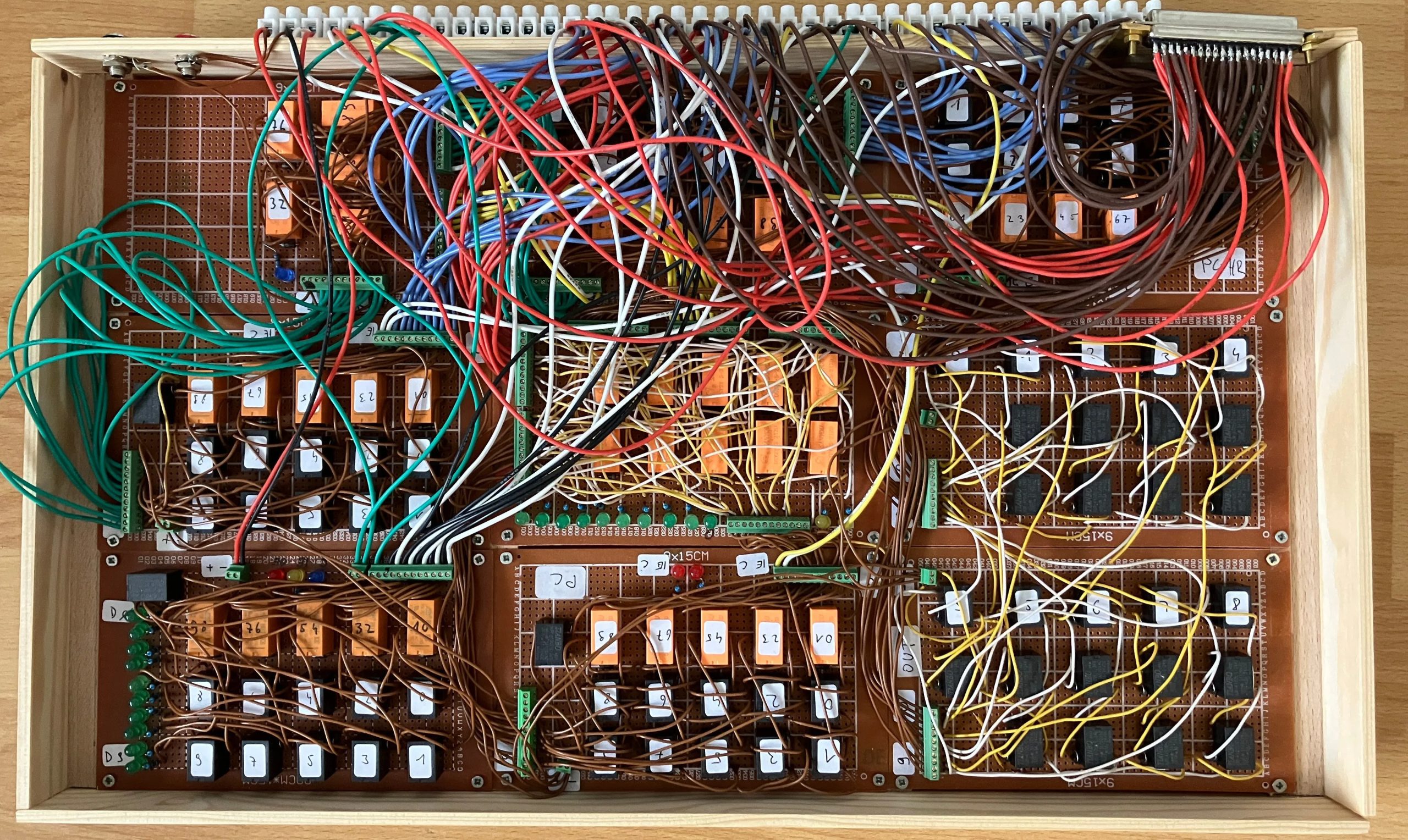
You want Retro? We did, when we started our retrocomputing challenge. [Peter] decided that transistors weren’t retro enough, and sent us this lovely homebrew relay computer, complete with 16- bit CPU, which is rather more bits than one normally associates with clicky clacky contacts.

The architecture is very simple– it just uses an accumulator register, ACCU, and goes from there. All mathematics and save/load operations go through ACCU. There whole instruction set is only 19 commands, and he’s used that set to program such lovely things as calculating 3 digits of Pi– which only took 8 minutes of glorious clicking. There’s a demo video of that embedded below. [Peter] has even implemented a display by hooking his computer to a 32×32 LED matrix, but don’t expect it to relay updates really quickly.

If this computer looks familiar, it’s because its earlier incarnation was one of the more “extra” entries in last year’s one-hertz challenge, where it was used to blink an indicator lamp. Yes, even relay computers apparently get started with the “blinky” sketch.

Advertisement

If you want in on the fun, our retrocomputer challenge runs until October 27th, so there’s lots of time left to turn back the clock.

Advertisement

Source link

Continue Reading

Trending

Copyright © 2025