


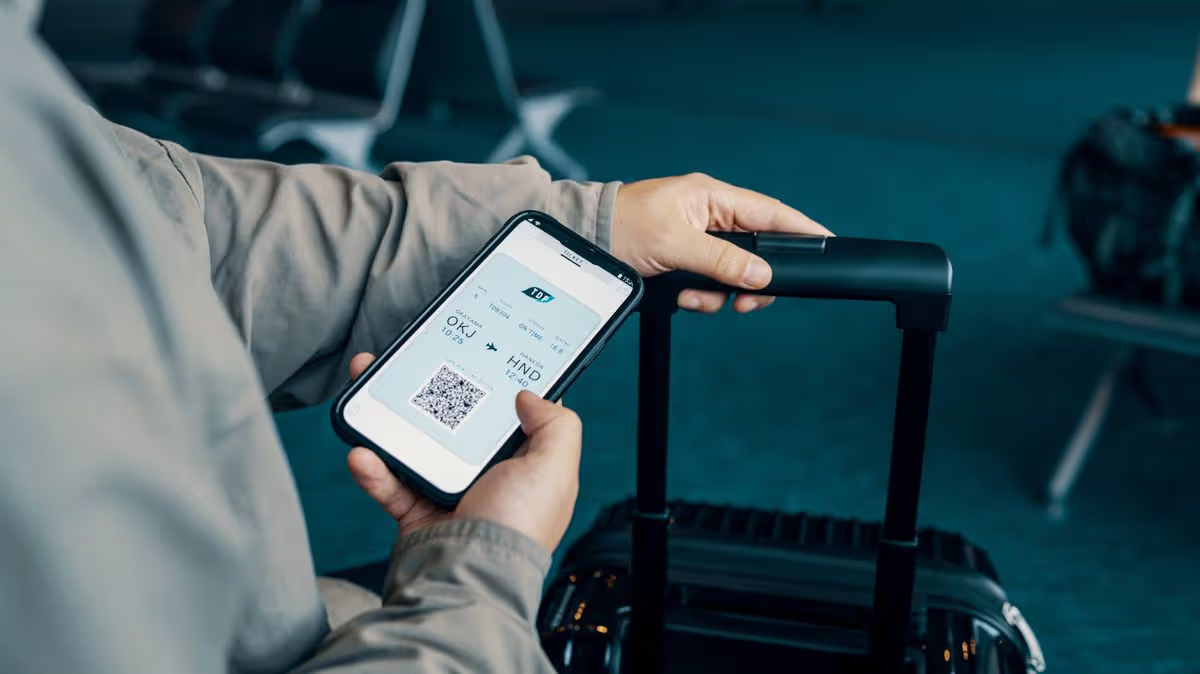
Tourists have been cautioned to change a simple phone setting to avoid facing a “big problem” at airports.
When travelling abroad, there’s a multitude of factors to think about, but one that probably doesn’t spring to mind is using your mobile safely while on the move. Yet it warrants serious consideration, as there are numerous vital precautions to take to remain secure.
While it mightn’t be top of your list, it absolutely should be a priority on your travel agenda, as seemingly harmless mistakes can end up costing you dearly while you’re on your holidays. We all instinctively grab our phones at airports, but what many don’t appreciate is that certain usage habits can expose you to substantial danger.
This isn’t the first occasion such warnings have been issued to globetrotters either. In the past, additional hidden mobile hazards have been brought to light to assist those venturing abroad.
Complimentary airport Wi-Fi may appear a convenient perk while you’re killing time before departure. Nevertheless, William Thackray, an IT specialist at AGT Computer Services, cautions it’s among the riskiest things you can do on your handset, reports the Irish Mirror.
What you need to know
William explained: “The biggest threat isn’t the airport’s actual network. It’s the fake ones sitting right next to it.
“Criminals can set up a hotspot called something like ‘Heathrow Free Wi-Fi’ or ‘Gatwick Passenger Network’ that looks completely legitimate. The moment you connect, they can intercept your data including passwords, emails, anything you’re sending or receiving.”
A growing cyber threat known as an “evil twin” attack is becoming increasingly common in busy public spaces and airports, where thousands of unsuspecting travellers searching for a connection make for easy prey.
Many people are unaware that connecting to airport Wi-Fi can leave personal data exposed to cybercriminals within seconds. Fraudsters are able to set up counterfeit networks that are virtually impossible to distinguish from genuine ones.
Airport Wi-Fi is rarely considered completely safe. While it’s generally fine for browsing the news or checking your flight status, public networks leave you vulnerable to hackers, phishing attempts and bogus “evil twin” hotspots.
It’s advisable to avoid online banking or entering passwords without proper safeguards in place — which is precisely why this guidance is so vital.
Fortunately, one simple phone setting can keep you protected without costing you a penny, and it’s straightforward to set up once you know what to do.
How to avoid a problem
The fix is straightforward. Before heading to the airport, go to your phone’s Wi-Fi settings and turn off “Auto-Join” or “Auto-Connect” for public networks.
On iPhone, you can also go to Settings > Wi-Fi and toggle off “Ask to Join Networks”.
This stops your phone from automatically seeking out a signal without your knowledge. “Better still, use your mobile data if you have it,” added William.
“It costs a little more, but it’s your own private connection. If you do need to use airport Wi-Fi, avoid logging into anything sensitive like banking, work email, anything with a password – until you’re somewhere you trust.”
The overarching rule of thumb is straightforward: if you didn’t set up the network yourself, treat it with suspicion. This is advice well worth taking on board, as disregarding it could leave you facing some serious consequences.
For all the latest news, visit the Belfast Live homepage here and sign up to our daily newsletter.












































You must be logged in to post a comment Login