Connect with us

Tech

A cracked version of Marvel Tokon: Fighting Souls runs better than the original game, and players are fuming
Published

on

Why it matters: Sony Interactive Entertainment released Marvel Tokon: Fighting Souls earlier this month, and things are not going well. The Marvel-focused fighting game is turning many PC players away, as technical issues are spoiling an otherwise enjoyable fighting game experience.

The DRM Sony uses to lock down Marvel Tokon: Fighting Souls on PC is so aggressive that people with massively capable gaming machines are complaining about performance and network instability. The developers have already released a patch to fix some of the issues, but the number of people playing the game is quickly collapsing anyway.

A few days after the game’s original release, there is now a general consensus about the main culprit behind its performance problems. The “Rune” crew recently released a cracked version of Marvel Tokon: Fighting Souls, stripping away the multiple DRM layers used by the game. Marvel Tokon’s PC version employs both the Easy Anti-Cheat (EAC) middleware and Theia.
Advertisement

The Theia DRM is not disclosed anywhere on the game’s Steam page. Many users have remarked how this particular protection can have a significant impact on how a game runs, calling it even worse than the much-maligned Denuvo DRM in terms of performance hit. The kernel-level EAC protection doesn’t help, either.

Many users have reported the alleged impact of Theia, EAC, and other protections on their systems. On older gaming laptops equipped with weak GPUs and CPUs, the cracked release of Marvel Tokon: Fighting Souls can allegedly run at a steady 60 FPS. On the same systems, the original game can barely reach 45 frames per second.

Judging from the Steam reviews, Marvel Tokon’s technical issues are making the game miserable even on much more powerful systems equipped with high-end AMD CPUs, top-tier Nvidia GPUs, and truly massive amounts of DRAM. Players concur that the game is a “mess,” advising potential buyers to stay away from the store until the developers have fixed the most outstanding performance issues.

Advertisement

Many users took the advice seriously, and Marvel Tokon’s sales are suffering as a consequence. The number of concurrent players is now a fraction of what it used to be just two weeks ago, with Steam reviews repeatedly bashing the product. The game is available on both PC and PlayStation 5, where users have had none of the issues experienced by Windows players.

Console gamers are now disabling cross-platform multiplayer with PC, as a degraded network and performance experience is eventually going to spoil the fun for both parties. Developers at Arc System Works promised to further improve Marvel Tokon’s PC experience, but many users are now just asking the Japanese studio, or publisher Sony, to completely eradicate the Theia DRM from the game.

Meanwhile, pirates playing the cracked release are once again enjoying the “best” version of the game performance-wise. So far, the only downside is that online play is limited to peer-to-peer connections via third-party tools.

Advertisement

Source link

Continue Reading
Click to comment

You must be logged in to post a comment Login

Leave a Reply

Tech

Why Are There So Many Fast Charging Standards, And What’s The Difference Between Them?

Published

on

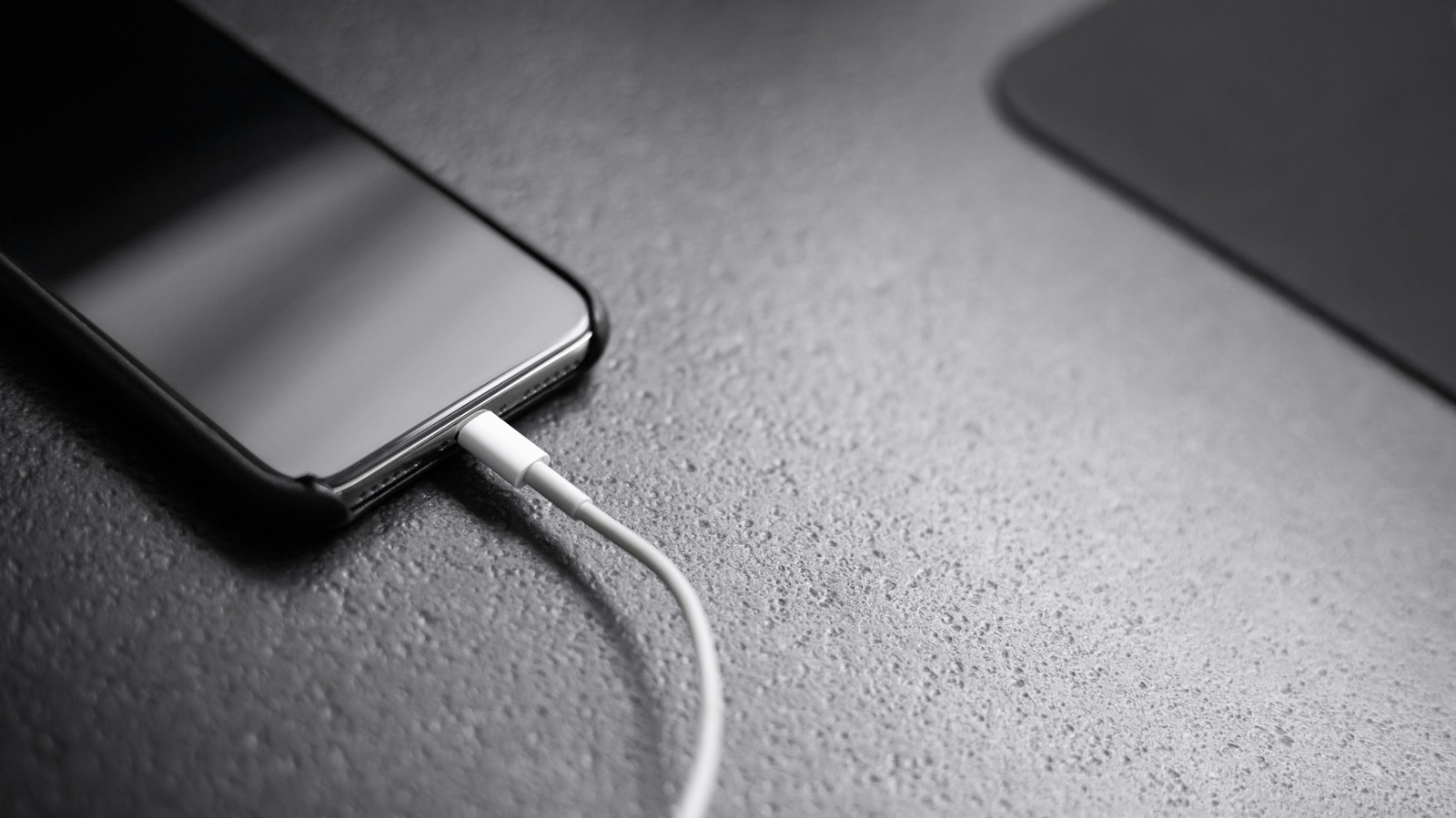
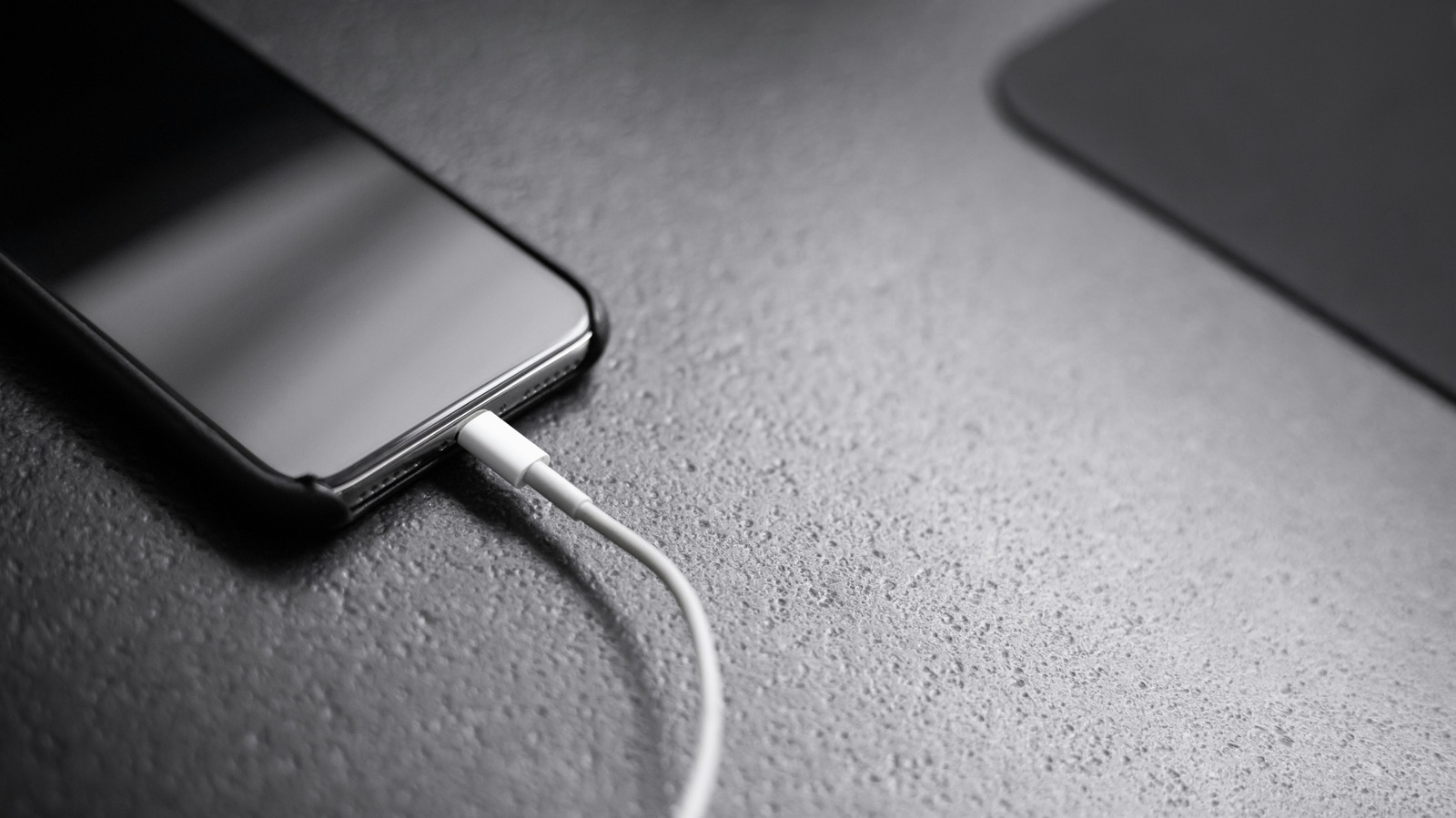
Today, USB Power Delivery (USB PD) is the closest we have to a universal standard. It’s widely used across phones, tablets, laptops and some gaming portables.

Newer versions of USB PD push the standard forward. USB PD 3.1 raised the maximum supported power to 240W, while USB PD 3.2 is the spec’s latest revision. Those higher power levels target demanding devices like laptops and monitors. Phones typically don’t need anywhere near those maximum limits. Besides, thermal constraints would make 240W (or anything close to it) impractical and unnecessary for a handset anyway.

The iPhone 17 series is among the devices that support USB PD. Samsung and Google phones use fast-charging systems built around USB PD and its PPS feature.

PPS, or Programmable Power Supply, is one of the more advanced USB PD features available on phones. It lets the device request smaller, more precise voltage and current changes as it powers up. That can improve efficiency and help with heat management.

Advertisement

Samsung’s Galaxy S26 Ultra uses PPS as part of its 60W “Super Fast Charging 3.0” system. Meanwhile, Google’s Pixel 11 models use USB-C PPS charging to reach their fastest advertised speeds, with the Pixel 11 Pro designed for a 45W PPS charger. If you use Android flagships and want a versatile USB-C charger, PD with PPS is your go-to.

Remember Qualcomm Quick Charge? It was one of the first fast-charging systems for Android phones. Although it’s still around, USB PD has become the more broadly adopted standard across the mobile industry, to the degree that even newer Quick Charge versions themselves support it. In fact, a Qualcomm chip doesn’t even guarantee that the device uses Quick Charge, since phone makers can opt for other fast-charging systems instead.

Meanwhile, some Android phone makers use their own proprietary fast-charging systems. OnePlus and Oppo use technologies based on SuperVOOC, and Xiaomi uses HyperCharge on some models. The catch is that reaching the highest advertised speeds usually requires a compatible proprietary charger and, in many cases, the right cable, too. Still, many of these phones also support USB-C PD charging, although you might not get anywhere near the advertised speeds for the proprietary systems.

Speaking of which, it’s good to take manufacturer claims with a few grains of salt anyway. Phones marketed as supporting 80W or 100W charging don’t continuously draw that power from empty to full. Instead, they tend to charge fastest when the battery is fairly low, then rapidly taper the charging rate as the battery fills.

Advertisement

Source link

Continue Reading

Tech

Neo-Cyclostyle: Automatic Document Copying Devices In 1890

Published

on

Using the special pens to remove the wax coating on the template. (Credit: Old Typerwriters and Calculators, YouTube)

Document duplication has been a highly desirable feature, long before medieval monks slaved over yet another illuminated manuscript by flickering candle light. Fortunately one part of the Industrial Revolution was the invention of machines like Cyclostyle copying machines, which covered a range of manual and automated devices. One such crank-powered device from 1890 is demonstrated in this video.

The Cyclostyle and neo-Cyclostyle copying system was quite simple yet elegant: by removing the wax coating on a special piece of paper ink from a screen-printing system could be pressed through the resulting template, and allow for repeat copies to be made.

With the machine demonstrated in the video the ink is applied to the top rollers, with the lower roller inking itself on them during the retraction cycle, before applying the fresh ink to the screen on the cycle following the insertion of a fresh piece of paper to print on. With this method many copies of the design on the waxed template could be made before it had to be replaced, which would have saved countless hours of work by artists.

After the machine in the video more advanced designs were developed, some of which we covered previously. These would automate more parts of the process, making it faster and more precise, before being replaced by newer technologies.

Advertisement

Source link

Advertisement
Continue Reading

Tech

How to watch Rowing World Championships 2026: FREE live streams, schedule

Published

on

Watch Rowing World Championships 2026 live streams as reigning Olympic champions Oliver Zeidler, Karolien Florijn and the Sinkovic brothers battle for global supremacy at the Bosbaan on the outskirts of Amsterdam.

More than 1,200 athletes from over 60 countries are set to face off across 23 boat classes, including both Olympic and non-Olympic races – the men’s single sculls and women’s single sculls being the twin highlights.

Advertisement

Source link

Continue Reading

Tech

Walmart will finally accept Apple Pay and Google Pay starting August 24

Published

on

In context: Walmart has remained perhaps the largest opponent to contactless payments for over a decade, preferring to steer customers toward its own proprietary alternative. Following a couple of disappointing quarters, the retail giant appears to have accepted that those efforts never caught on with shoppers.

Walmart has finally ended its years-long battle against contactless payments from tech giants like Apple and Google. The company recently announced that some stores and Sam’s Club locations will begin supporting Apple Pay and Google Pay starting August 24.

All locations will support the popular contactless payment systems by the end of 2026, and the rollout will reach fuel stations by mid-2027. Walmart didn’t disclose a reason for the sudden change, but the company is likely attempting to bolster its weakening stock price.

Walmart has been one of Apple Pay’s biggest holdouts since the NFC payment system launched in 2014. Soon after, Walmart, along with dozens of other retailers, backed an alternative called CurrentC, which worked via QR codes instead. The service was hacked before it even launched publicly and never caught on.

Advertisement

As recently as last year, Walmart stuck to its refusal to accept Apple Pay and Google Pay. Even in the press release effectively announcing its surrender, the company still promoted its current alternative, Walmart Pay.

Walmart and other former CurrentC supporters were always vague about their resistance to Apple and Google’s systems, but many suspect customer data was the primary factor. Contactless payment systems authenticate purchases via biometrics without fully exposing the buyer’s credit card information and other data.

Also read: How Apple Pay Works

Critics have accused Walmart of using CurrentC and Walmart Pay to harvest customer data for sale and targeted marketing. Anonymous payments through Apple Pay and Google Pay would make that much harder to pull off.

Advertisement

Walmart’s reversal follows disappointing earnings reports from May and earlier this month, which have pushed its stock price to its lowest level in about nine months.

Weak earnings guidance in May triggered the company’s worst single-day stock performance since 2023, and the stock suffered a nearly 9% decline earlier this week after same-store sales growth for last quarter fell short of expectations. Walmart’s same-store sales growth is often treated as a bellwether for overall US household spending.

Source link

Advertisement
Continue Reading

Tech

Lanterns’ Manhunters explained: who are the supposed villains of the Green Lantern TV show on HBO Max?

Published

on

Lanterns episode 2 has made its HBO Max debut — and the sci-fi crime drama appears to have revealed that a mysterious race called the Manhunters are the villains of its 2016 storyline.

So, who are they? Where did they come from? And why are they seemingly being set up as the chief antagonists of HBO’s Green Lantern TV show? Let’s take a look at the Manhunters’ comic book history to answer — or at least try to answer — these questions.

Who are the Manhunters in DC Comics?

A screenshot of two Manhunters flying through space in a DC comic book

The Manhunters are a sentient android race conceived by the Guardians of the Universe (Image credit: DC Comics)

Created by comic book legend Jack Kirby, the Manhunters are a race of extraterrestrial robots that made their debut in 1st Issue Special #5 in August 1975.

Advertisement

Latest Videos FromTechRadar

Source link

Continue Reading

Tech

Humanoid Robots Have Beaten Usain Bolt’s 100-Meter Dash Record

Published

on

And they looked absolutely ridiculous doing it.

Usain Bolt’s 2009 world record for the 100-meter dash still remains unbroken at 9.58 seconds, but only if we’re talking about humans. During the second annual World Humanoid Robot Games that kicked off in Beijing on Saturday, the Tiangong Ultra humanoid robot completed the 100-meter dash in 9.39 seconds during a preliminary heat. Developed by Beijing Humanoid Robot Innovation Center, the record-holding robot overtook Honor’s Lightning robot, which completed the sprint in 9.47 seconds.

Despite the impressive finish times, don’t expect these humanoid robots to be used for any commercial purposes yet. After their sprints, they slammed directly into pads and some even required human assistance to be stretchered off the course. However, it’s still a major improvement from last year’s inaugural World Humanoid Robot Games, where the Tiangong Ultra won the 100-meter dash in 21.5 seconds.

Advertisement

Aside from this Robot Olympics event, Beijing hosted a half-marathon for Chinese companies to show off the capabilities of their humanoid robots. The event had its fair share of crashes too, but Honor’s Lightning robot managed to secure the gold medal with a finish time of 50 minutes and 26 seconds, which also surpassed another human record. The World Humanoid Robot Games in Beijing kicked off August 22 and will run until the 26, hosting thousands of robot participants competing in more than just track and field events, including soccer, table tennis and boxing.

Source link

Advertisement
Continue Reading

Tech

Week in Review: Most popular stories on GeekWire for the week of Aug. 16, 2026

Published

on

Get caught up on the latest technology and startup news from the past week. Here are the most popular stories on GeekWire for the week of Aug. 16, 2026.

Sign up to receive these updates every Sunday in your inbox by subscribing to our GeekWire Weekly email newsletter.

Most popular stories on GeekWire

We’ve entered Seattle’s Third Act

A year after GeekWire asked where Seattle’s superstar AI startups were, two local venture capitalists offer an answer: they’re here, but they build rockets, geothermal plants and autonomous off-road vehicles rather than software. A guest opinion from Ascend’s Nate Bek and Plug and Play’s Ben Eisinger. Read More … Read More

Advertisement

Source link

Continue Reading

Tech

Pixel Watch 5 vs. Galaxy Watch 9 vs. Apple Watch Series 11: There’s more than one way to take your health seriously

Published

on

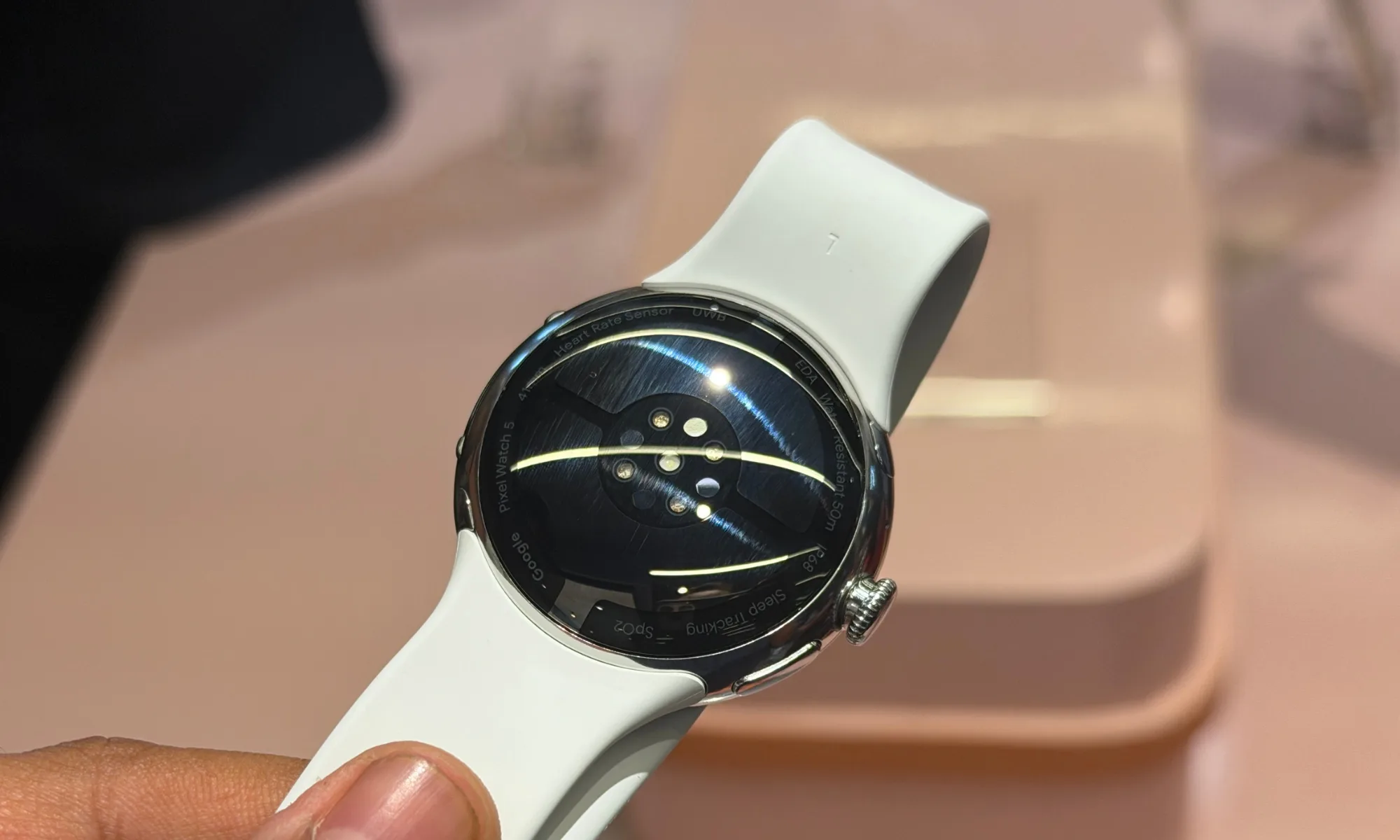
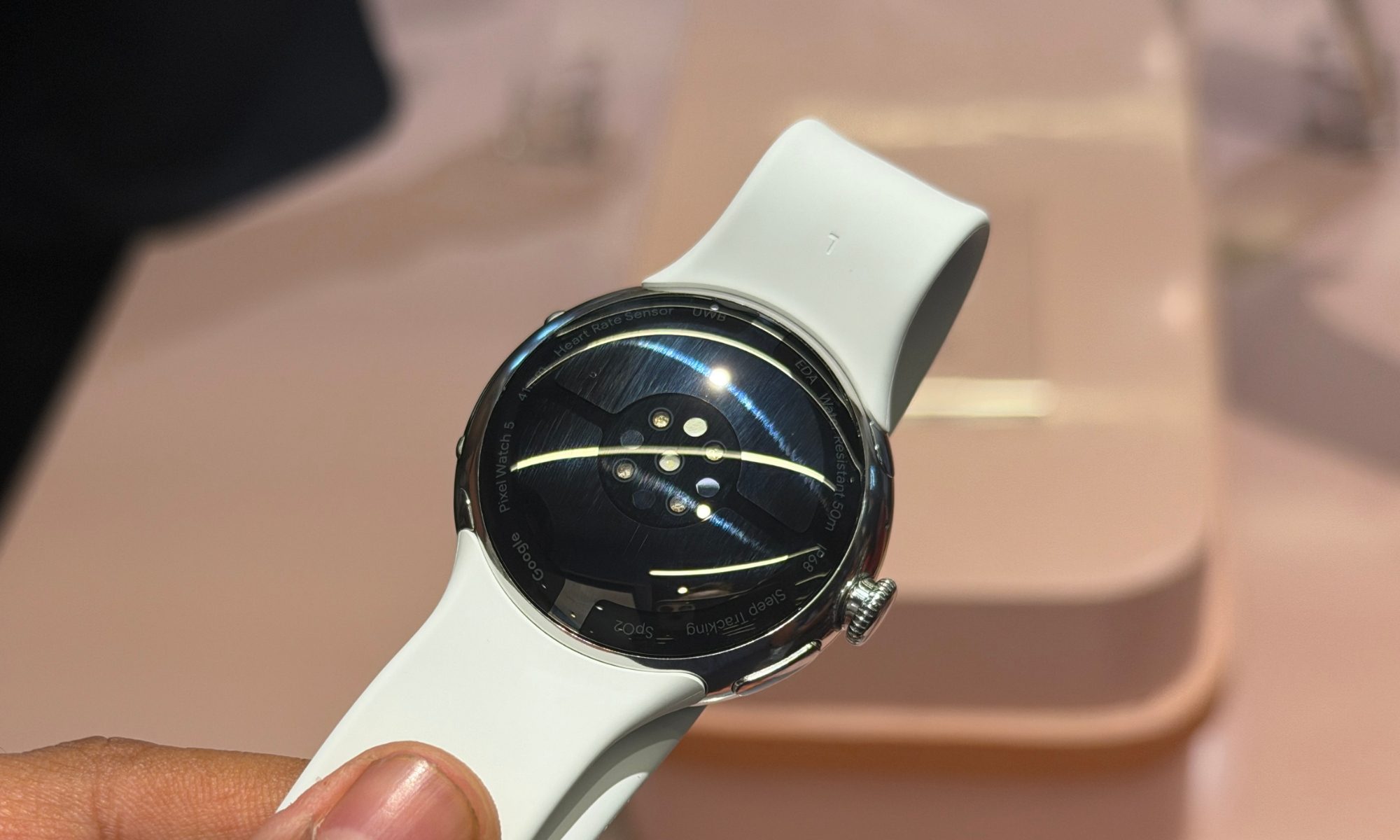
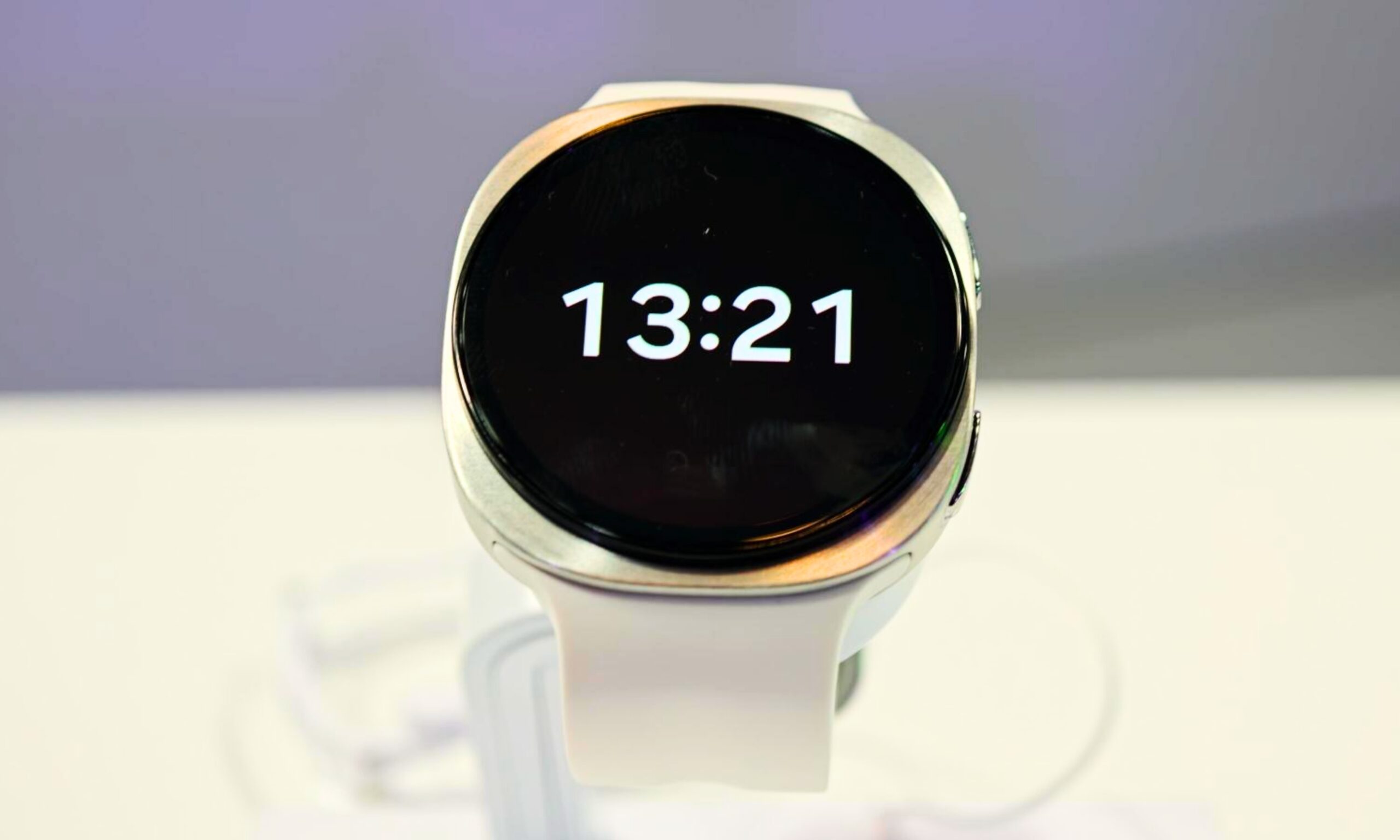
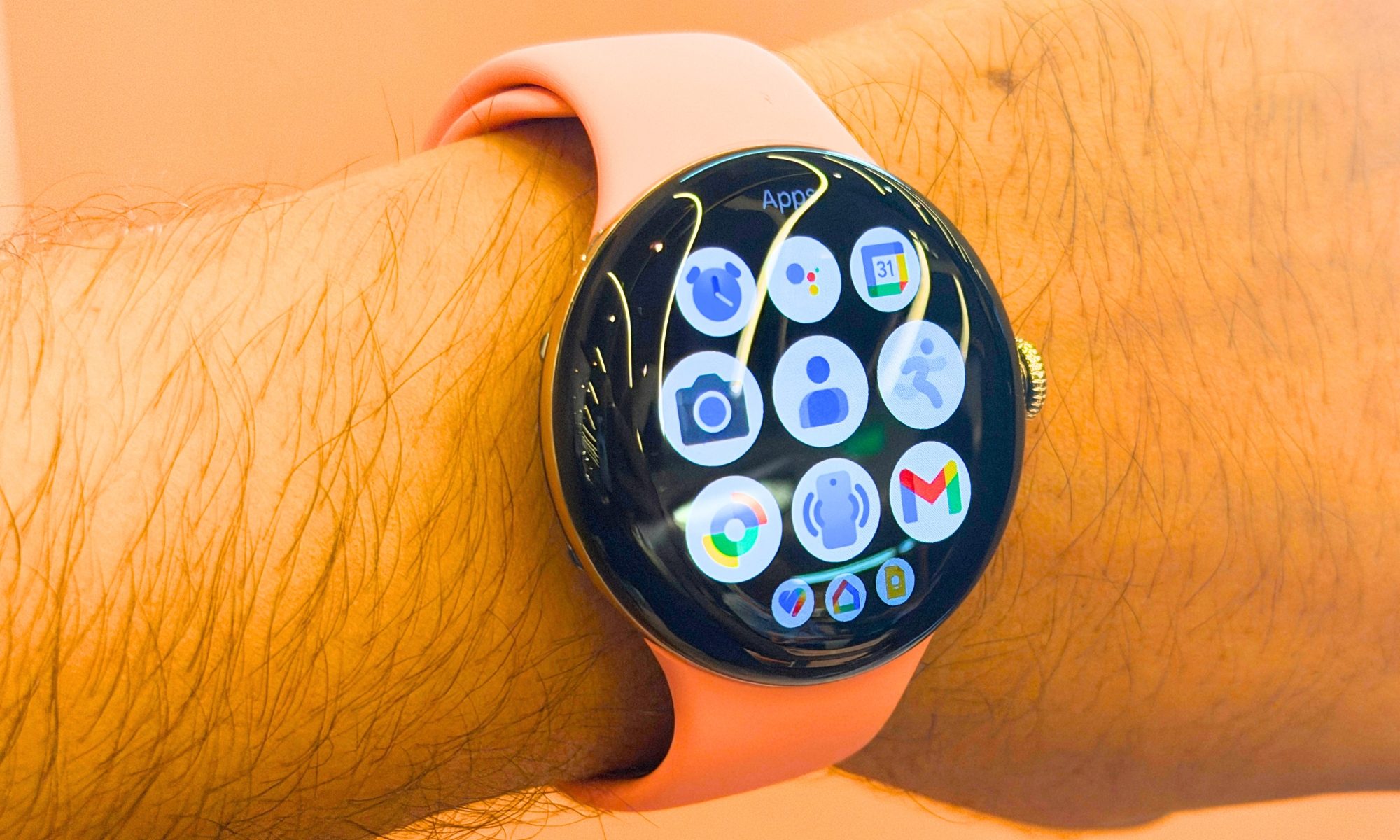
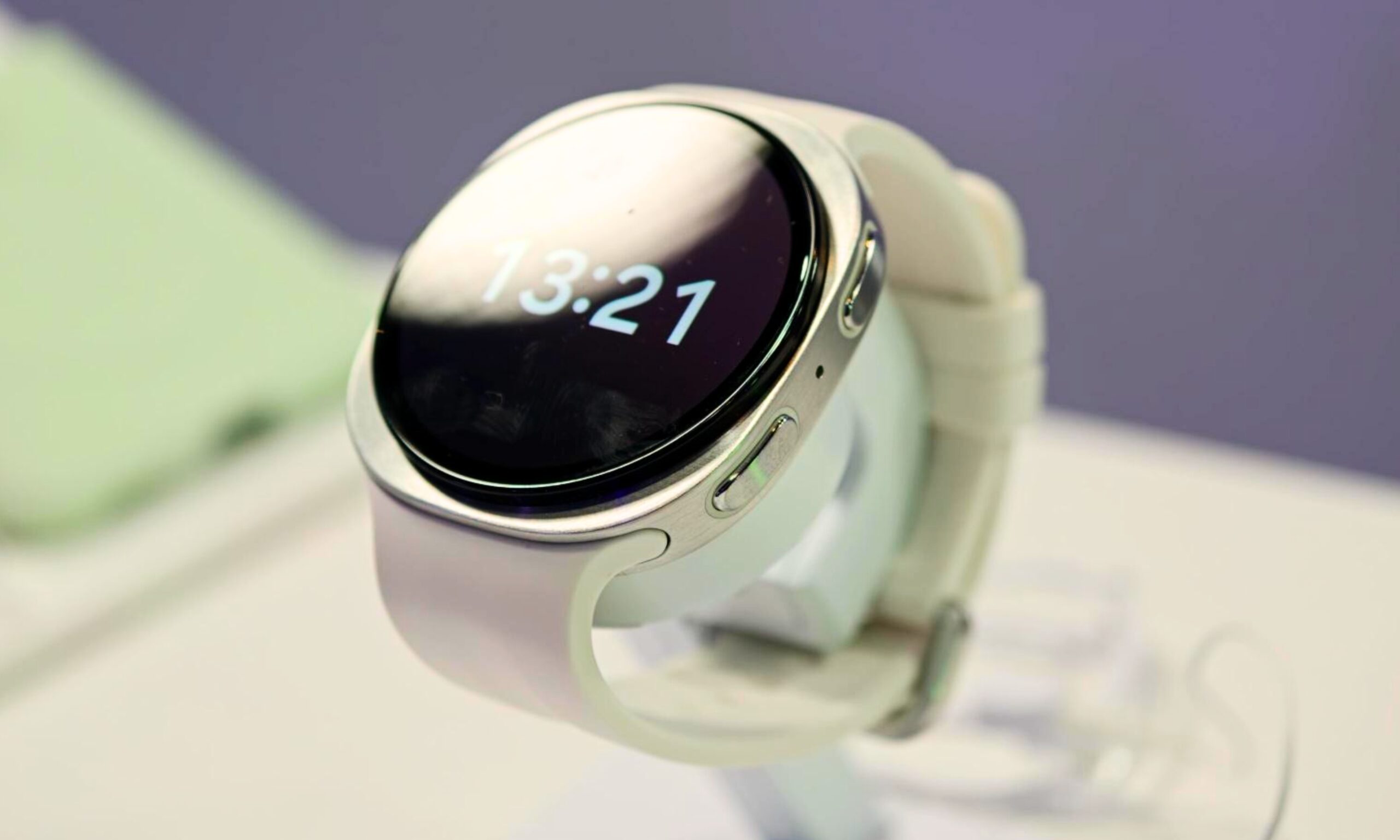
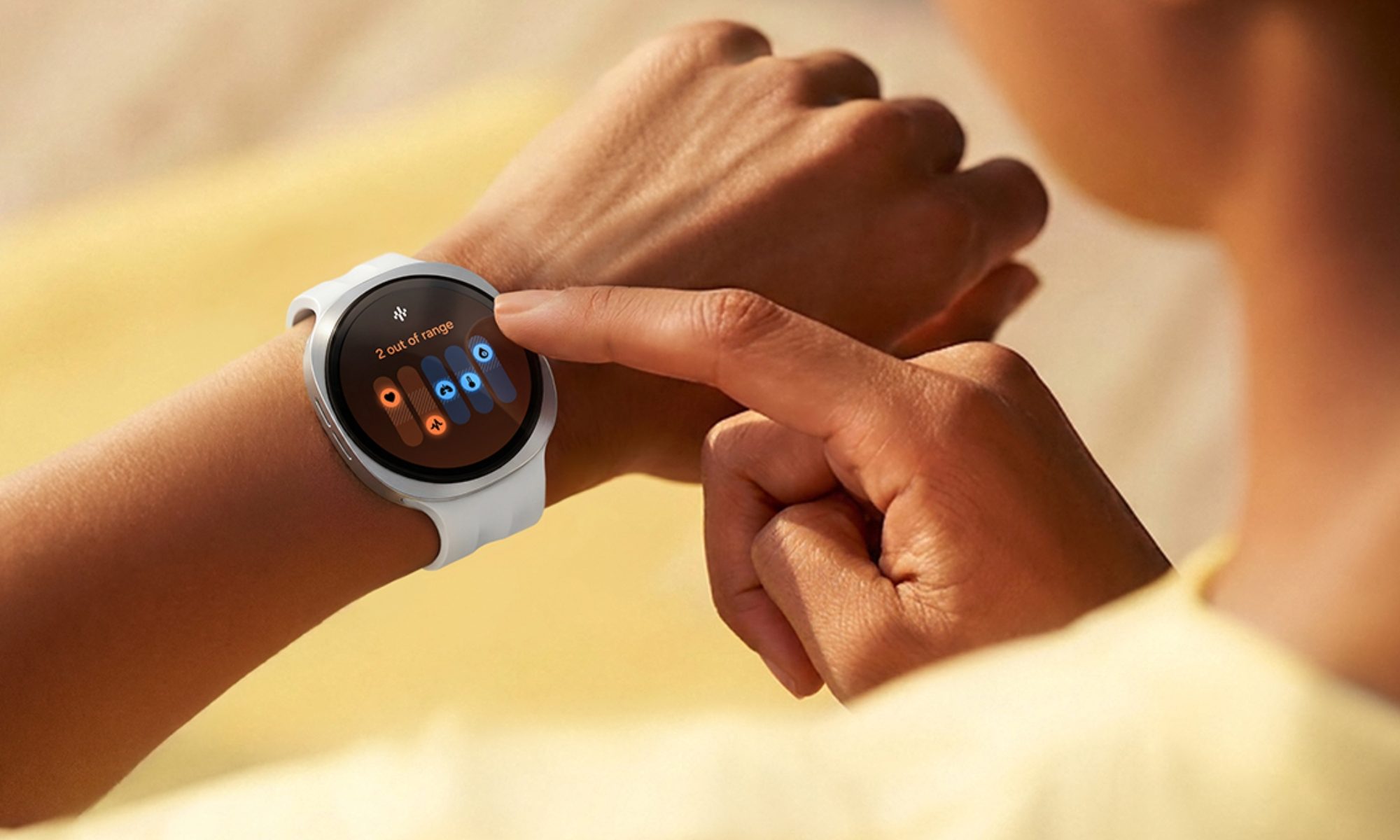
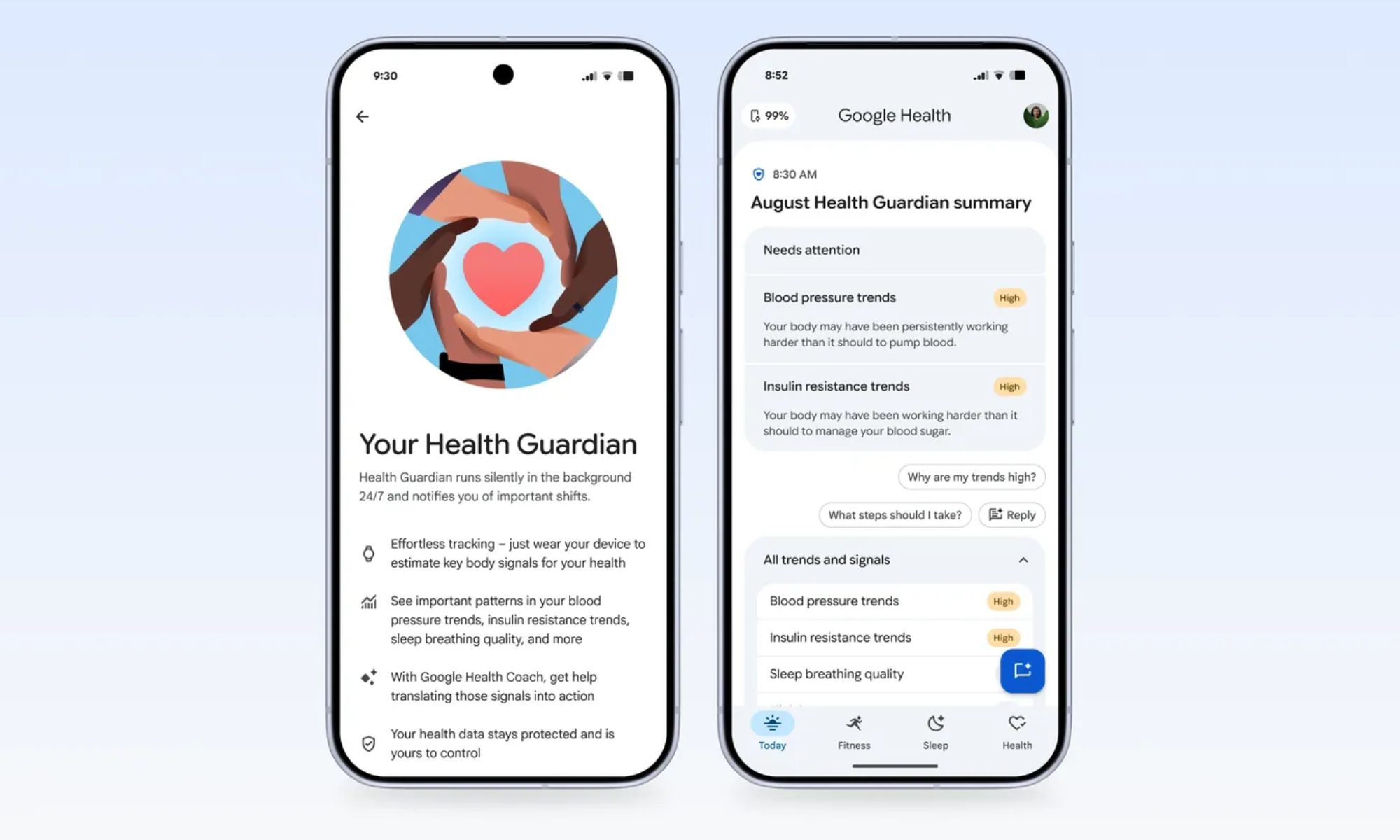
While Google has never quite matched its competitors in the smartwatch market, particularly when it comes to health tracking features, the Pixel Watch 5 feels like its strongest attempt yet to close that gap. With features such as Insulin Resistance Trends and Breathing Emergency Detection, Google is making a serious push in a category where wellness and proactive monitoring are becoming increasingly important.

With the Pixel Watch 5 now going head-to-head with Samsung’s Galaxy Watch 9 and Apple’s Watch Series 11, the differences go well beyond the usual Android vs. iOS divide. The interesting question isn’t which smartwatch has the longest feature list, since all of them are locked to their ecosystem, but which one implements those features better, or rather cooks up something new from the existing sensors.

Pixel Watch 5 vs. Galaxy Watch 9 vs. Watch Series 11: Specs at a glance

Pixel Watch 5 Galaxy Watch 9 Apple Watch Series 11
Starting price $399.99 $379.99 $399.99
Dimensions (smaller / bigger) 41× 41 x 12.3mm / 45 x 45 x 12.3mm 42.7 × 40.4 × 8.6mm / 46.0 × 43.7 × 8.6mm 42 × 36 × 9.7mm / 46 × 39 × 9.7mm
Weight (smaller / bigger) 31.0g /
36.7g
31.5g / 34.0g 30.3g / 37.8g
Case material 100% recycled aluminum Aluminum, Armor Aluminum 2, sapphire crystal Aluminum (Ion-X glass) or Titanium (sapphire crystal)
Display type Actua 360, domed LTPO AMOLED Super AMOLED Always-On Retina LTPO3 OLED
Display size 1.27″ (41mm) / 1.46″ (45mm) 1.34″ (40mm) / 1.47″ (44mm) 1.53″ area (42mm) / 1.72″ area (46mm)
Resolution / PPI 320ppi 438×438 (40mm) / 480×480 (44mm), 327ppi 374×446 (42mm) / 416×496 (46mm), 326ppi
Peak brightness Up to 3,000 nits Up to 3,000 nits Up to 2,000 nits
Cover glass Corning Gorilla Glass 5 Sapphire crystal Ion-X (2x scratch resistant) / Sapphire (titanium)
Chipset Snapdragon W5 Gen 2 + Cortex-M55 co-processor Snapdragon SW6100 Wear Elite (3nm), Penta-core Apple S10, dual-core + 4-core Neural Engine
RAM / Storage 2GB / 64GB 2GB / 32GB 64GB
Battery (smaller / bigger) 332mAh / 465mAh 390mAh / 445mAh Not disclosed by capacity
Battery life (AOD on) Up to 30hrs (41mm) / 40hrs (45mm) Up to 30hrs (both sizes) Up to 24hrs normal use
Charging Quick Charge Dock; ~45min to 100% (41mm) 10W wireless (WPC); ~80min to 100% Magnetic fast charger; 80% in ~30 min
Water/dust resistance 5ATM + IP68 5ATM + IP68, MIL-STD-810H WR50m (swimproof) + IP6X
OS Wear OS 7.0 Wear OS 7 + One UI 9 Watch watchOS 26
Connectivity BT 6.0, Wi-Fi 802.11a/b/g/n/ac/ax, NFC, UWB, dual-freq GPS BT 6.0, Wi-Fi 4, NFC, dual-freq GPS, LTE/eSIM option Wi-Fi 4, BT 5.3, NFC, UWB (gen 2), 5G RedCap (cellular models)
Key sensors ECG-compatible electrical sensor, SpO2, skin conductance, skin temp, barometer BioActive sensor (ECG, BP, SpO2, antioxidant index), skin temp, barometer Electrical + 3rd-gen optical heart sensor, blood oxygen, temperature
Colors Matte Black, Polished Silver, Satin Pyrite (all sizes); Champagne Gold (41mm only) Graphite, Cream (40mm); Graphite, Silver (44mm) Rose Gold, Silver, Space Gray, Jet Black (aluminum); Gold, Natural, Slate (titanium)
Compatibility Android 12.0+ Android 10.0+, Samsung Health app iPhone 11+ with iOS 26+
Warranty 1 year 1 year 1 year limited

Health Guardian gives the Pixel Watch 5 an edge

The Pixel Watch 5’s hardware is solid but hardly distinctive next to its rivals. It uses the same 3,000-nit LTPO panel as Samsung, while still beating the Apple Watch for peak brightness, and the Snapdragon W5 Gen 2 keeps things responsive enough for features such as Gemini Proactive Suggestions. It is also the thickest smartwatch of the three, so Google clearly isn’t winning this comparison on hardware alone.

Health Guardian is where the Pixel Watch 5 makes its strongest case this year. Using its existing sensors and a month of passive wear, the watch can estimate Insulin Resistance Trends and generate monthly Blood Pressure Trend reports without requiring a CGM or blood-pressure cuff. Samsung and Apple still don’t offer anything comparable.

Then there’s Breathing Emergency Detection, which monitors for dangerous blood oxygen level drops and can automatically call emergency services if it detects that you’re unresponsive. That gives the Pixel Watch 5 a practical safety advantage I wouldn’t dismiss, particularly for someone dealing with a serious health concern.

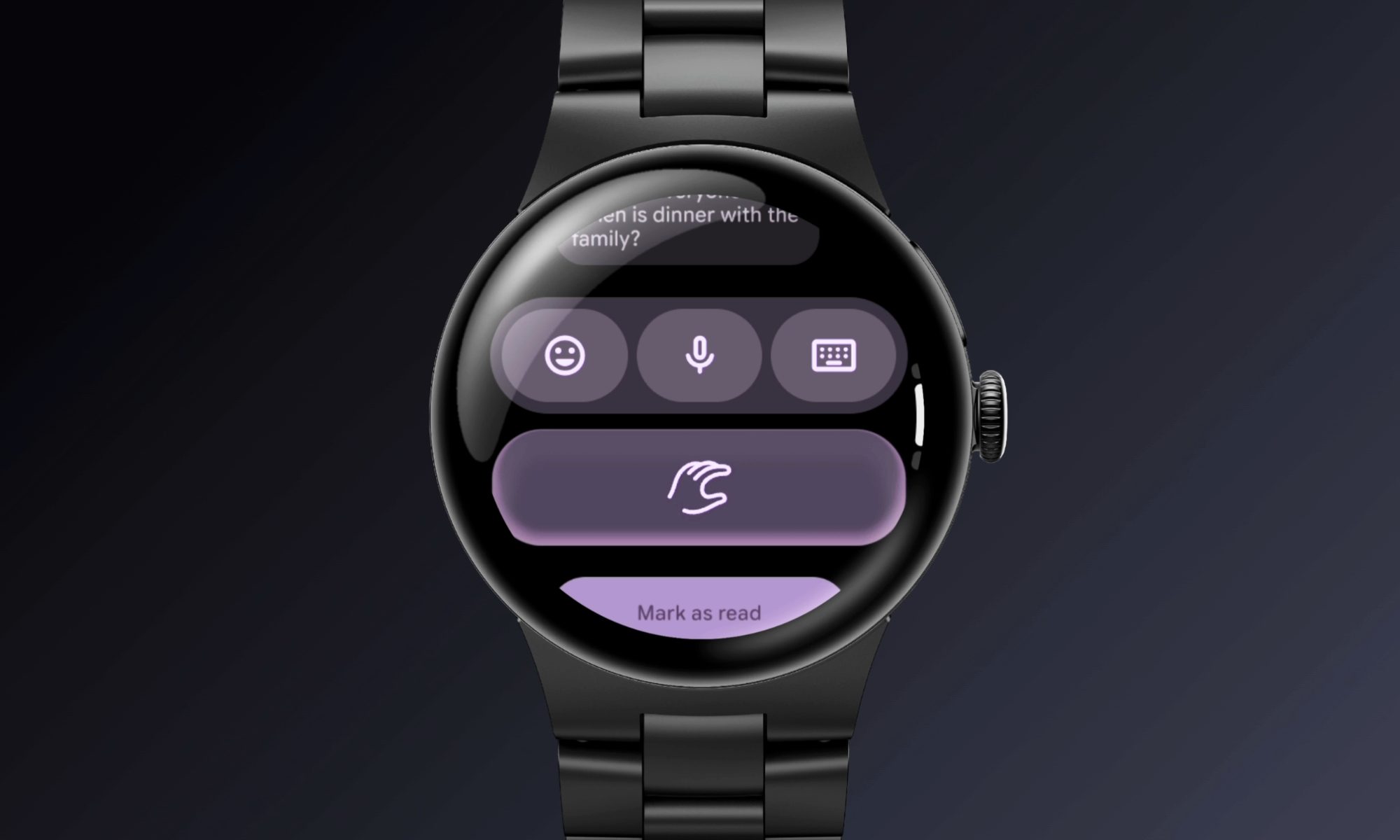
Gemini sits at the center of the software experience. Google’s Proactive Suggestions can surface smart message replies, pull up information from conversations, and handle quick actions such as creating calendar events. Raise to Talk also removes the need for a wake word, making voice interaction more natural.

Advertisement

Google has also put real thought into hands-free navigation. A wrist-turn back gesture and refined double-pinch controls are useful rather than gimmicky, while Smart Wake uses live heart-rate data to wake you during a lighter sleep stage. Atmospheric GPS goes a step further by factoring live weather conditions into route tracking.

Combined, these features make the Pixel Watch 5 feel less like a spec-sheet refresh and more like Google finally connecting its AI, health, and safety features into a coherent smartwatch experience.

Samsung tracks everything from body composition to cardio load

On hardware alone, the Watch 9 is the only one here to meet the MIL-STD-810H durability standards while also being the sleekest smartwatch option. It runs on the most powerful Snapdragon Wear Elite chip currently available for wearables, which should translate to smoother day-to-day performance. However, Samsung has cut corners with the onboard storage. 

Samsung’s strongest bet for your wrist is its BioActive sensor, which can estimate your body fat and muscle percentage, something neither the Pixel Watch nor Apple Watch can do. 

With One UI 9 Watch, you get the new Vitals dashboard. It spends the first week establishing a personal baseline for your SpO2, heart rate variability, respiratory rate, and skin temperature, and then flags subtle deviations that could signal illness or overtraining before you’d notice symptoms yourself. 

Then there are several unique features like Daily Cardio Load and Antioxidant Index, which let you determine whether this should be a push or a recovery day and help you estimate whether your diet meets daily antioxidant requirements, respectively. Pair that with Hearing Protection Alerts, which monitor the ambient noise around you.

For anyone who trains seriously, Ghost Pacing lets cyclists race their own historical routes in real time. The updated Samsung Health app now supports custom GPX routing, which is quite useful for trail runners. On the software side, One UI 9 Watch’s split gesture system, including double pinch for yes, wrist shake for no, is the most intuitive control scheme on a smartwatch, at least for me. 

Add native Gemini integration via Raise to Talk, and Samsung has built the most well-rounded health companion of this group.

Advertisement

Hypertension alerts and Workout Buddy keep the Watch Series 11 relevant

The first and most obvious difference is that the Watch Series 11 is the only rectangular smartwatch here, a form factor I consider better suited for reading notifications, messages, or glancing at data. It’s slimmer than the Pixel Watch, but not the slimmest here. Then there’s the S10 chip and its four-core NPU, which enable the Apple Watch Series 11 to process Siri commands entirely on-device, including the new Siri AI experience

The Watch 11’s most useful and unique feature is Hypertension Notifications. Apple’s optical heart sensor tracks how your blood vessels respond to each heartbeat over a 30-day period, then alerts you if it detects patterns linked to chronic high blood pressure, a condition many people don’t discover until a doctor’s visit.

Like the Galaxy Watch 9, the Watch Series 11 also lets you detect the early signs of Sleep Apnea. Another similarity is the new Vitals app (Apple did it first), which aggregates overnight heart rate, respiratory rate, and wrist temperature into one dashboard so you can see at a glance whether you’re deviating from your own baseline. 

Workout Buddy is Apple’s most interesting new addition for anyone who actually trains, in my opinion. It’s an Apple Intelligence-powered coach that adjusts pacing and offers encouragement mid-workout (that is important), pulling from your paired iPhone. Google’s Gemini Health Coach is mostly passive during workouts, giving Apple an edge here.

Combined with genuinely advanced sport tracking, including SWOLF scoring for swimmers, offline topographic maps for hikers, Stride Length and Ground Contact Time for runners, and the new wrist flick gesture for one-handed control, the Series 11 remains an intuitive smartwatch and a reliable health-monitoring device.

Which one should you get?

Ultimately, there’s no one winner here. Call it a pro or a con, but the decision depends on the phone in your pocket. The Pixel Watch 5, with the new Insulin Resistance and Blood Pressure Trends feature, is the best to pair with the new Pixel 11 series, or any Pixel for that matter. The Galaxy Watch 9, on the other hand, has a hardware advantage in the form of the BioActive Sensor, making it the best smartwatch for Galaxy phones. Finally, the Apple Watch Series 11, while its falling behind when it comes to unique or new health monitoring features, is still the best smartwatch to pair with iPhones.

Advertisement

Source link

Continue Reading

Tech

Samsung thinks Exynos 2700 can beat Qualcomm’s best next-gen chip

Published

on

Samsung may be preparing to make its boldest Exynos claim in years. A new report shared by industry analyst Ice Universe, citing Korean media, suggests that Samsung is highly confident its next-generation Exynos 2700 chipset can outperform Qualcomm’s upcoming Snapdragon 8 Elite Gen 6, including its higher-end Pro variant.

The reported figures are ambitious enough to raise eyebrows. If they hold up in production hardware, the Galaxy S27 could mark a major turnaround for Samsung’s in-house processor business. For now, however, the numbers remain early estimates rather than independently verified benchmark results.

Samsung’s next Exynos could finally challenge Qualcomm

According to the report highlighted by Ice Universe, the Exynos 2700 is targeting a 19% advantage over the standard Snapdragon 8 Elite Gen 6 in Geekbench 6.5 multi-core performance, while reportedly remaining 9.5% ahead of the Snapdragon 8 Elite Gen 6 Pro.

Graphics performance could be even more significant for smartphones. At peak performance, the Exynos 2700 is said to be around 5% faster than Qualcomm’s Pro chip. Under a 2.5W power limit, however, the reported advantage widens considerably, with Samsung’s chip allegedly delivering 24% better GPU performance than the standard model and 22% more than the Pro version.

Advertisement

BREAKING!

Korean media reports that Samsung is highly confident in its next-generation flagship chipset, the Exynos 2700, which is reportedly targeting performance beyond Qualcomm’s upcoming Snapdragon 8 Elite Gen 6, including the higher-end Pro variant.

According to the…

— Ice Universe (@UniverseIce) August 23, 2026

That distinction matters because phones rarely spend long periods running at their absolute performance limits. Gaming, camera processing, and AI workloads can generate heat, forcing chips to reduce performance. A processor that performs better at lower power could potentially offer stronger sustained gaming performance while using less battery.

Advertisement

The report also claims an AI advantage. In Llama 3.1 8B testing, the Exynos 2700 reportedly generated responses 18% faster than the Snapdragon 8 Elite Gen 6 Pro, while prompt processing was said to be roughly 5% quicker.

The bigger prize is Samsung’s independence from Qualcomm

Efficiency may be the most important claim of all. In a test intended to simulate real-world smartphone usage, the Exynos 2700 reportedly consumed 161mA, compared with 185mA for the Snapdragon 8 Elite Gen 6 Pro, representing approximately 12.7% lower power consumption.

Samsung is expected to manufacture the chip using its second-generation 2nm GAA process, known as SF2P. Strong results would therefore benefit not only Samsung’s mobile division but also Samsung Foundry, offering evidence that its latest manufacturing technology can compete at the highest level.

There is also a financial incentive. The report notes that Samsung spent approximately KRW 13.8272 trillion on mobile application processors in 2023. Expanding Exynos use in the Galaxy S27 lineup could reduce the company’s reliance on Qualcomm and lower the cost of sourcing flagship chips.

A winning Exynos chip, however, will need to do more than post impressive benchmark numbers. Samsung will eventually have to prove the reported advantages in shipping phones, where thermals, sustained gaming performance, battery life and camera processing matter far more than a laboratory score.

Advertisement

If Ice Universe’s reported figures are even close to accurate, the Exynos 2700 could be Samsung’s strongest flagship processor in years. The real test will come when production hardware arrives, and Qualcomm gets a chance to answer.

Source link

Advertisement
Continue Reading

Tech

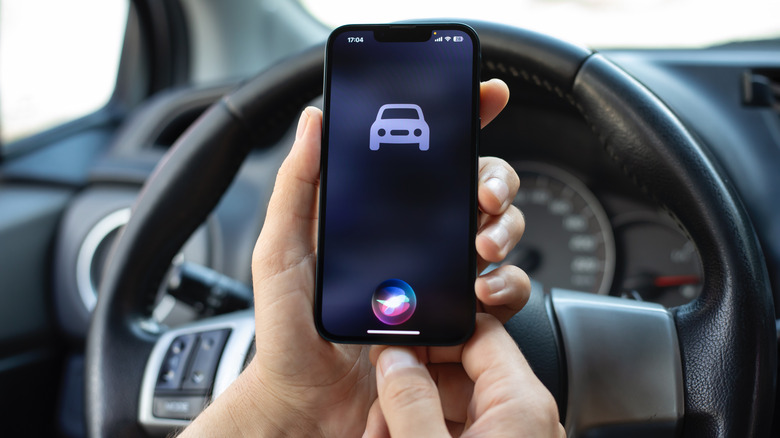
How To Stop Siri From Interrupting While You’re Using CarPlay

Published

on

Don’t let Siri become a hassle instead of an assistant; keep it quiet in the car to reduce distractions.

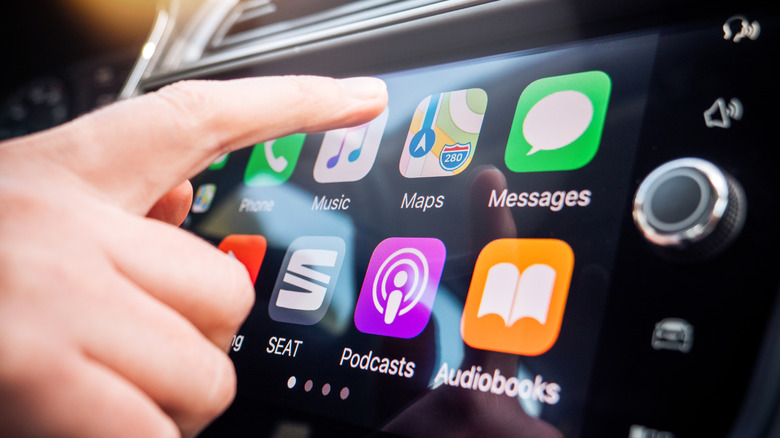
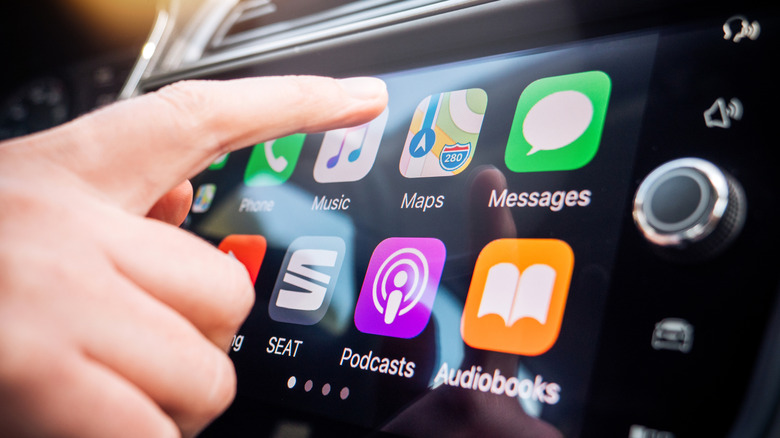
Even though CarPlay makes it safer to use your phone’s features while driving, it can still become distracting, like when group chat messages pop up and grab your attention. One of the worst forms of this is Siri audibly interrupting what you’re doing.

Hearing the assistant constantly talk over your music, podcast, or in-car conversation with announcements is annoying and potentially dangerous. You might also have issues with it not properly hearing you as you’re speaking to it in the car. Thankfully, you can adjust a few settings, particularly how you interact with Siri, in an effort to avoiding wasting time.

You can’t completely disable Siri, since CarPlay won’t work without the feature enabled. However, you can make your CarPlay drives smoother by turning off some of the assistant’s most obnoxious tendencies. When every distracted second on the road could lead to an accident, tweaking Siri to your liking is an overlooked way to stay safe.

Advertisement

The most important toggle: Driving Focus

The best way to hush Siri while you’re driving is to use the applicable Focus mode. Focus modes are an extension of Do Not Disturb that suppress notifications depending on your situation, and the Driving mode has special toggles to enable automatically in the car. With this enabled, you’ll only see alerts from people you choose, cutting down on interruptions.

To set it up, open Settings and go to Focus. If you don’t see Driving, tap the Plus (+) icon at the top-right and add it. Inside the Driving focus, choose People. For driving, it makes more sense to Allow a short list of people to alert you. When they contact you from any app, including Messages and WhatsApp, alerts will show as you drive. The toggles below let you control which phone calls notify you in your vehicle. Contacts Only silences spam calls while driving, or you can limit it to your chosen list with Allowed People Only.

Use the Auto-Reply section to set a short message that goes to the group you select if they text you when you’re using CarPlay. People will know you’re busy without you dictating a message as you drive.

Advertisement

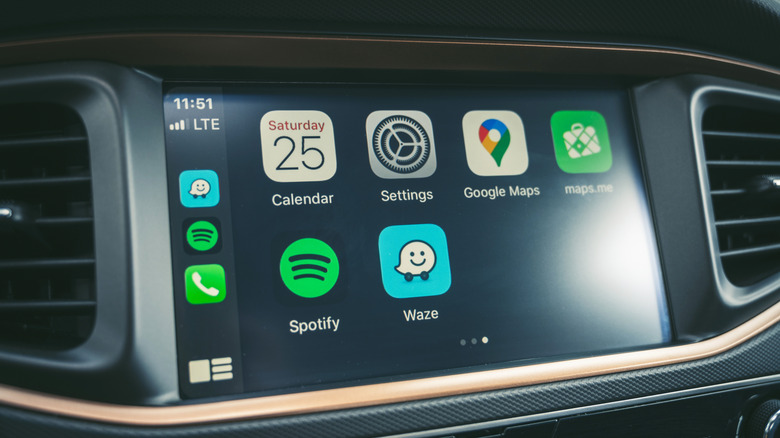
Finally, scroll down to tap While Driving and make sure Activate With CarPlay is on. The options above this are for cars that don’t support CarPlay. Now, while in wired or wireless CarPlay, you’ll see a small car icon underneath the clock, letting you know this Focus is on.

Keep Siri quiet in the car

Siri’s ability to speak notifications is great in the right circumstances, but if it won’t shut up about incoming alerts in the car, you can turn this off. Back in Settings on your phone, choose Notifications > Announce Notifications. If you want to use this feature outside of CarPlay, keep the top toggle on and select the CarPlay menu. There, disable Announce Messages and Siri won’t read anything that comes in during a trip.

Back on the Announce Notifications page, you might also want to turn on Reply Without Confirmation. By default, when you speak a reply, the assistant will read what you said back to you for confirmation before sending. While this helps avoid misspoken messages, it also creates extra steps behind the wheel. Turn this toggle on and sending a reply becomes a single step.

Advertisement

Another way to prevent stoppages with Siri is hidden under Settings > Accessibility > Siri > Require “Siri” for Interruptions on your phone. Normally, Siri will stop what it’s saying when it detects you talking back. If your phone is doing this in error because of road noise or other people in the car, enable this option. Then, Siri won’t stop what it’s saying unless you say “Siri” to prompt it again. Similarly, if it tends to stop listening because you take too long to think, change Siri Pause Time to Longer or Longest to give yourself more time.

Although Siri is required for CarPlay, you can still turn off some forms of its activation. Go to Settings > Apple Intelligence & Siri > Talk to Siri on your phone and choose Off in the top menu. After doing this, you’ll only be able to summon Siri by hitting the voice command button on your steering wheel or holding the Side button on your phone. And in some cars, using the volume knob (or your phone’s volume buttons) when it’s talking will adjust the volume for Siri only, while not affecting music or other playback. This depends on your vehicle, but is another trick worth a try if you want more control.

Advertisement

Disable navigation guidance

Spoken directions in navigation apps help you avoid missing turns but also constantly interrupt what you’re listening to. Thankfully, it’s easy to disable audio guidance in major GPS apps while using CarPlay, letting you customize this per-trip.

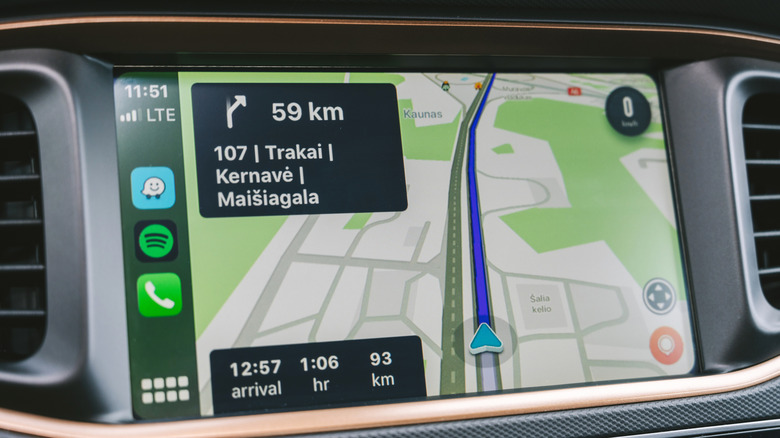
Apple Maps and Waze offer this control in the same way. Tap the screen during navigation to show buttons, then hit the speaker icon, which gives the choice between full guidance, alerts only, and complete silence. Hearing alerts only is a good balance, since faster routes or upcoming slowdowns are important and happen far less often than turns.

For Google Maps, you’ll need to open the app on your phone, tap your profile picture at the top-right, and choose Settings > Navigation. Enable Play alerts even while muted. On the same menu, consider adjusting the Guidance volume of alerts if they annoy you. For a similar option in Apple Maps, visit Settings > Apps > Maps > Spoken Directions to soften the Voice Volume. You might also wish to turn off Directions Pause Spoken Audio; this keeps podcasts and audiobooks playing even as directions are read aloud.

Hopefully, Siri’s upcoming AI overhaul makes the assistant smarter so we don’t have to put up with these hassles.

Advertisement

Source link

Continue Reading

Trending

Copyright © 2025